KusArt
    AI Hairstyle Changer

    AI Hairstyle Changer

    Restyle any character with the AI hairstyle changer: swap cuts, bangs, and hair color while the face, outfit, pose, and art style stay locked in place.

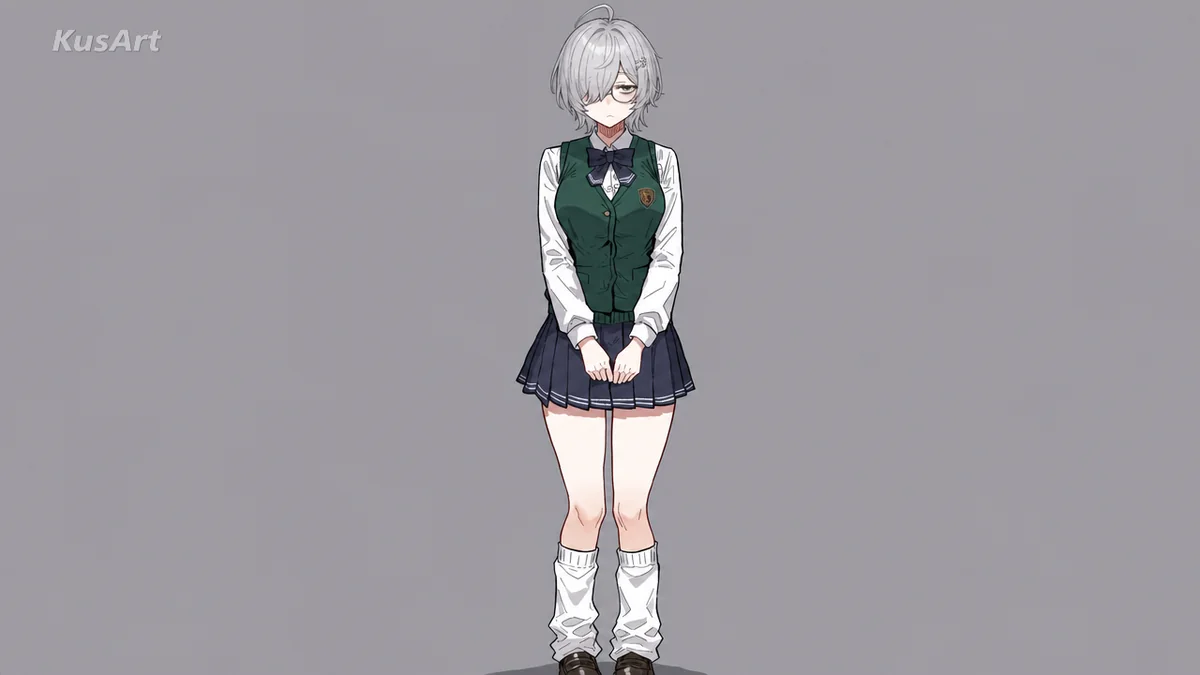
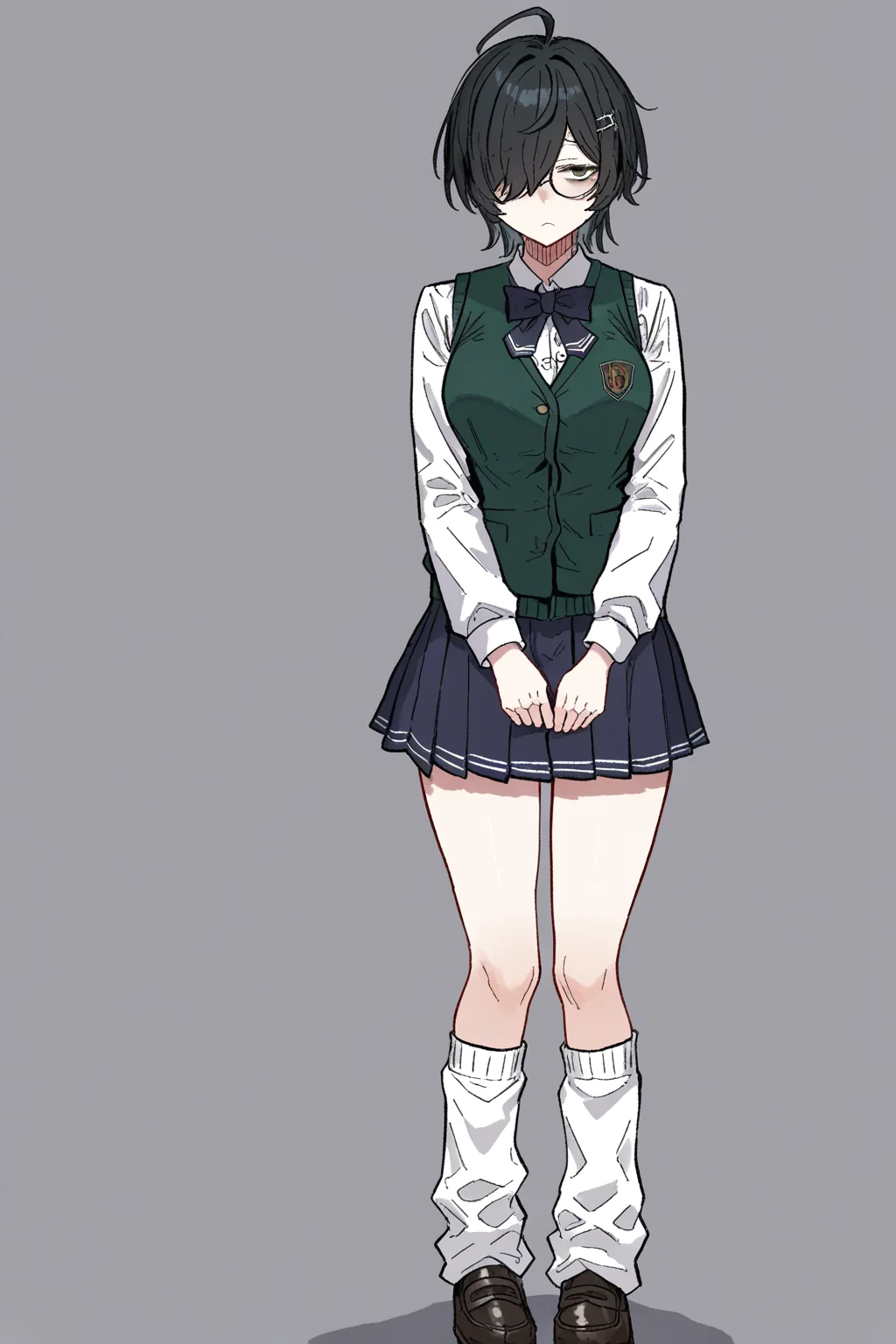
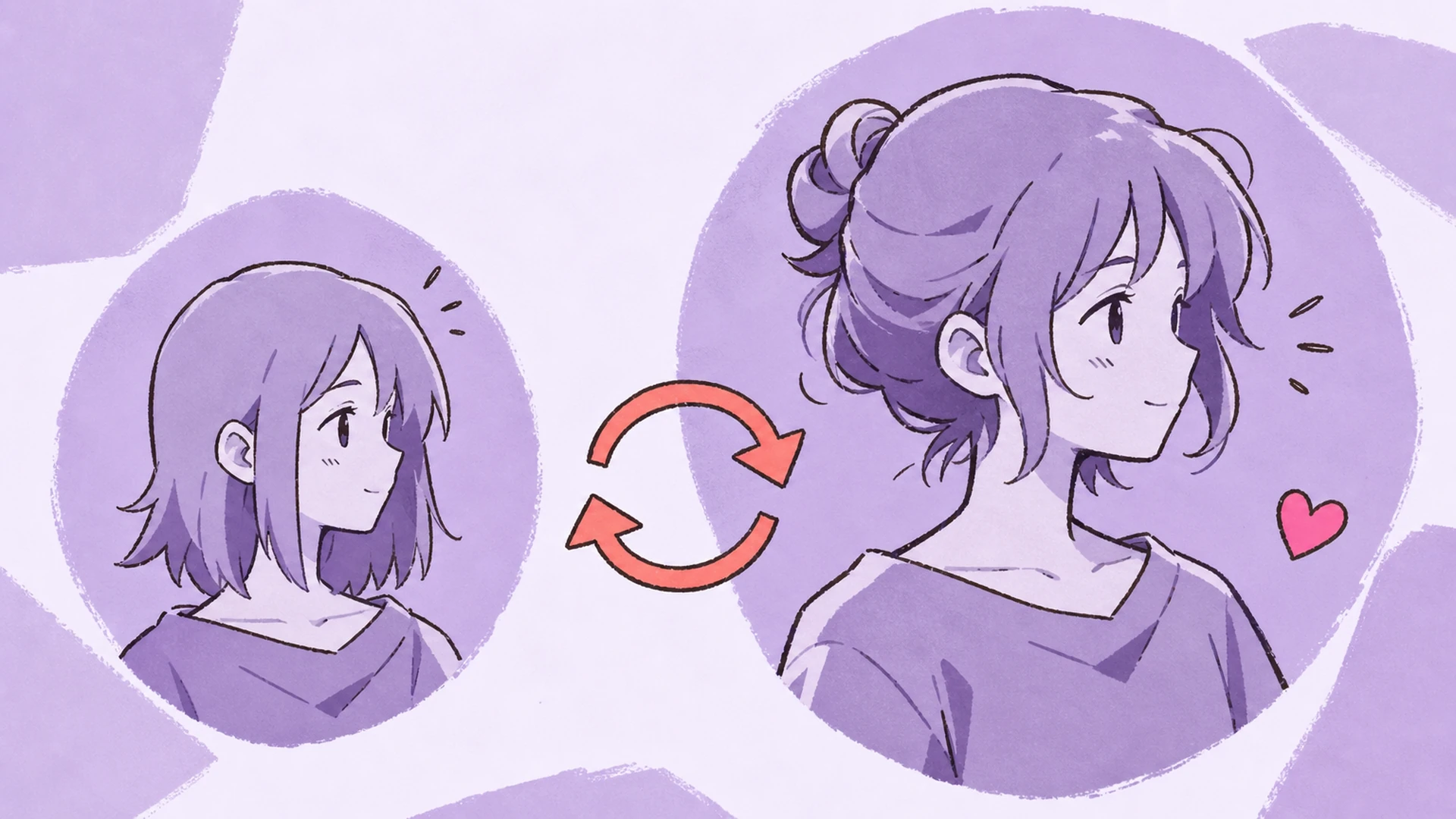
    Silver AI Hairstyle Changer result — After
    Silver AI Hairstyle Changer result — Before

    Restyle Anime Hair Without Repainting the Character

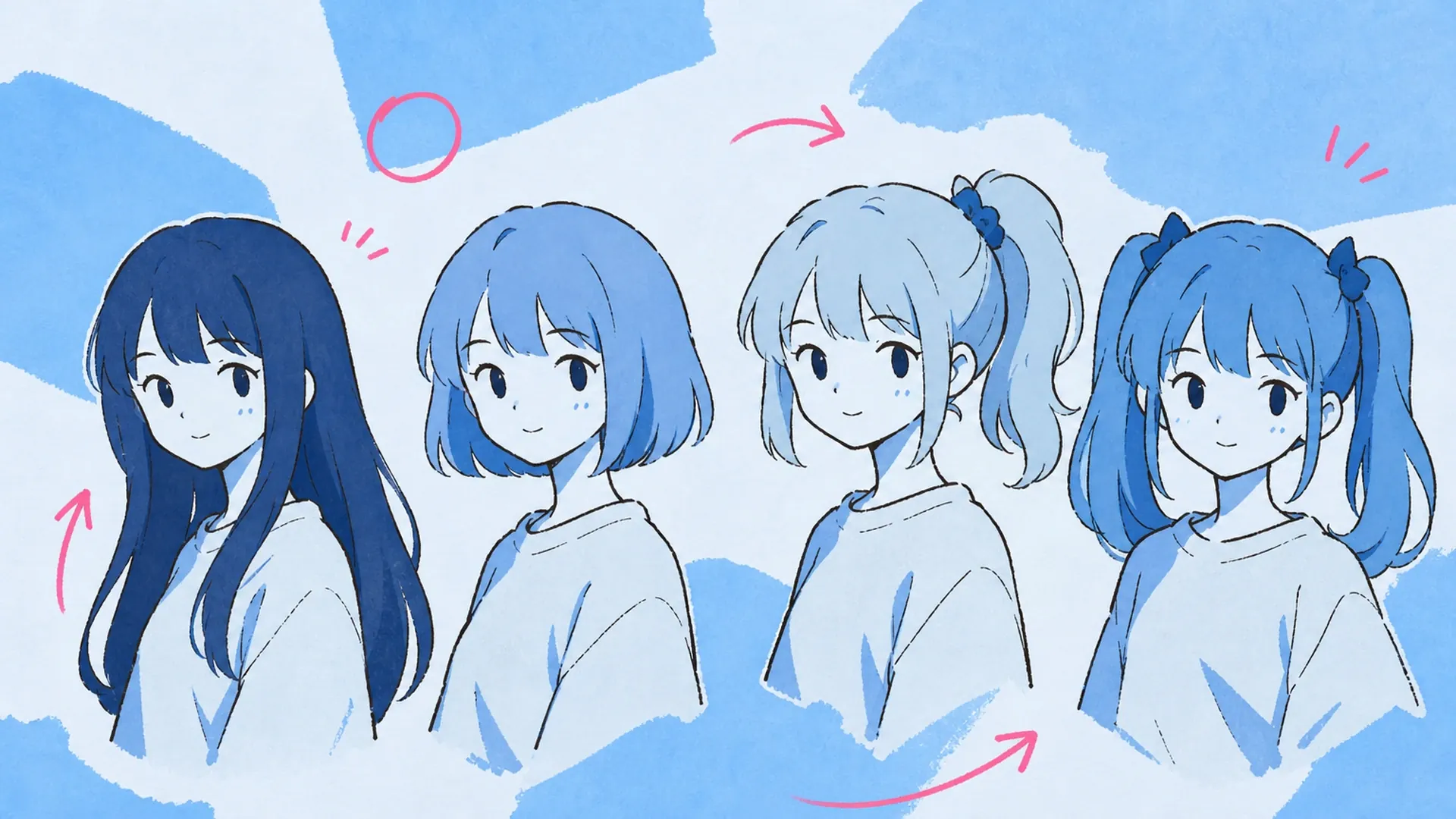
    Think of the AI hairstyle changer as a fitting room for hair. Drop in an anime hairstyle you already love, then audition a shorter bob, longer twin tails, or a bold new hair color without touching anything else. Because the edit is a virtual hairstyle try on layered over your existing art, the face, expression, and outfit read exactly as drawn. Run the AI hairstyle changer a few times and line the versions up before you commit.

    Try It Free
    Restyle Anime Hair Without Repainting the Character - AI Hairstyle Changer

    How the Hair-Only Edit Layer Works

    Under the hood, the AI hairstyle changer treats a portrait as two layers: the hair, which is editable, and everything else, which is frozen context. It reads the hairline, part, volume, bangs, and ornaments, then regenerates only that region to match your prompt or reference. Faces, eyes, clothing, background, and line style stay untouched, so a virtual hairstyle swap never quietly redraws the character. That layer split is what separates the AI hairstyle changer from a full repaint.

    How the Hair-Only Edit Layer Works - AI Hairstyle Changer

    The Case for Editing Hair with AI

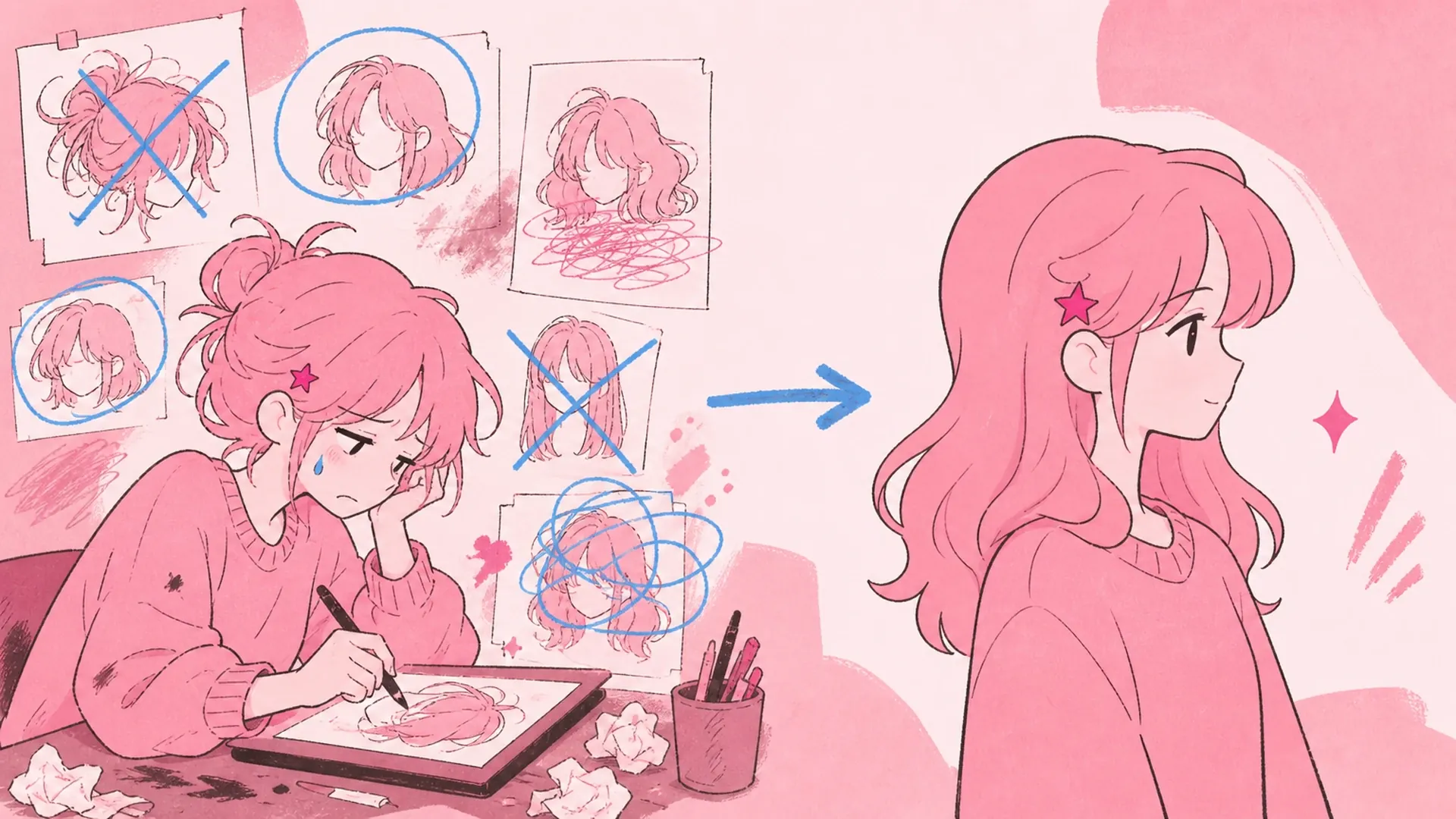
    Hand-editing hair is deceptively expensive. Change the color and you often rebalance skin tone, highlights, and outfit contrast; change the shape and the whole silhouette shifts. Letting AI carry that work means you can compare five cuts in the time one manual redraw takes. Pair the AI hairstyle changer with the OC Editor or Character Sheet Generator when a character needs several looks, and keep every version in History so the final call is a side-by-side, not a guess.

    The Case for Editing Hair with AI - AI Hairstyle Changer

    Where Hand-Painted Hair Redraws Go Wrong

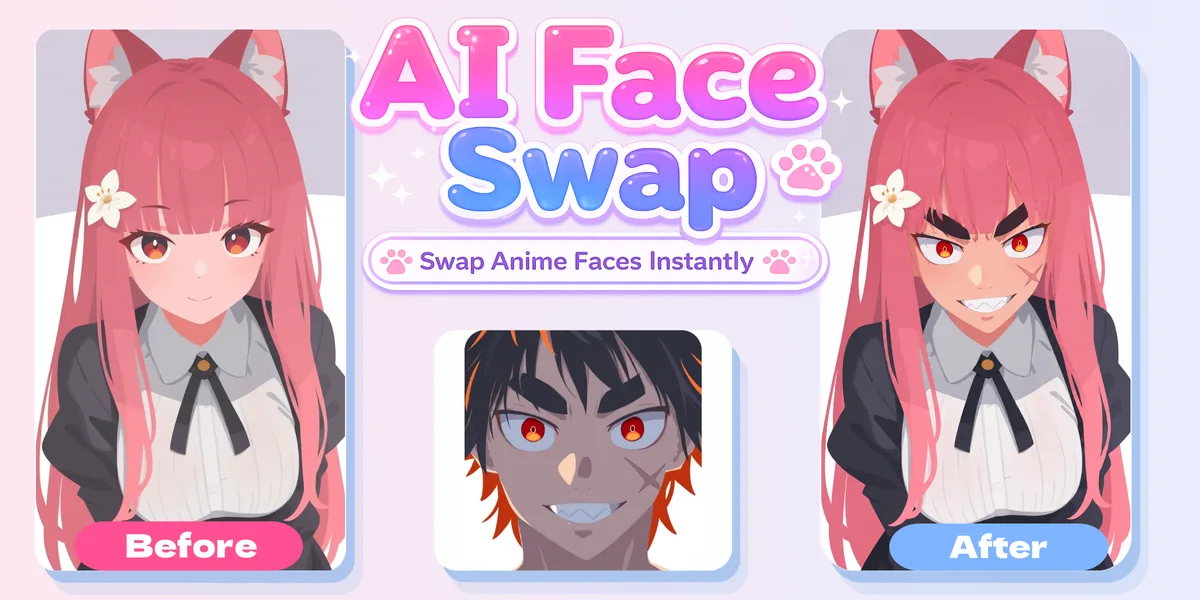
    Repainting anime hair by hand never stays contained. Bangs frame the eyes, side locks touch the jaw, and back hair overlaps the collar, so one honest edit bleeds into the face and outfit. Overwork it and the character stops looking like themselves; underwork it and the new cut sits on top like a wig. The AI hairstyle changer keeps the edit boxed to the hair region, so it pairs cleanly with the AI Pose Changer or AI Background Changer when you stage a scene. It also tidies hair after an AI Face Swap, which is exactly the kind of cleanup the AI hairstyle changer handles fast.

    Where Hand-Painted Hair Redraws Go Wrong - AI Hairstyle Changer

    What Keeps the Edit on the Hair

    Each control below keeps the AI hairstyle changer focused on the hair and off the face.

    Hair-Region Prompt Lock

    The prompt is built to steer shape, length, bangs, texture, and hair color while fencing off the eyes, outfit, body, and background. A hairstyle edit should never redesign the character underneath, so the model is told exactly which pixels it may touch.

    Built-In Hair Color Changer

    Presets cover silver, pink, blue, black, gradient, and fantasy shades, so the AI hairstyle changer keeps a hair color changer flow one tap away without spinning off into a separate tool. Recolor a single lock or the whole head, then keep the styling exactly as it was.

    Preset or Reference Picker

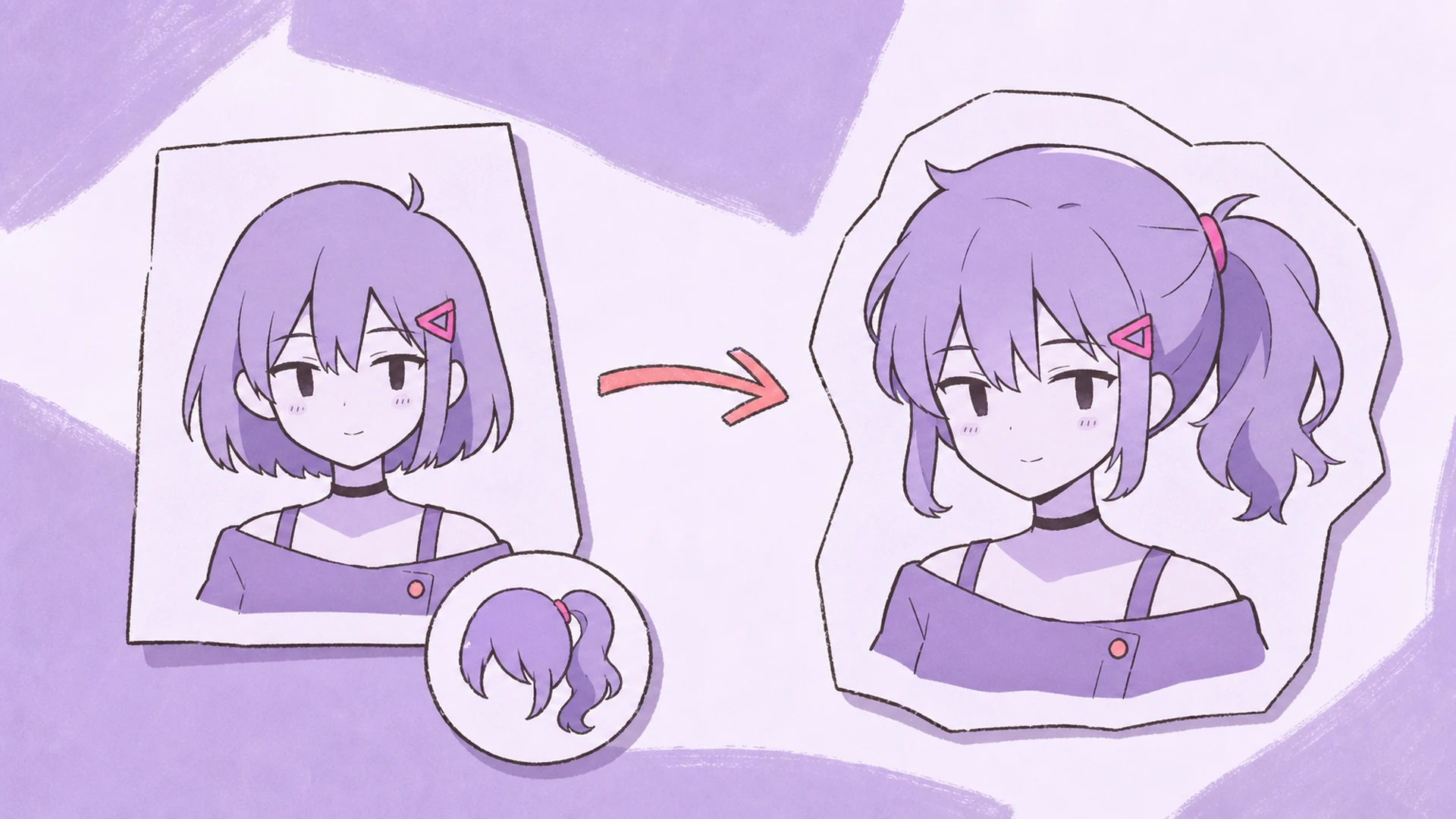
    Pick a preset from the OC Editor library or drop in a photo of the exact cut you want, all from one dialog. A reference image carries braids, twin tails, ornaments, or a specific gradient far better than words, and every result lands in History.

    Three Moves From Portrait to New Cut

    Three moves take a portrait from its current cut to a fresh one.

    01
    Step

    Upload the Character

    Start with a clear image where the hairline, bangs, and upper body show. Visible hair edges help the AI hold identity while it works. Tightly cropped or shadowed portraits still run, but open hair boundaries give the cleanest result.

    02
    Step

    Describe or Pick the Look

    Open the preset picker to change hairstyle or hair color, add a reference, or type the cut you have in mind. Ask for a short bob, long silver hair, pink twin tails, a high ponytail, a blue gradient, ribbons, or softer bangs.

    03
    Step

    Generate and Compare

    Hit Change Hairstyle, preview the edit, and star the best take from History for later tweaks or download. Running the AI hairstyle changer a few times makes it easy to judge palettes or check that a new cut still suits the outfit.

    Ways Artists Reach for This Tool

    Hair Color Experiments - AI Hairstyle Changer

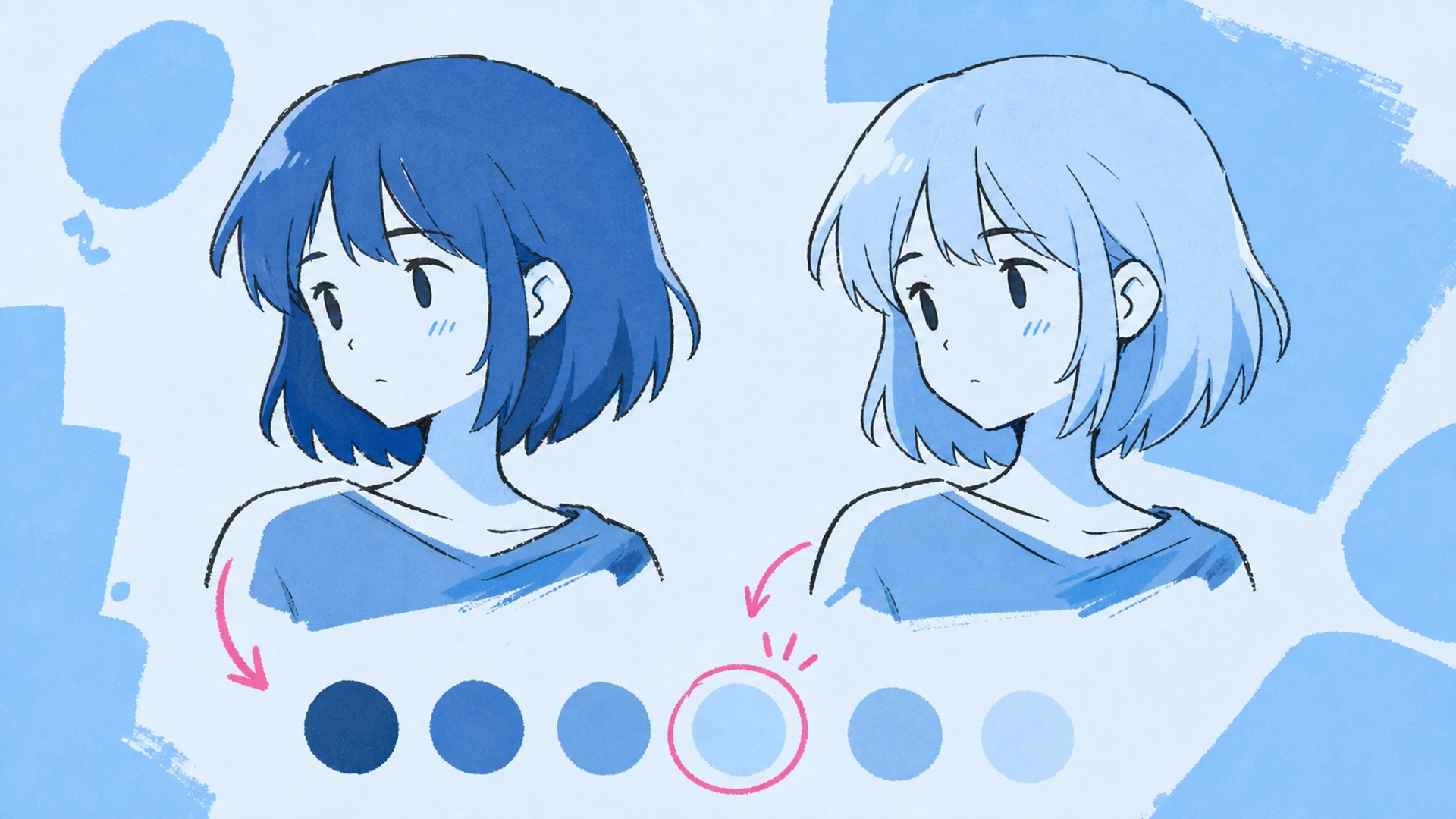
    Hair Color Experiments

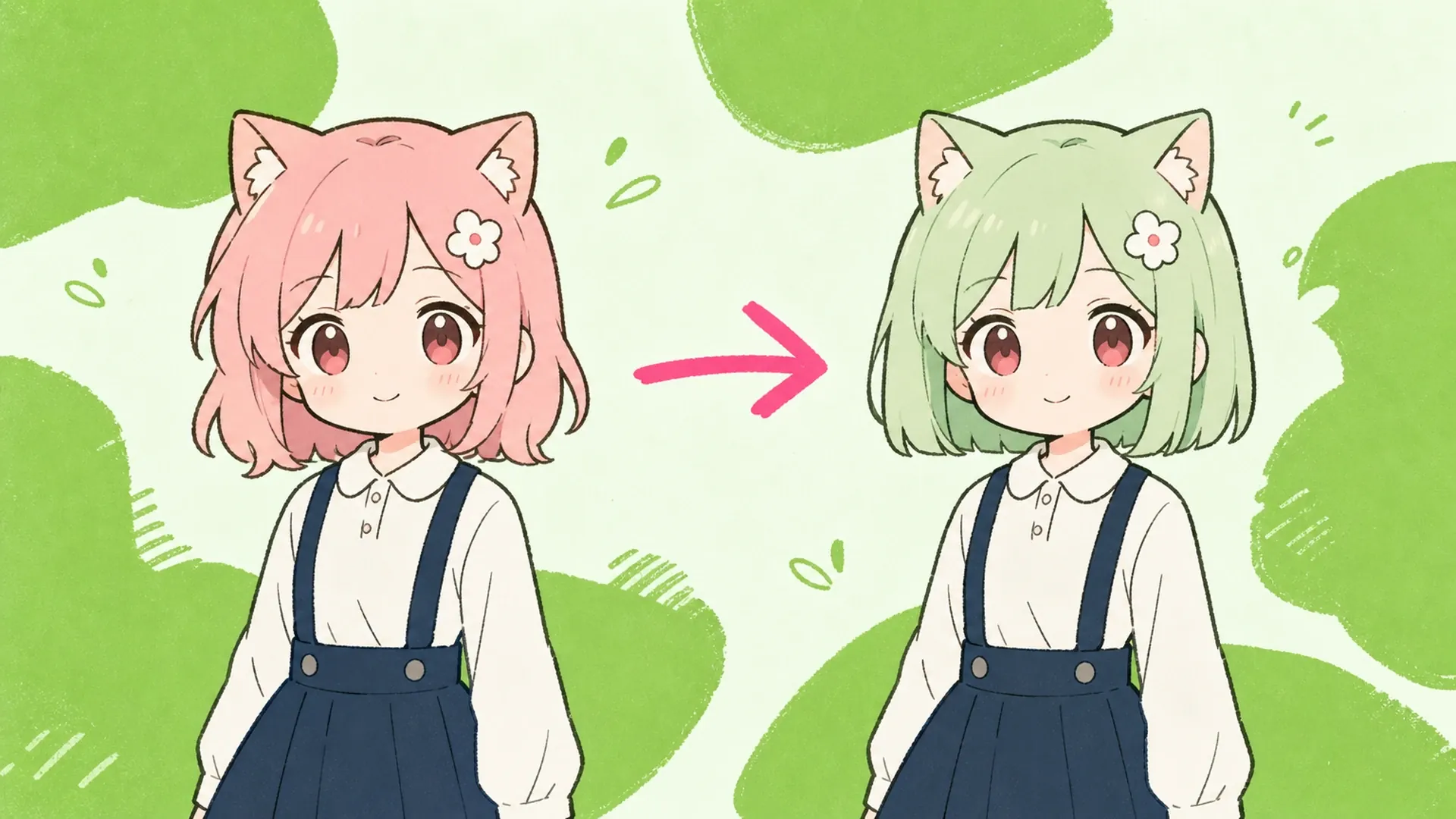
    Audition silver, pink, blue, green, pastel, gradient, and fantasy tones before locking a palette. The AI hairstyle changer earns its place when the outfit already works but the anime hair needs sharper contrast.

    Alternate OC Designs - AI Hairstyle Changer

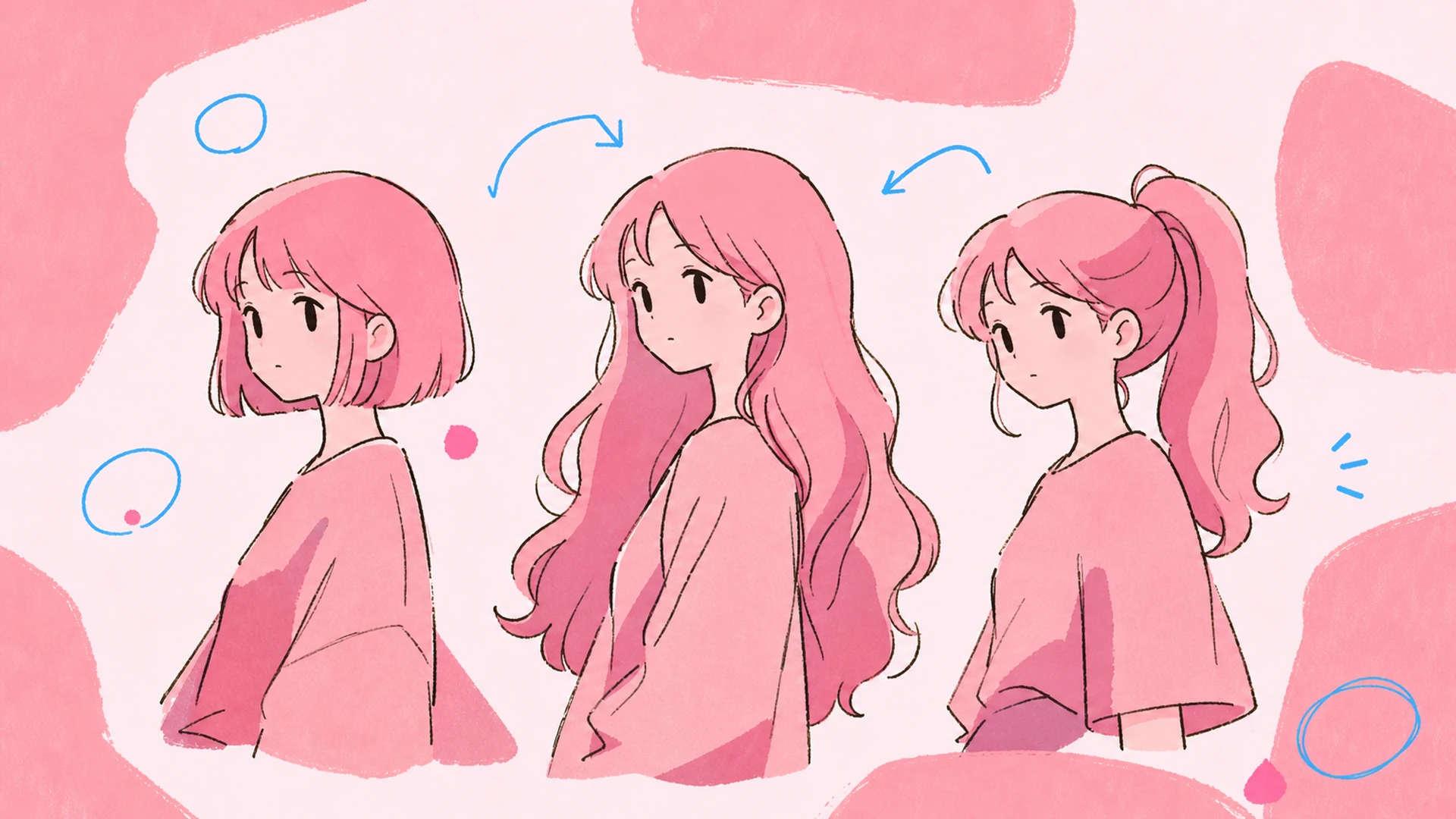
    Alternate OC Designs

    Spin one face into long hair, cropped bobs, ponytails, twin tails, braids, and ornament variants for a design board. Feed the winners straight into the Character Sheet Generator to lock the reference sheet.

    Season and Outfit Matches - AI Hairstyle Changer

    Season and Outfit Matches

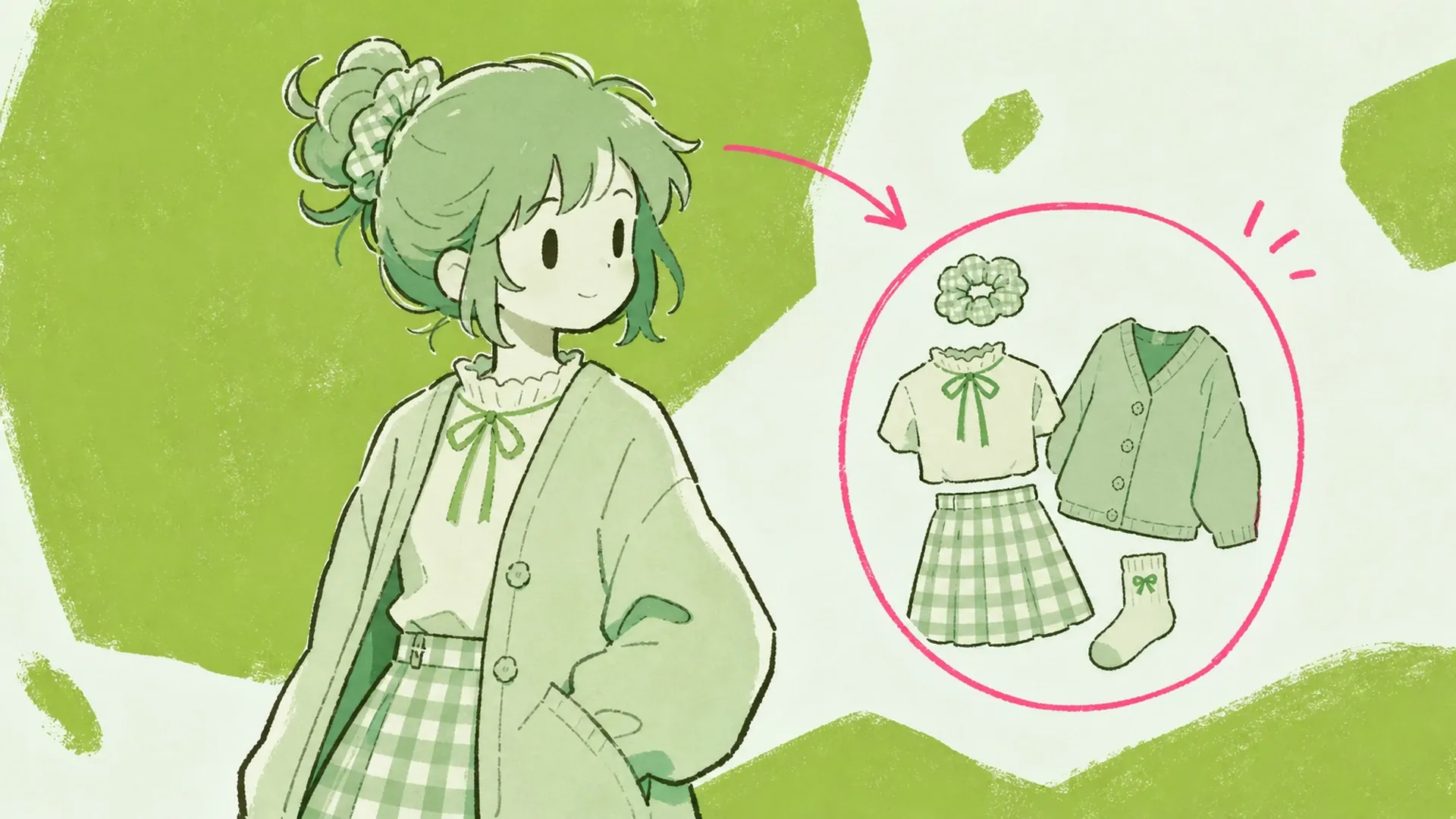
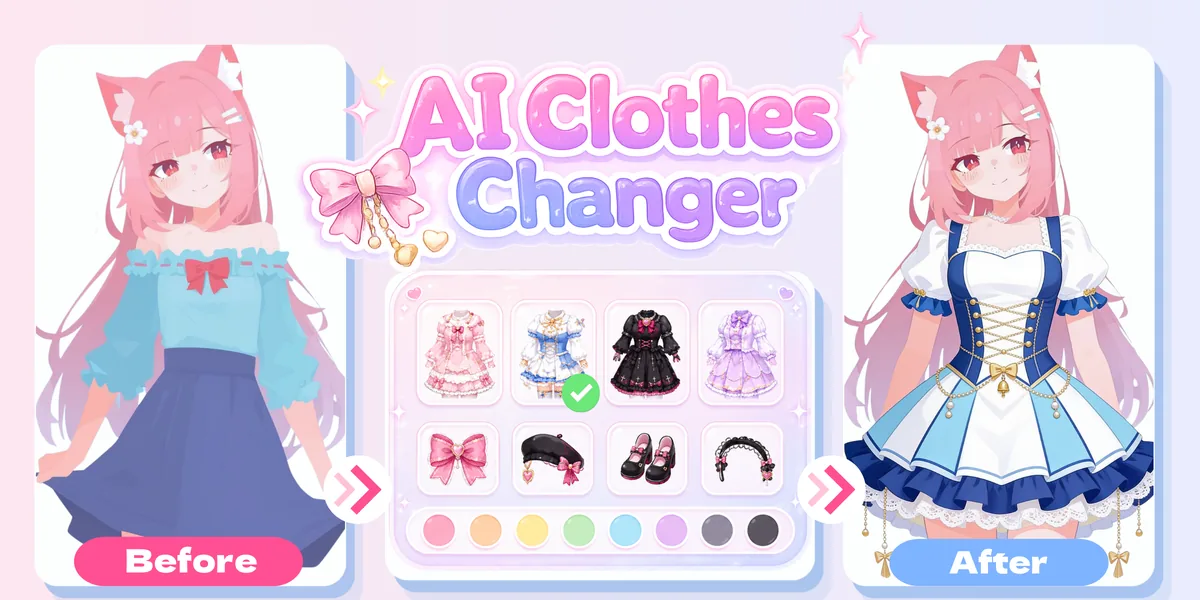
    Retune an anime hairstyle to a fresh outfit, event theme, or story beat. Warmer hair can lift a summer scene, while darker strands let a dramatic costume read stronger, especially after an AI Outfit Changer swap.

    Avatar Refreshes - AI Hairstyle Changer

    Avatar Refreshes

    Refresh profile pictures, VTuber concepts, and social avatars with a new cut while the face stays recognizable. The AI hairstyle changer makes it quick to test a fresh vibe, then send the pick to Image to Video.

    Hairstyle Editing, Answered

    Does this double as a hair color changer?+
    Yes. Color is a first-class mode on the AI hairstyle changer, with presets and prompts for recoloring hair while the face and outfit stay put. Use the hair color changer flow for a simple swap or a layered gradient.
    Can I change hair color for free?+
    You can start with free credits and recolor hair at no cost, then upgrade when you need more runs, watermark control, or bigger batches. The free tier is enough to check whether a palette works before you invest more edits.
    Will the face stay the same?+
    That is the whole point. The AI hairstyle changer is tuned to preserve face identity, expression, pose, outfit, background, and art style while it edits only the hair. Clean source art helps the model hold the face and hairline steady.
    Which images work best?+
    Pictures where the hairline and face are clearly visible give the steadiest results. Very cropped, blurry, or heavily shadowed hair can wobble. If a hat, hand, or prop hides the hair, spell out in the prompt what should happen there.
    Can I upload a hairstyle reference?+
    Yes. Add the character image first, then use the reference slot in the preset dialog to attach an optional hairstyle or hair color sample. References shine for braids, twin tails, ornaments, unusual bangs, or one exact gradient you cannot describe.
    Can it change only the bangs or accessories?+
    Yes. Point the prompt or preset at just the part you want, such as softer bangs, side-swept bangs, a hair ribbon, an ornament, or longer side locks. The page prompt keeps the rest of the character protected while you change hairstyle details.
    Where do my generations go?+
    Every run saves automatically to History, so you can compare cuts, reuse settings, download, or delete them. History earns its keep when you are lining up several near-identical anime hairstyle colors and need to judge them side by side.
    Can I animate the new hairstyle?+
    Yes. Send any result to Image to Video for gentle motion in social clips or character showcases. Edits with clean silhouettes from the AI hairstyle changer tend to animate more smoothly than heavily blurred or noisy references.
    Is there a watermark?+
    Free generations carry a watermark. Subscribers can switch it off with the toggle in the input panel, so exported hair edits stay clean for portfolios, avatars, or client previews without any extra cleanup step afterward.

    Swap the Hair, Keep the Character

    Load a character, pick a preset or drop a hairstyle try on reference, and the AI hairstyle changer returns a new look in seconds. Stack a few in History before you choose.

    Start Changing Hair