Two-Image Identity Routing
Load the target character first, then the authorized reference; the prompt pins that second image to identity only, so wardrobe, background, and pose details never bleed across from the reference into your result.

Drop in a target character and an authorized face reference to run an anime face swap that keeps the original pose, outfit, lighting, and hand-drawn style intact.
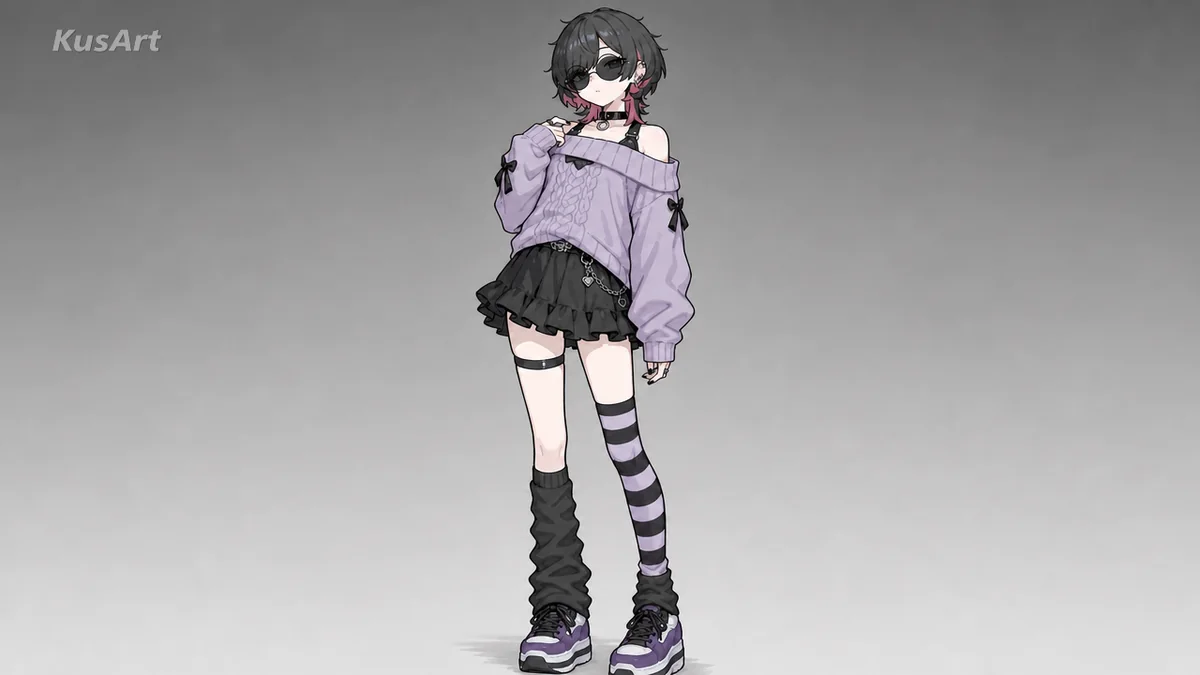
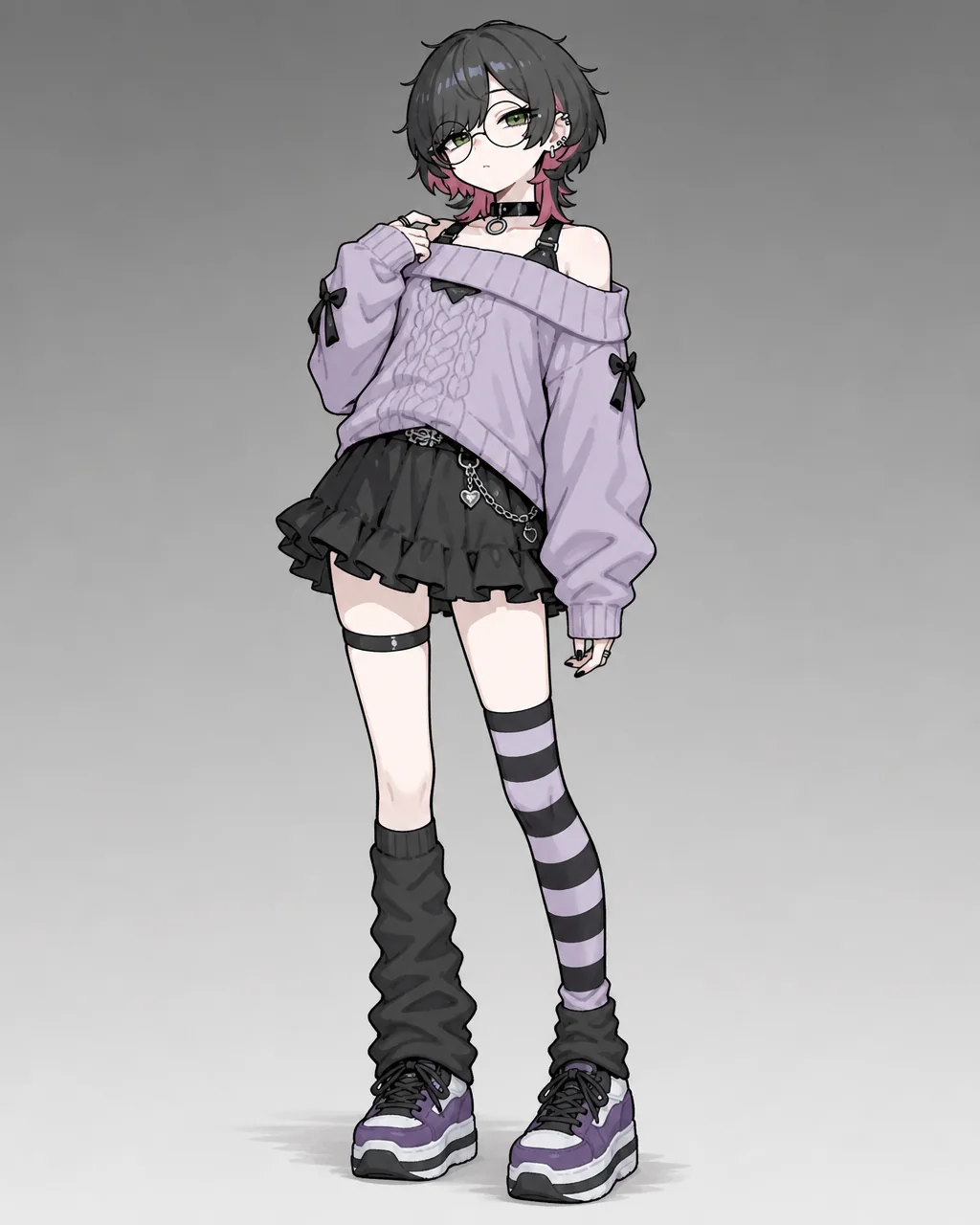
An anime face swap only earns its keep when the swapped face belongs in the picture, so this tool rebuilds identity around your target art instead of pasting a cutout on top. Feed it a target illustration and an authorized reference, and the character face swap inherits the original camera angle, wardrobe, and palette. It suits original characters, avatar concepts, and consented edits far more than gimmicky celebrity mashups.
Try It Free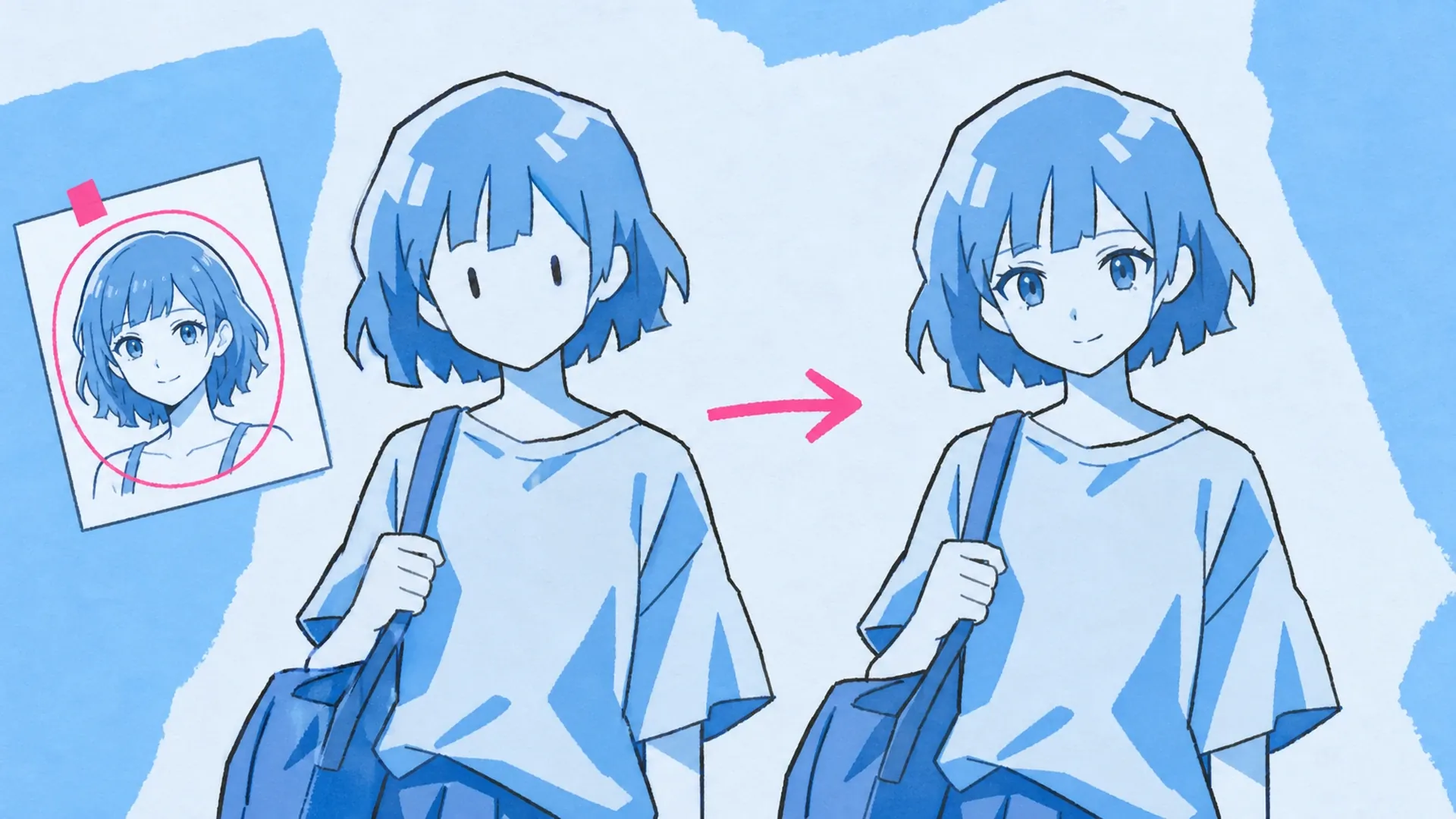
Under the hood, the ai face swap reads two inputs and gives each a job. The target image owns the pose, outfit, hair silhouette, lighting, backdrop, and drawing style, while the reference contributes facial identity and nothing else. That split is what lets an anime face swap stay anchored to its source composition, which is why it works on stylized portraits and line-heavy character art that photo-based swappers usually mangle.
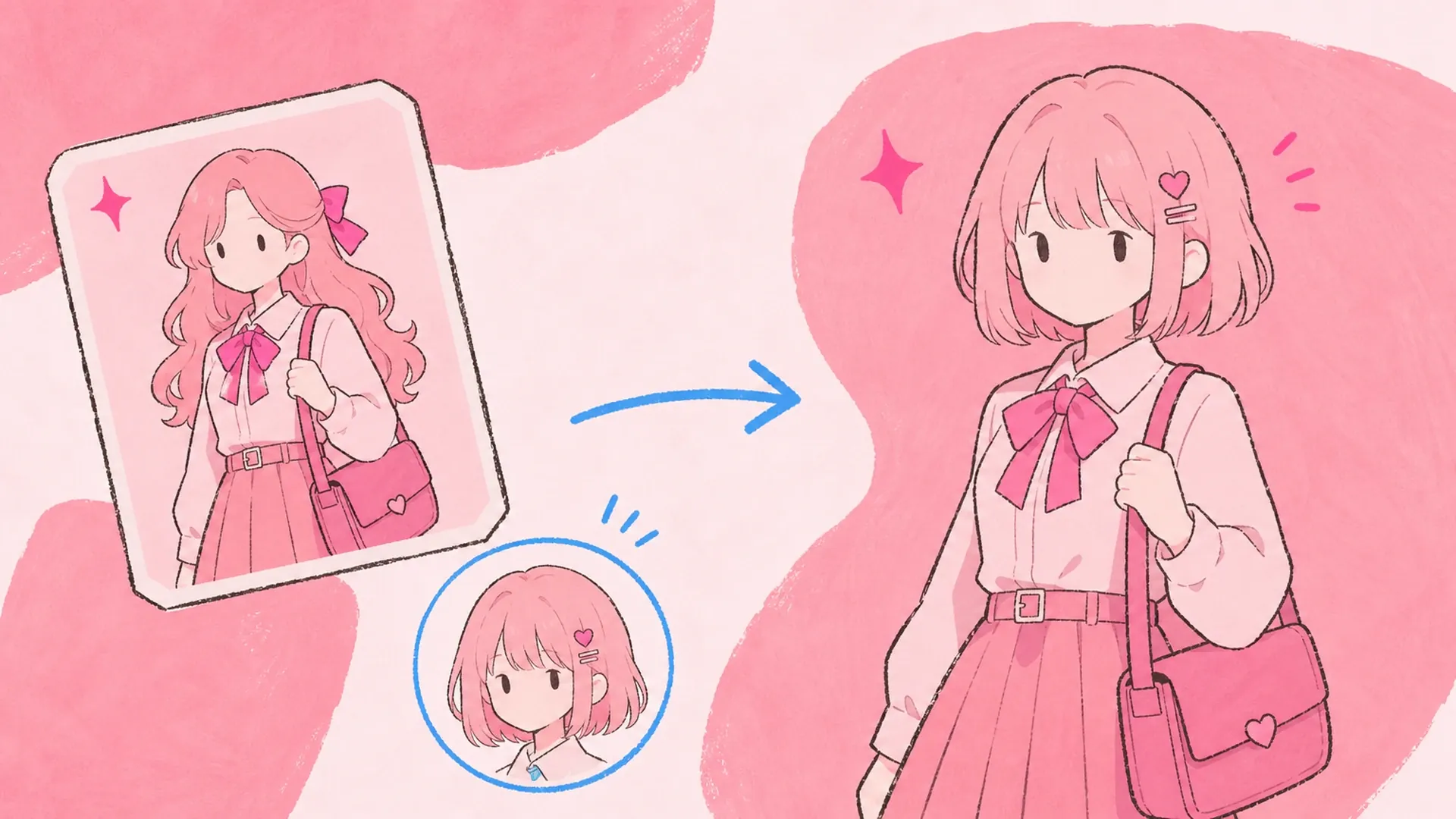
Redrawing a face by hand means re-matching expression, viewing angle, linework weight, skin tone, and eye placement without disturbing anything around it, and one wrong shadow reads as a sticker. Running an anime face swap online lets you audition several identities in the time a single manual redraw would take, and every attempt lands in History for side-by-side judgment. That speed pays off during OC design passes, avatar refreshes, and alternate-expression studies where an anime face swap has to stay on-model.
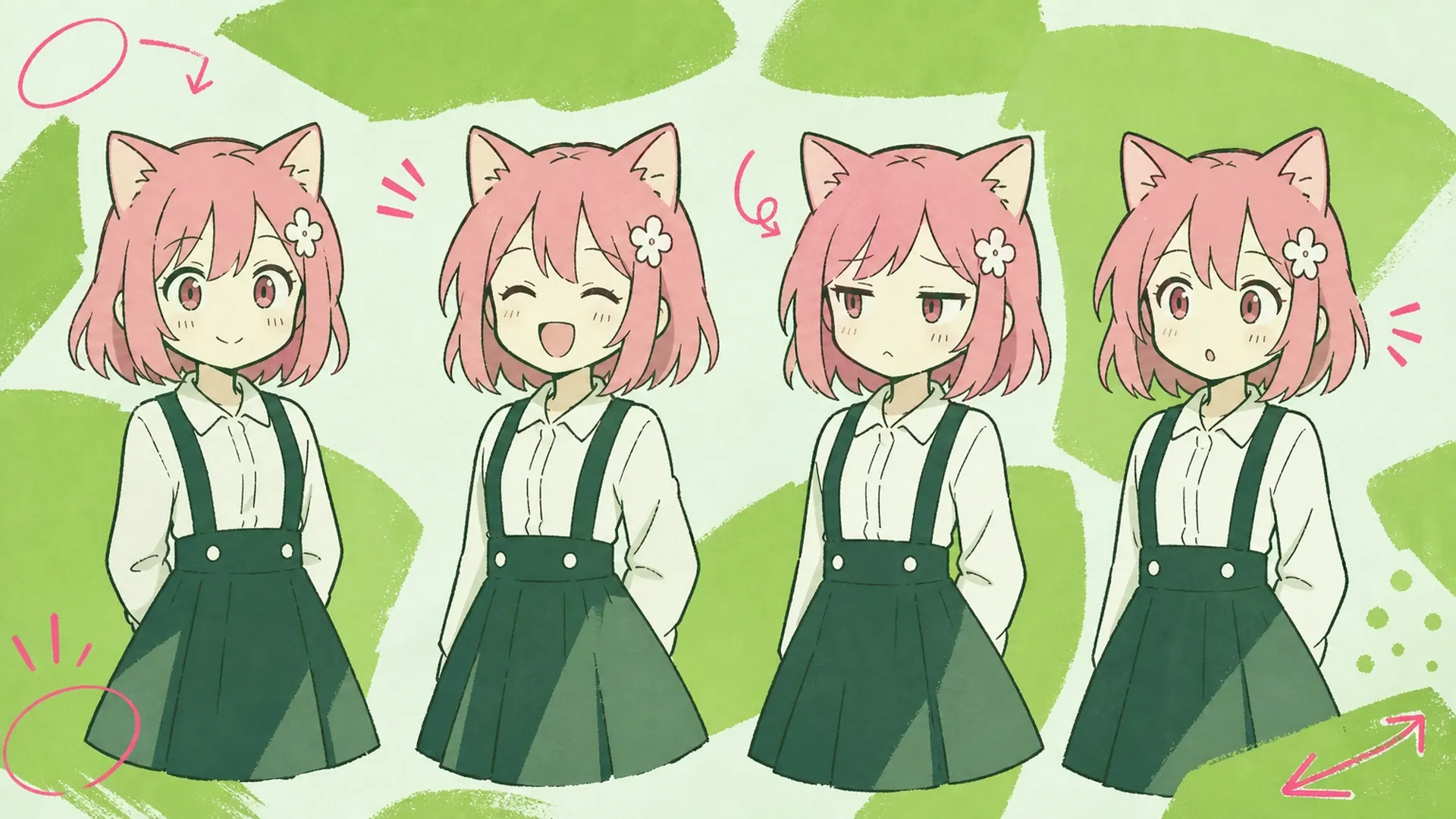
The moment you swap faces without respecting the target, the seams show: mismatched jaw angles, lighting that lands from the wrong side, eyes drawn at a different scale, and a hairline that fights the original silhouette. A hand edit forces you to feather every transition around the nose, cheeks, and mouth, and the camera angle has to agree too or the whole panel tilts into uncanny territory. This face changer keeps the target structure locked while it reworks identity, so an anime face swap holds together instead of collapsing at the edges. Only feed it images you own or are cleared to edit, and avoid deceptive or non-consensual use.
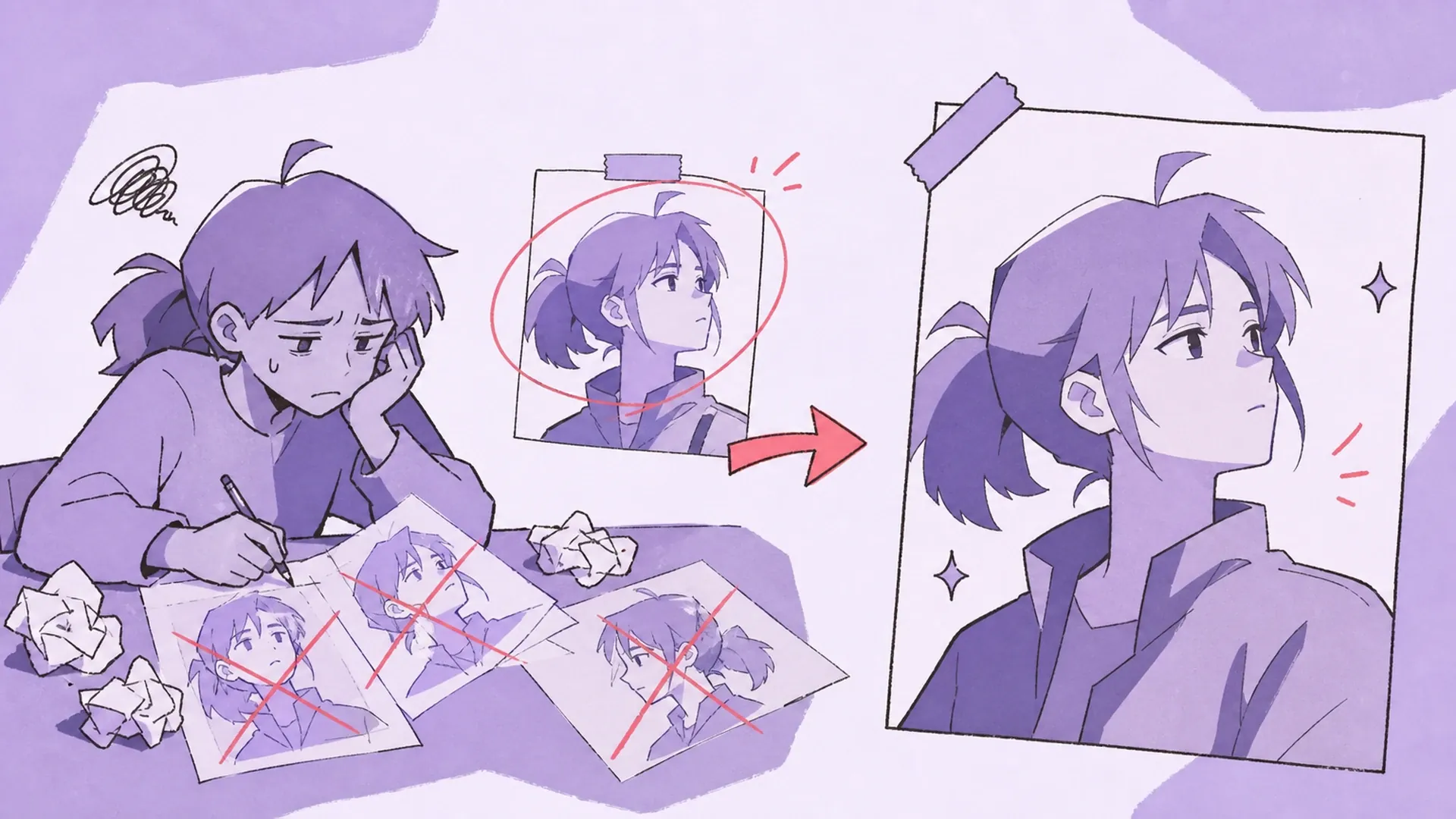
Each control below protects the target scene while it moves identity across, so every anime face swap stays coherent.
Load the target character first, then the authorized reference; the prompt pins that second image to identity only, so wardrobe, background, and pose details never bleed across from the reference into your result.
Pose, outfit, hair silhouette, lighting, camera angle, backdrop, and anime style are all held from the target, so each anime face swap behaves like a focused identity edit rather than a full redraw, closer to AI Pose Changer than a fresh generation.
Copy and FAQ steer you toward images you own or are authorized to use, keeping the tool aimed at original characters and consented references. For net-new faces, start in OC Generator or refine one in OC Editor first.
Two images go in and one swapped result comes out across three quick moves, and each anime face swap lands in History.
Pick the illustration whose pose, outfit, lighting, and style should survive into the final image. A readable face angle helps, though stylized anime portraits and busy character art both work as the base layer.
Upload a reference you own or have permission to use; it steers facial identity only, not clothing or setting. Clear features and a similar viewing angle blend more cleanly than a tiny, shadowed, or cropped face.
Hit Swap Face, review the blend, and lean on History to line up variations or reuse settings. If lighting or expression feels off, swap in another reference or drop a short note into the prompt field.
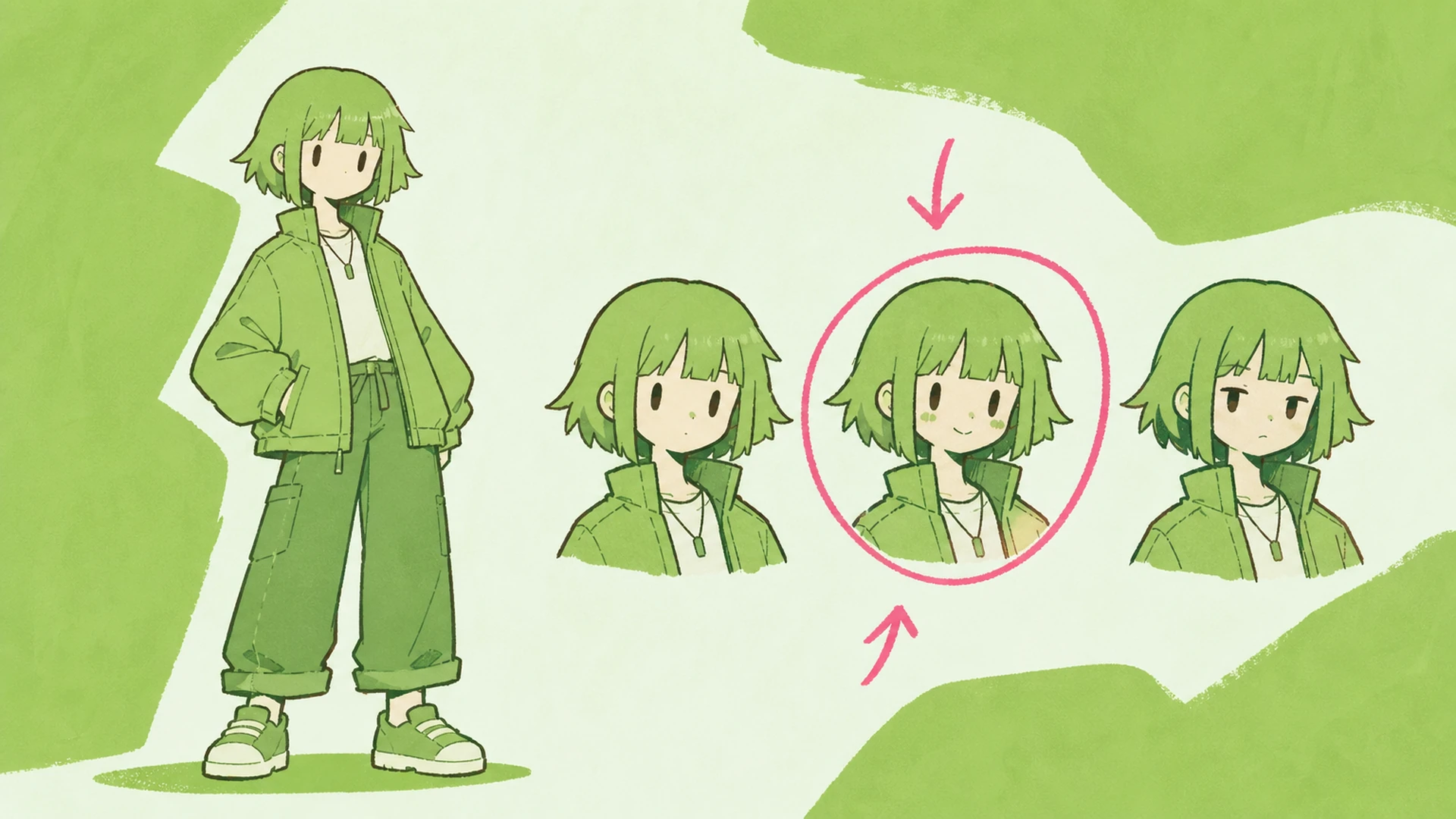
Audition different face identities on an original character while the outfit and framing stay fixed, which makes an anime face swap easy to judge by eye shape, expression, and overall archetype in isolation.
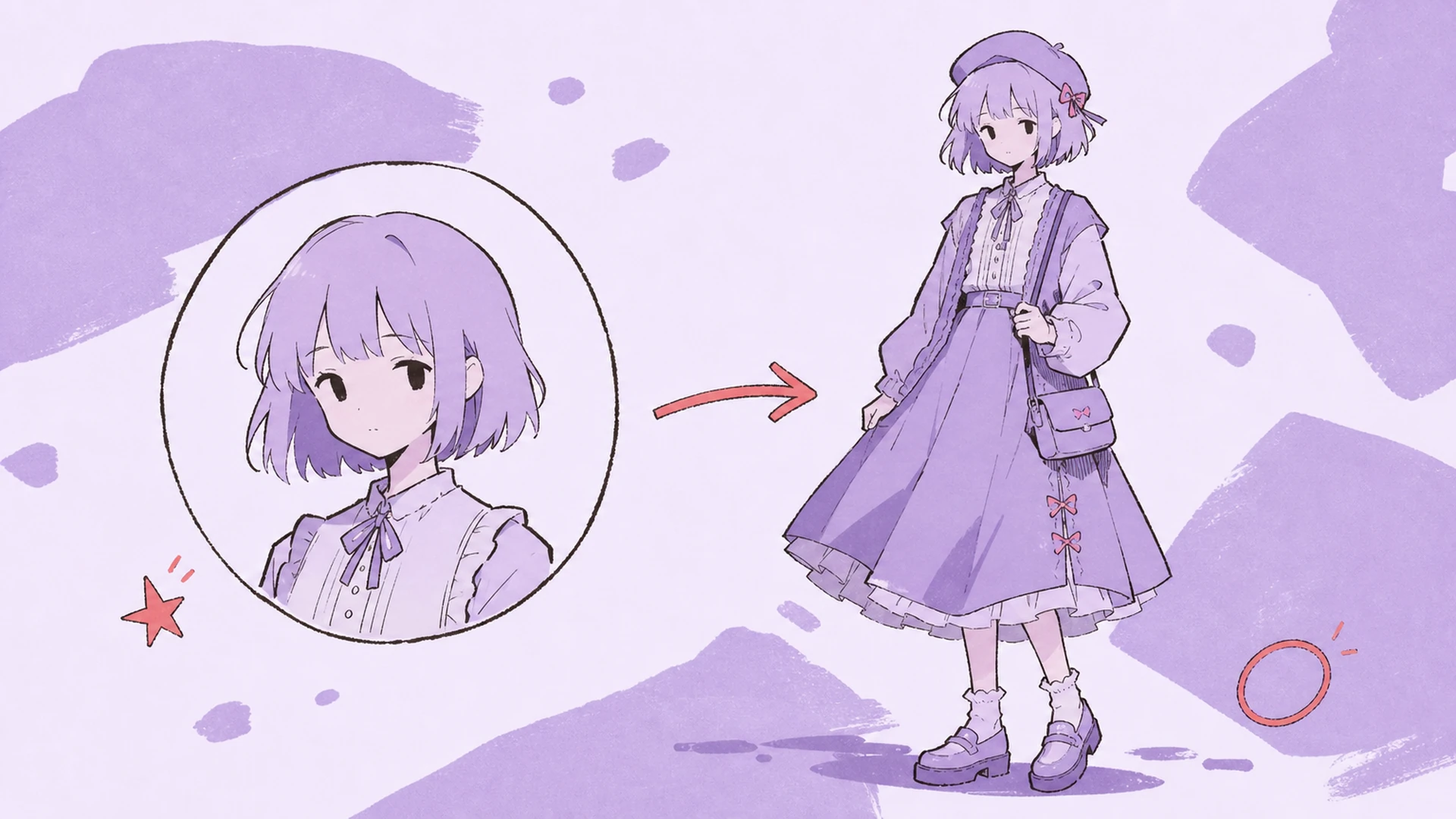
Move an authorized face onto a target illustration for design exploration, then push a favorite into AI Background Changer or AI Hairstyle Changer to keep iterating without a full redraw.
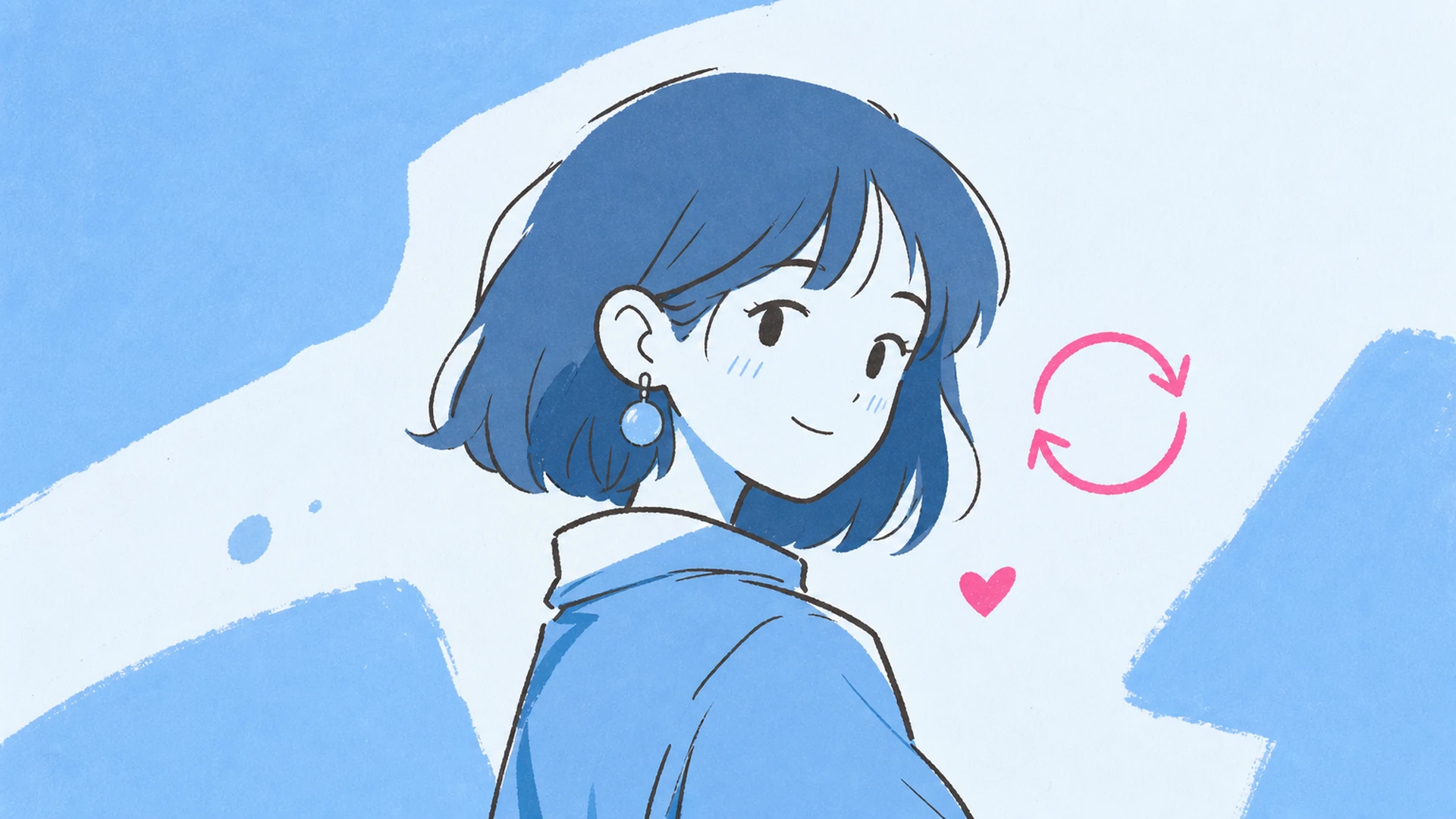
Refresh profile art with a new face reference while the target pose and backdrop hold, so a banner or avatar keeps its composition while the identity details change.
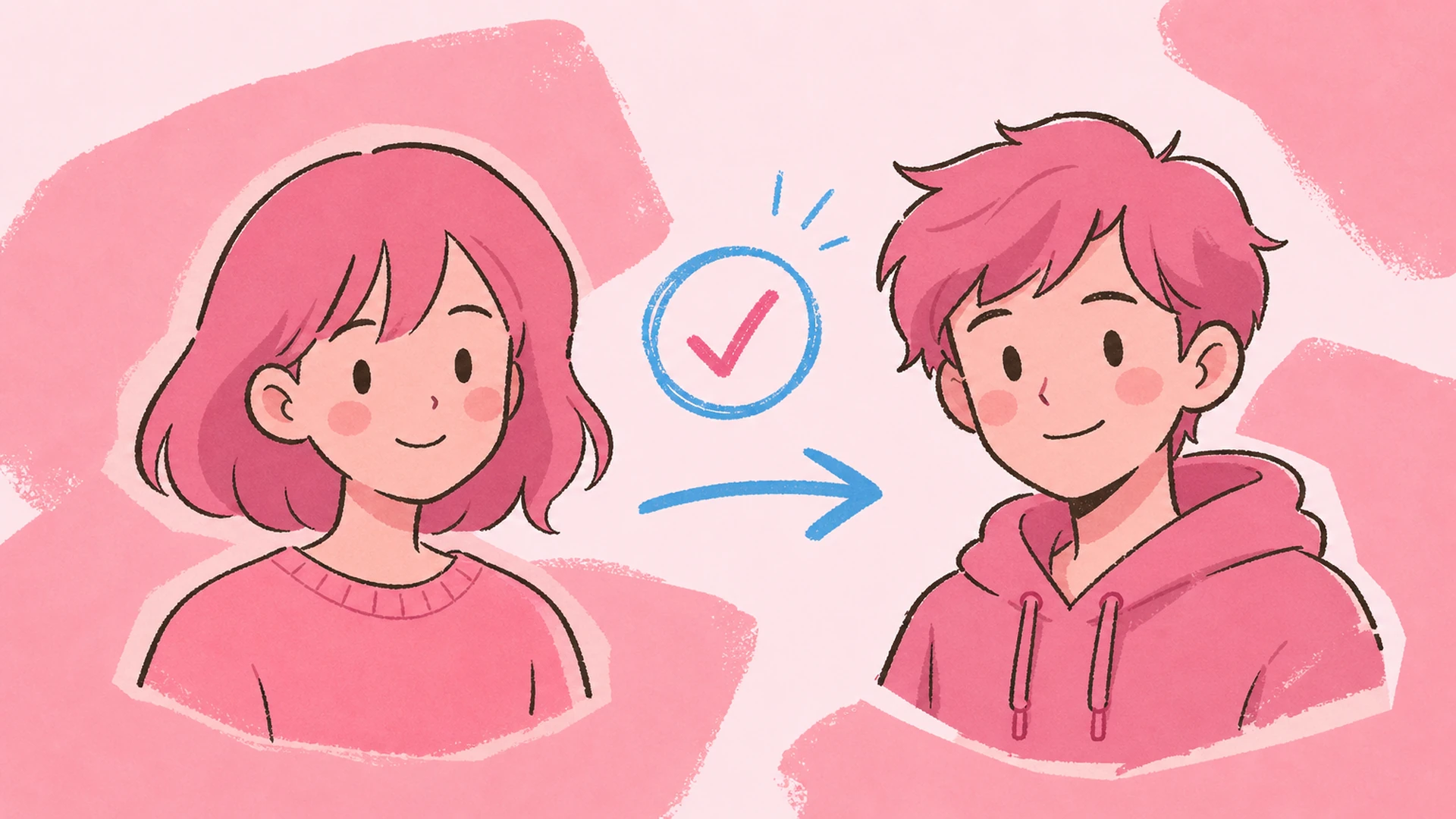
Build face swap edits strictly from images you own or are cleared to use. The tool is framed for consensual creative work, not impersonation or unauthorized identity use, and pairs well with Couple Pose Generator.
Bring a target character and an authorized reference, then generate an anime face swap in seconds. Stack the takes in History and keep whichever anime face swap sits most naturally in the scene.
Start Face Swap