KusArt

    AI Anime Generator for Art, Characters, and Scenes

    Turn text prompts and reference images into original anime artwork online. KusArt brings several purpose-built creation models into one AI anime generator, so you can choose the workflow that fits an illustration, character, scene, or visual variation. Create anime images without switching between disconnected tools. Describe a character, setting, composition, mood, and lighting, then generate in the same workspace where your controls, results, and creation history stay visible. Use text for a new concept or choose a model with reference support when an existing image should guide the next result. This makes KusArt useful as both a fast anime picture generator and a repeatable workspace for developing more considered visual ideas.

    Start creating anime art
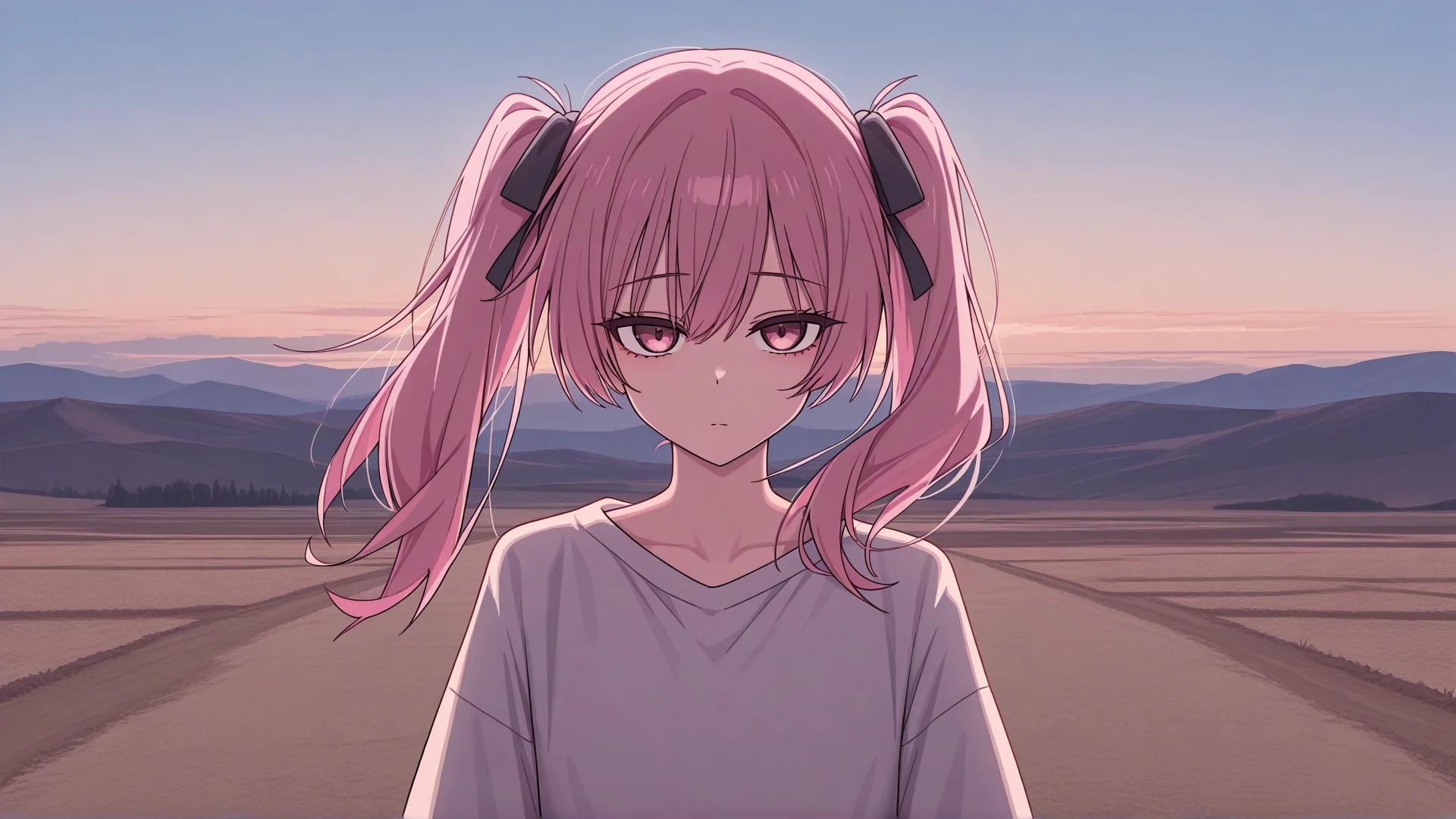
    An original anime girl with pink twin tails standing on an open plain at sunset, calm expression, wide cel-shaded composition

    What can an AI anime image generator do?

    An AI anime image generator interprets written visual direction—and, in supported workflows, reference images—to create new anime-style artwork. Instead of limiting you to a fixed avatar template, KusArt can move between close portraits, full-body character designs, cinematic environments, fantasy concepts, hand-drawn scenes, and social artwork. Prompt controls, format choices, model-specific settings, and history help you turn a first result into a more deliberate creative direction.

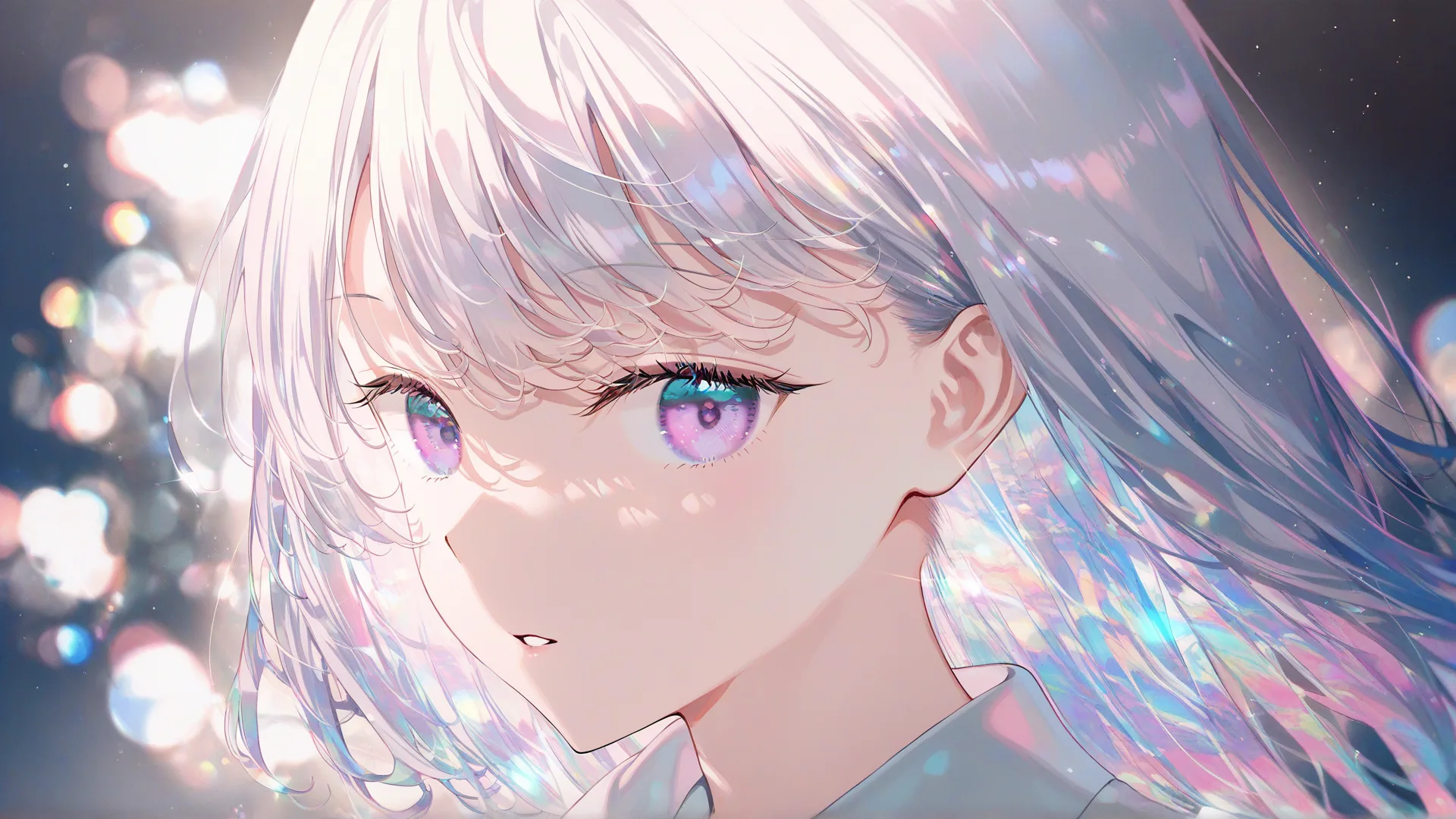
    Close portrait of an anime girl with iridescent silver hair under prismatic light and colourful bokeh

    One anime generator with models for different kinds of work

    Stay with the default generator for broad text-to-anime creation, or switch models when the brief needs a more specific strength. The Kusa Niji anime art generator explores expressive illustration in four-image batches. The Anima model specializes in anime characters, concepts, styles, and other non-photorealistic art, with personal LoRAs and saved characters available through KusArt. Kusa-Easy provides a text-to-anime generator for natural-language hand-drawn creation. Kusa-Mix is the image-to-image AI generator for reference-guided variations and restyling. Every option lives in the same interface, so choosing a model does not mean learning a new product.

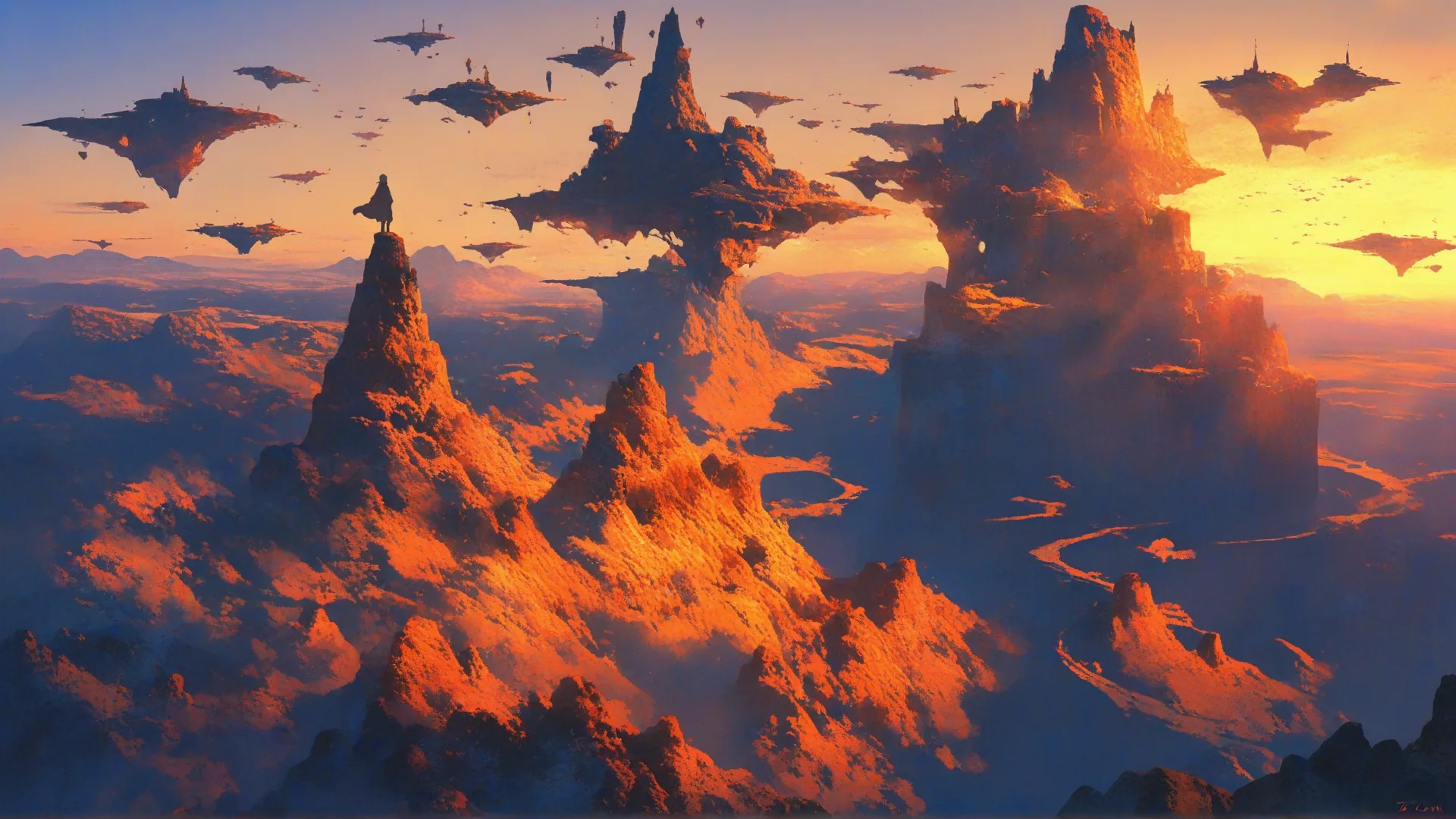
    A wide fantasy landscape of floating islands glowing orange at sunset above a sea of cloud

    Move past one-style outputs and disposable generations

    Generic image tools can flatten different anime ideas into the same visual treatment, while isolated generation screens make it hard to compare attempts. KusArt lets you specify character traits, pose, camera language, lighting, wardrobe, environment, and unwanted details, then match that brief to an appropriate model. Review results in history, adjust the prompt or references, and regenerate without losing the context of earlier decisions.

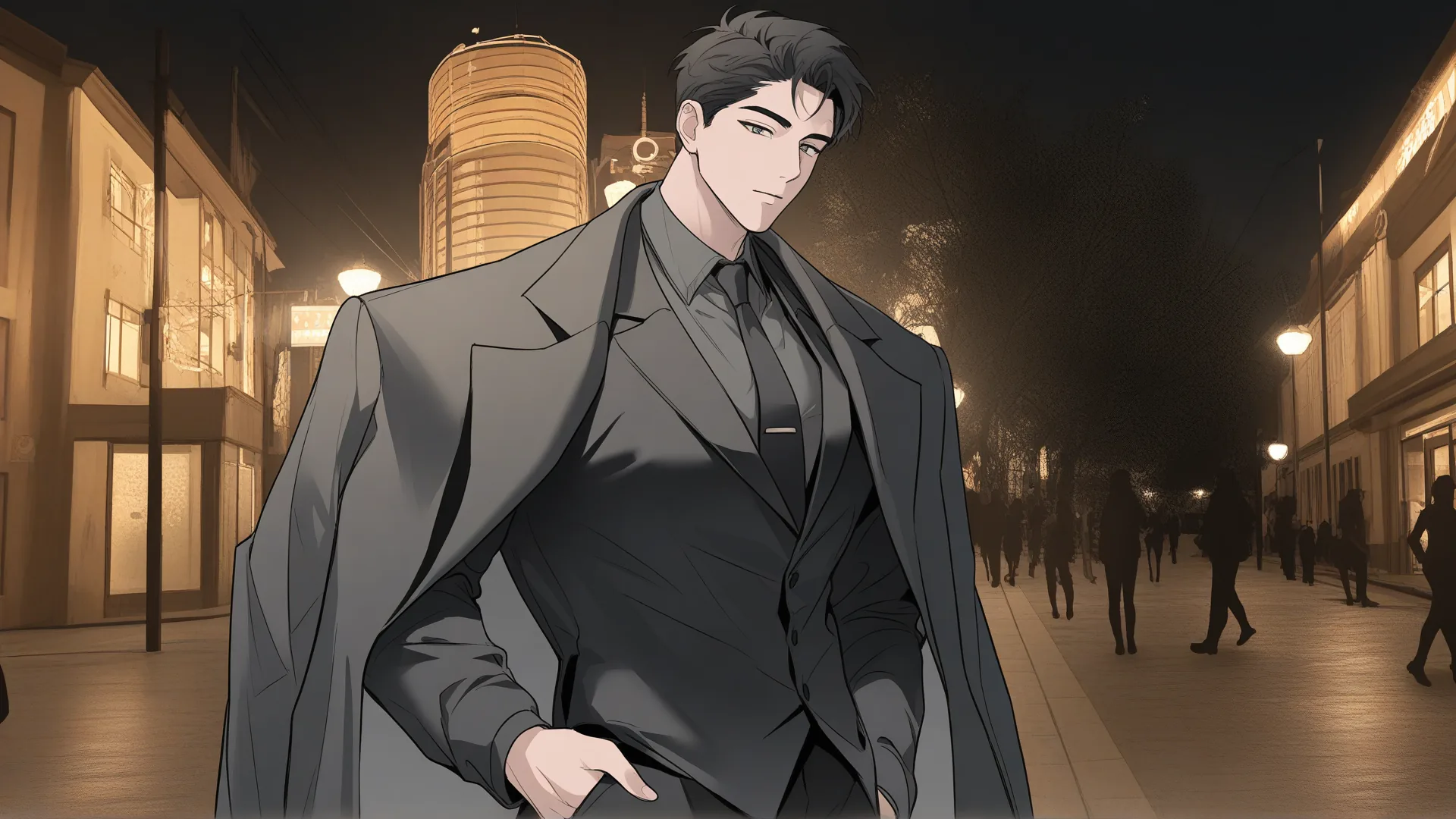
    A sharply designed anime character in a tailored grey suit and coat on a night city street

    AI anime generator features for different creative workflows

    KusArt combines accessible controls with specialized models, letting the workflow change with the image you want to make rather than forcing every idea through one visual system.

    Anime-focused prompting

    Describe characters, expressions, poses, outfits, environments, composition, and lighting in one brief. The generator treats those details as connected visual direction rather than reducing your idea to a narrow avatar preset.

    Purpose-built model selection

    Choose Kusa Niji for artistic batches, Anima for anime-specialist illustration with optional personal LoRAs and saved characters, Kusa-Easy for natural-language hand-drawn results, or Kusa-Mix when reference images should guide the output.

    A continuous creation workspace

    Set the format and available guidance controls, generate, compare the result with earlier work, and continue refining. Your prompt area and history remain part of the same creation flow as you explore different models.

    How to create art with the KusArt AI anime generator

    Start by matching the model to the task, give it clear visual direction, and refine the strongest result without leaving the generator above.

    01
    Step

    Choose the right anime model

    Use the default option for versatile text-to-anime work, or select Niji, Anima, Easy, or Mix when artistic variation, anime-specialist rendering, natural-language interpretation, or reference guidance matters more.

    02
    Step

    Describe the image and add guidance

    Write the main subject first, then add appearance, action, camera angle, setting, mood, and lighting. Choose the output ratio and use references or negative prompting when the selected model supports them.

    03
    Step

    Generate, compare, and refine

    Review the result beside your creation history. Keep the decisions that work, adjust only the prompt, model, or reference inputs that need improvement, and generate again toward a more precise direction.

    What you can make with an anime AI image generator

    Use the same online workspace for quick anime concepts, developed illustrations, character exploration, and reference-guided visual changes.

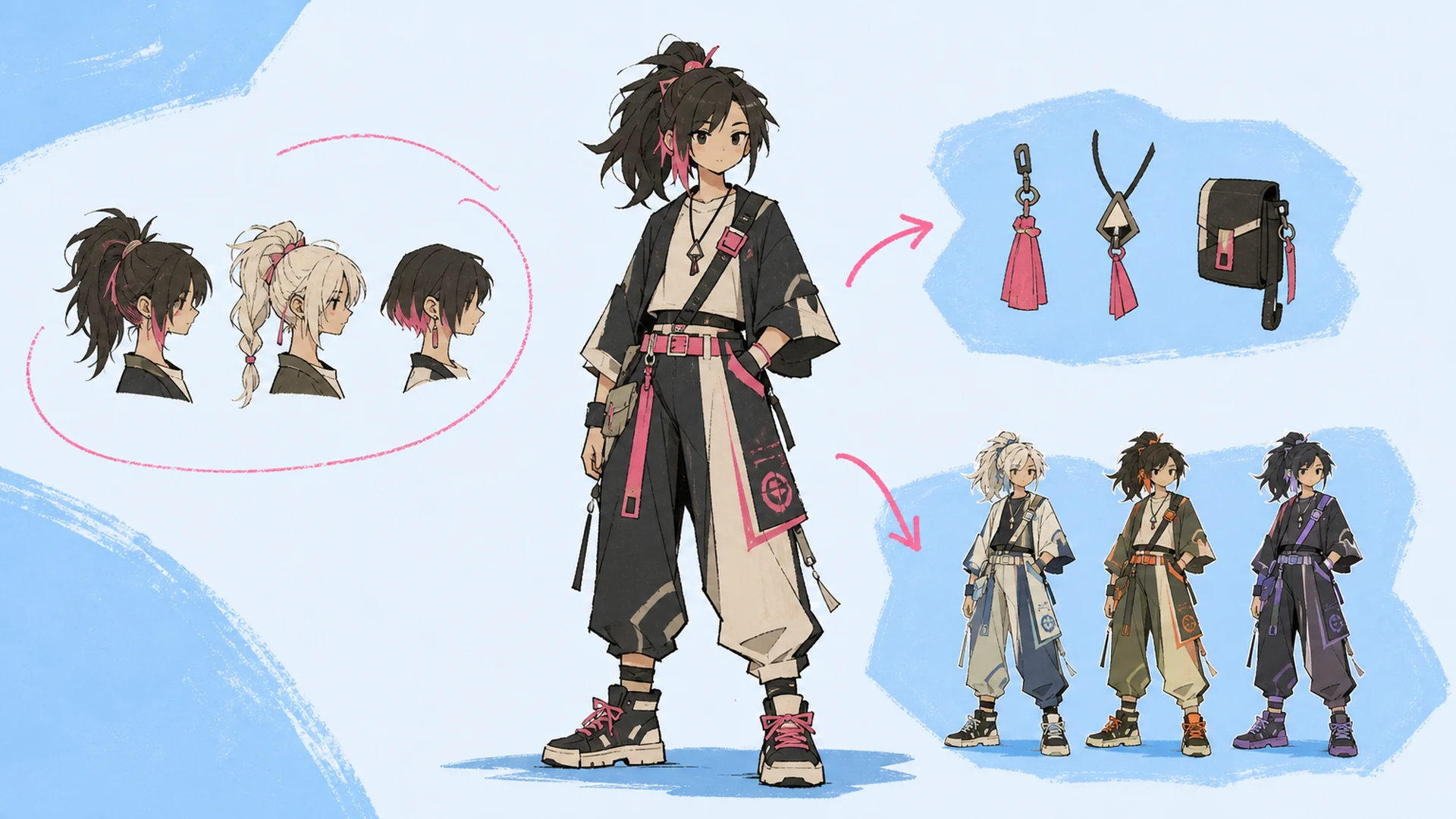
    A full-body anime character with circled hairstyle options, accessory cutouts, and three outfit colourways arranged around her

    Original anime characters

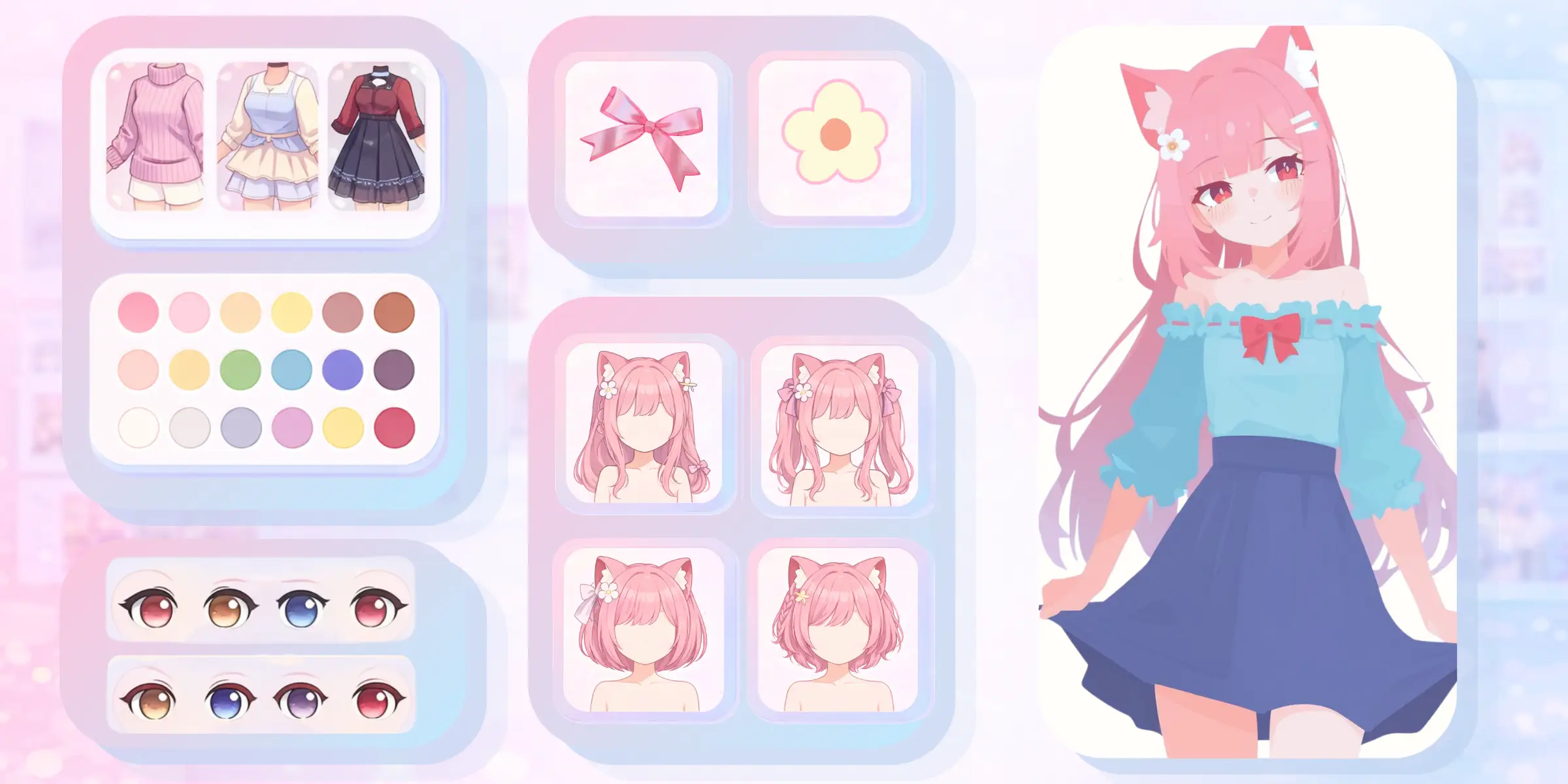
    Explore faces, hairstyles, outfits, accessories, expressions, and personality cues for an OC. Use Anima when you want to bring a saved character and personal LoRA into generation, or open the Anime OC Generator for a dedicated character-building workflow.

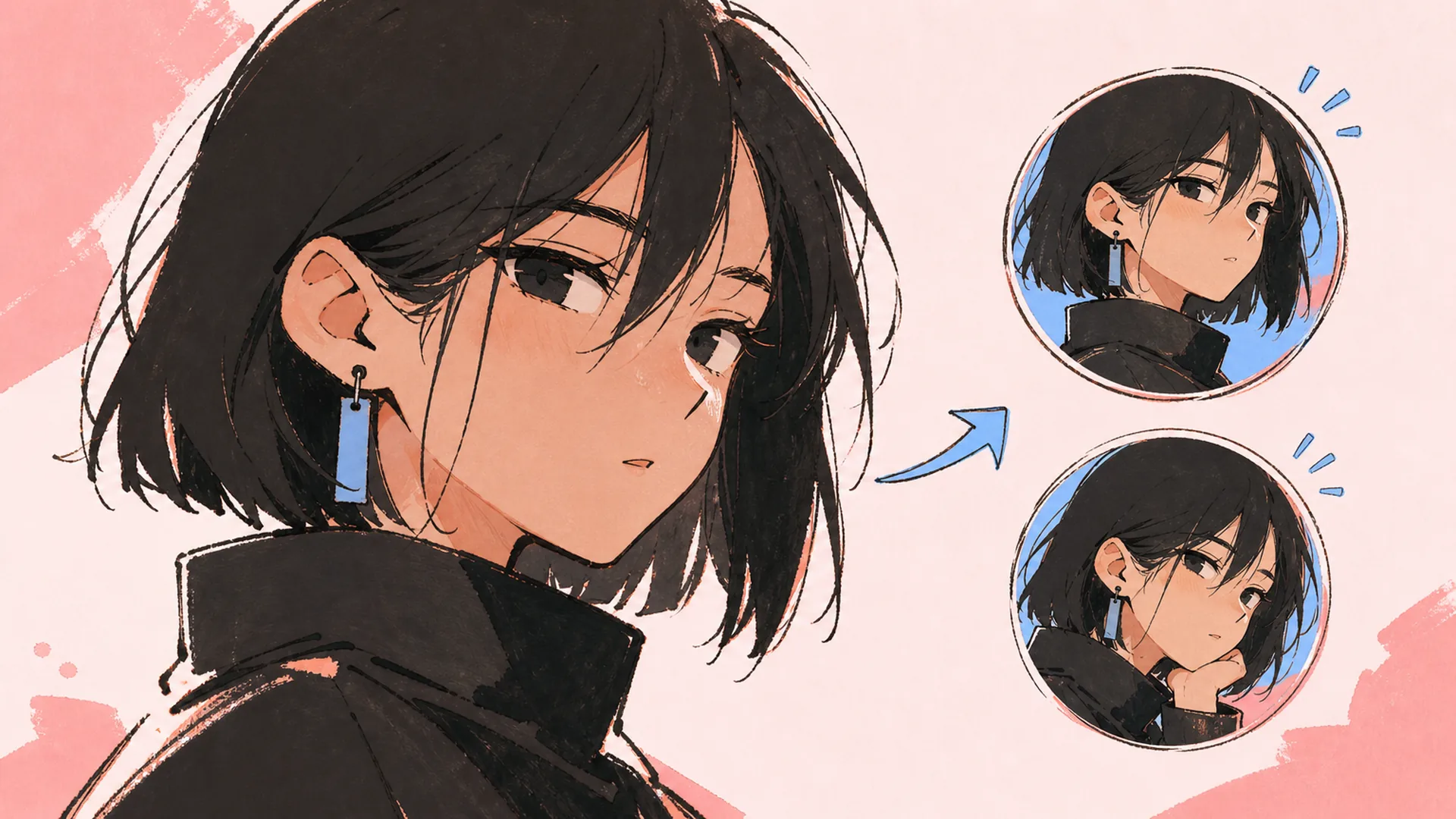
    A large cropped anime portrait with two smaller round avatar crops of the same face to the right

    Anime illustrations and key art

    Develop polished character illustrations, posters, and promotional concepts. Kusa Niji is designed for expressive anime art and returns four candidates that make visual comparison easier. A selected character and story direction can continue into the AI Manga Generator.

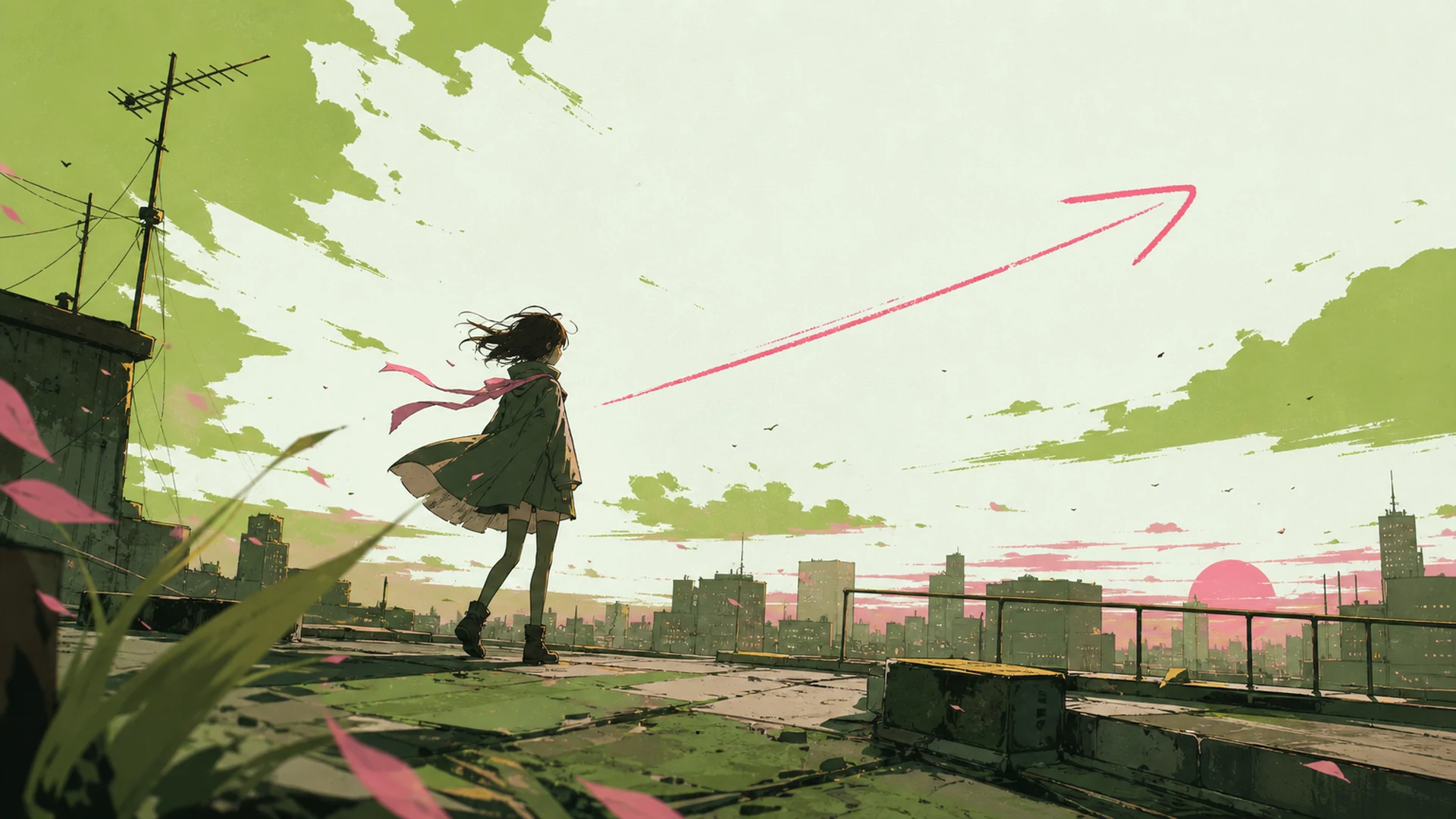
    A lone anime figure on a rooftop against a wide sunset sky with a long pink arrow sweeping across

    Story scenes and social visuals

    Create portraits, avatars, wallpapers, and wider scenes with environments, weather, dramatic light, and camera direction. Kusa-Easy is useful when you want to describe the idea in natural language, while AI Image to Video can animate a finished still as the next step.

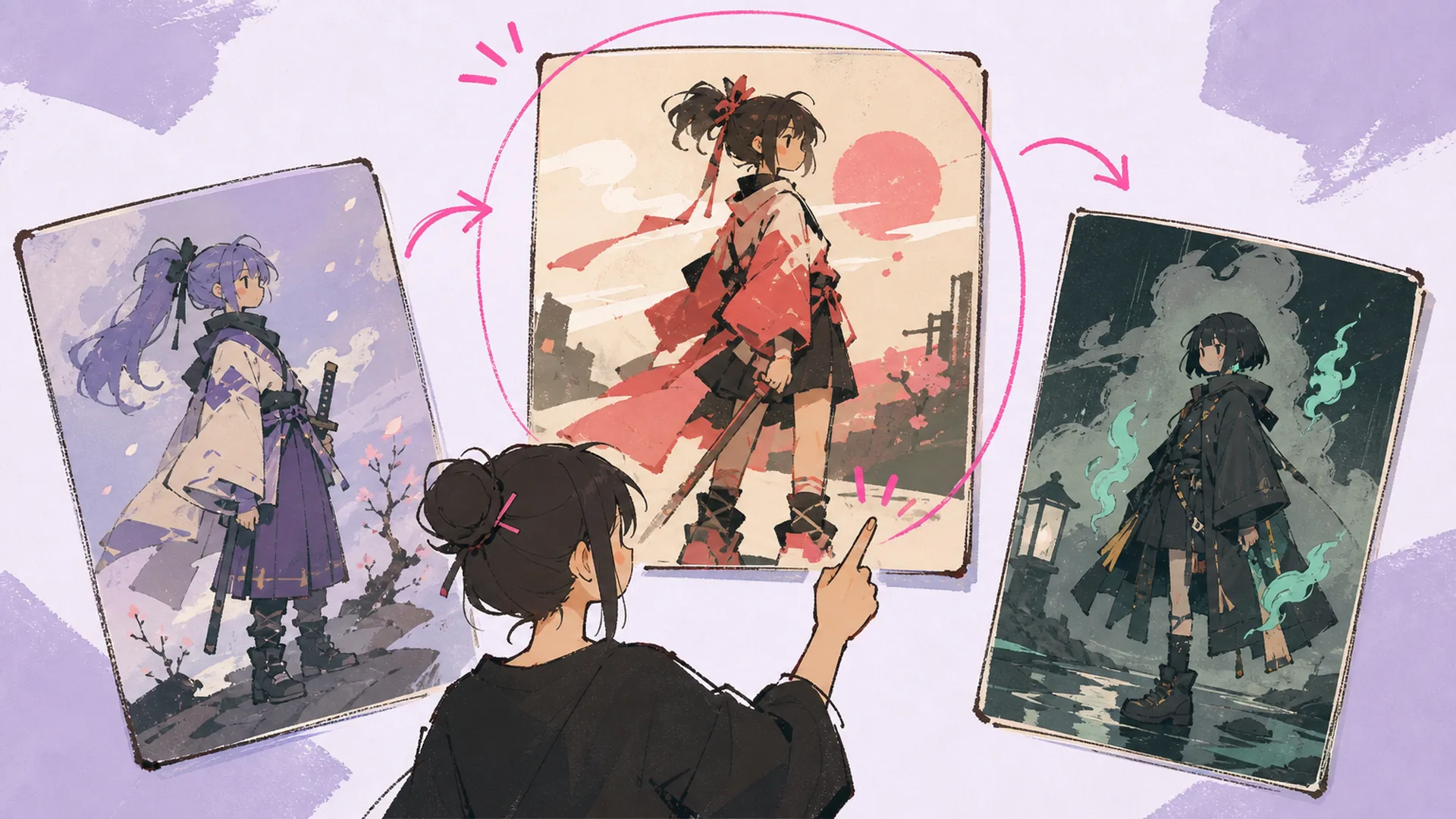
    Three anime character illustration cards fanned out, the middle one circled, with a figure pointing at it

    Reference-guided variations

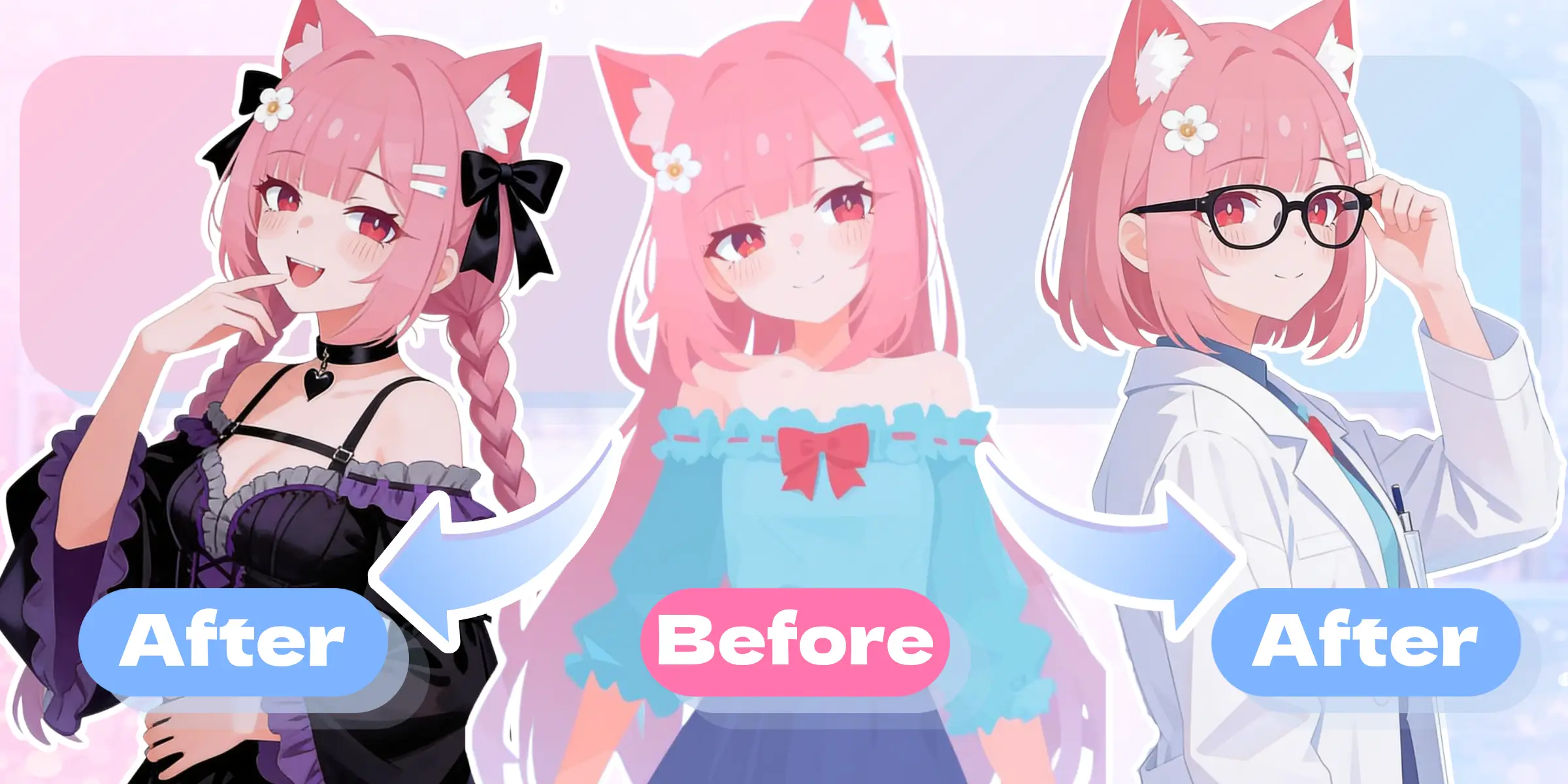
    Use Kusa-Mix to carry useful information from a reference image into a new anime composition, restyle an existing direction, or test a different setting, palette, or atmosphere.

    AI anime generator FAQ

    What is an AI anime generator?+
    An AI anime generator turns a text description into anime-style artwork. You provide visual direction such as the character, pose, outfit, setting, composition, and mood; the model interprets those instructions as a new image.
    What can I create with KusArt's anime image generator?+
    You can create anime portraits, original characters, full-body designs, profile pictures, key art, fantasy environments, story scenes, wallpapers, and reference-guided variations. The best model depends on whether your priority is broad generation, artistic illustration, character style, easy natural-language input, or image-to-image control.
    Can I use KusArt as an anime picture generator online?+
    Yes. The generator runs online in your browser, and your generation controls and results appear in one workspace. Availability and credit costs are shown in the interface before you generate.
    How do I write a better anime image prompt?+
    Start with the main subject, then add distinctive appearance, action, camera framing, environment, lighting, and mood. Keep important directions concrete and remove contradictory style or composition instructions.
    Which KusArt anime model should I choose?+
    Use the default generator for general text-to-anime creation. Choose Kusa Niji for expressive illustration and four-image batches, Anima for anime-focused characters and artistic imagery with optional reusable assets, Kusa-Easy for natural-language hand-drawn creation, or Kusa-Mix for reference-guided image variations and editing.
    Can I use a reference image in the AI anime generator?+
    Yes, when you select a model with reference support. Kusa Niji accepts element and style references for artistic direction, while Kusa-Mix is designed for image-to-image generation, restyling, and variations based on reference images.
    Does the anime AI image generator save previous results?+
    Your generation history is displayed alongside the creation panel when available. That makes it easier to compare images, revisit prompts, and regenerate without losing the context of earlier attempts.

    Create your next image with the AI anime generator

    Return to the generator, choose the workflow that matches your idea, and turn a prompt or reference image into an anime direction you can keep refining.

    Start creating anime art

    Continue creating with KusArt tools

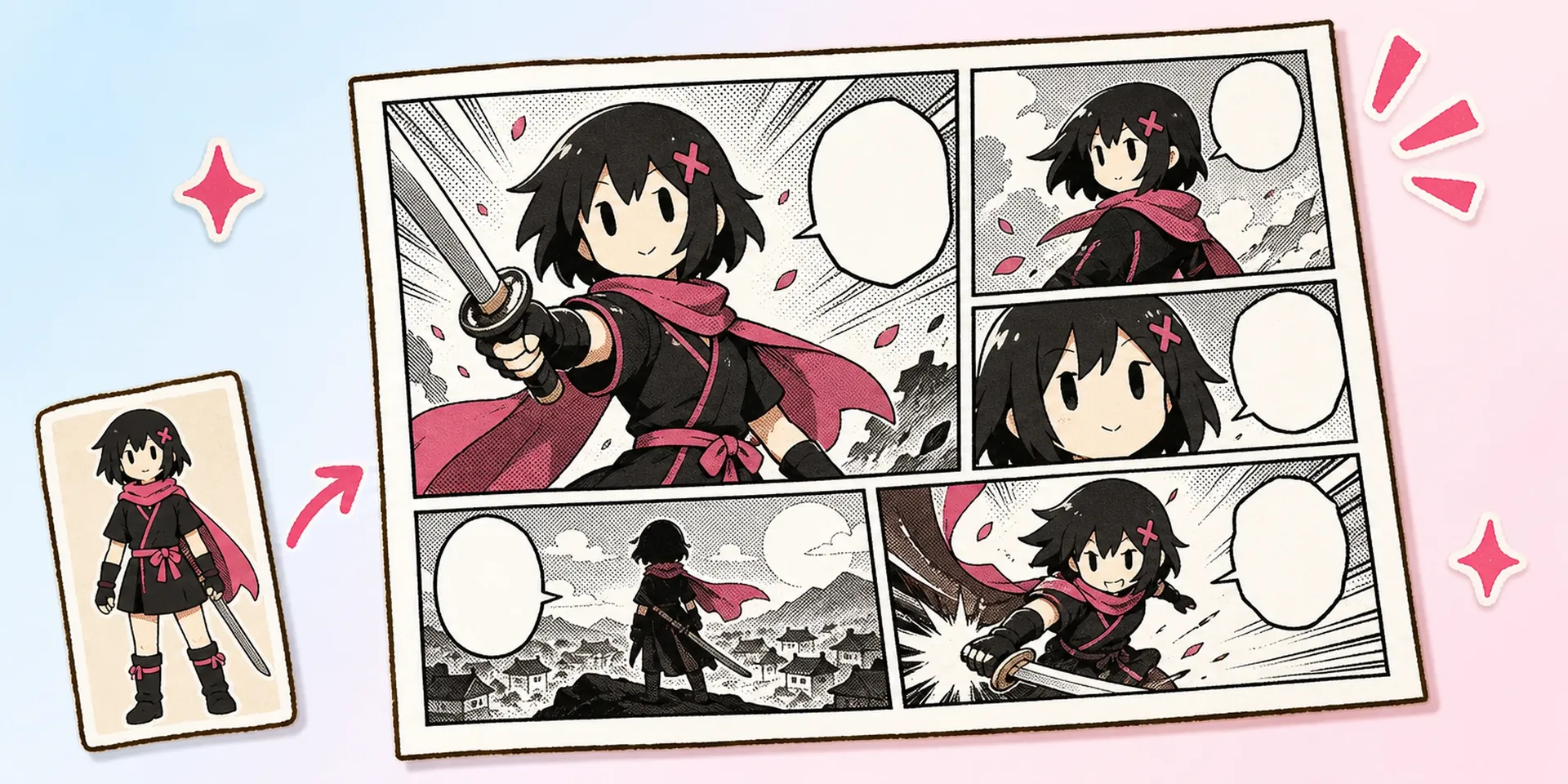
    Turn a generated image into a manga page, build or refine an original character, or animate the finished artwork with a dedicated KusArt tool.