01Step
Drop In Your Character
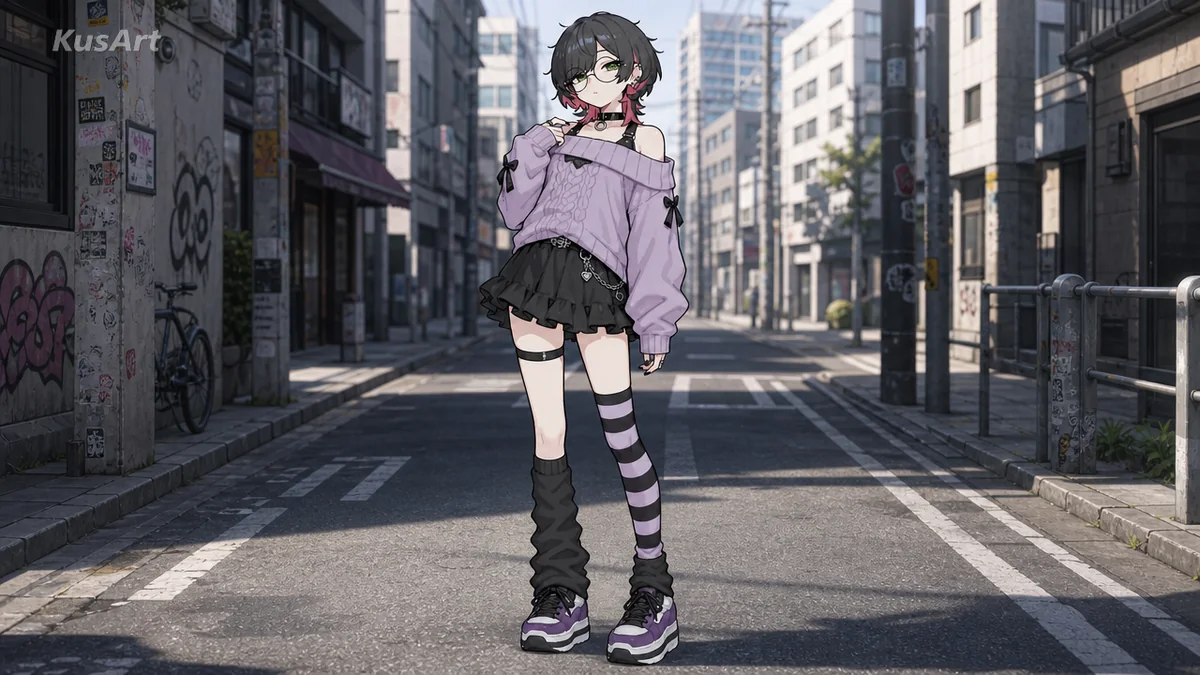
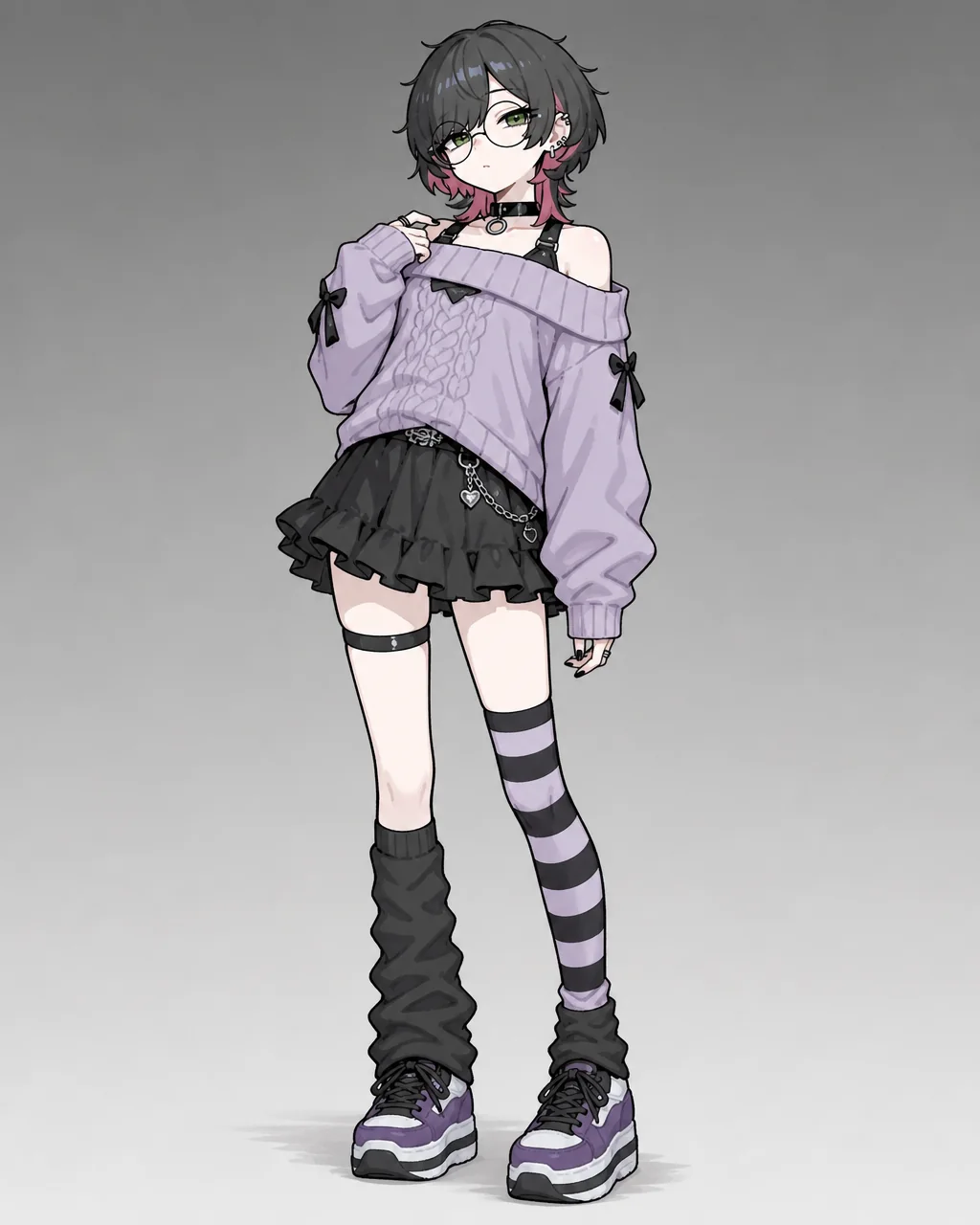
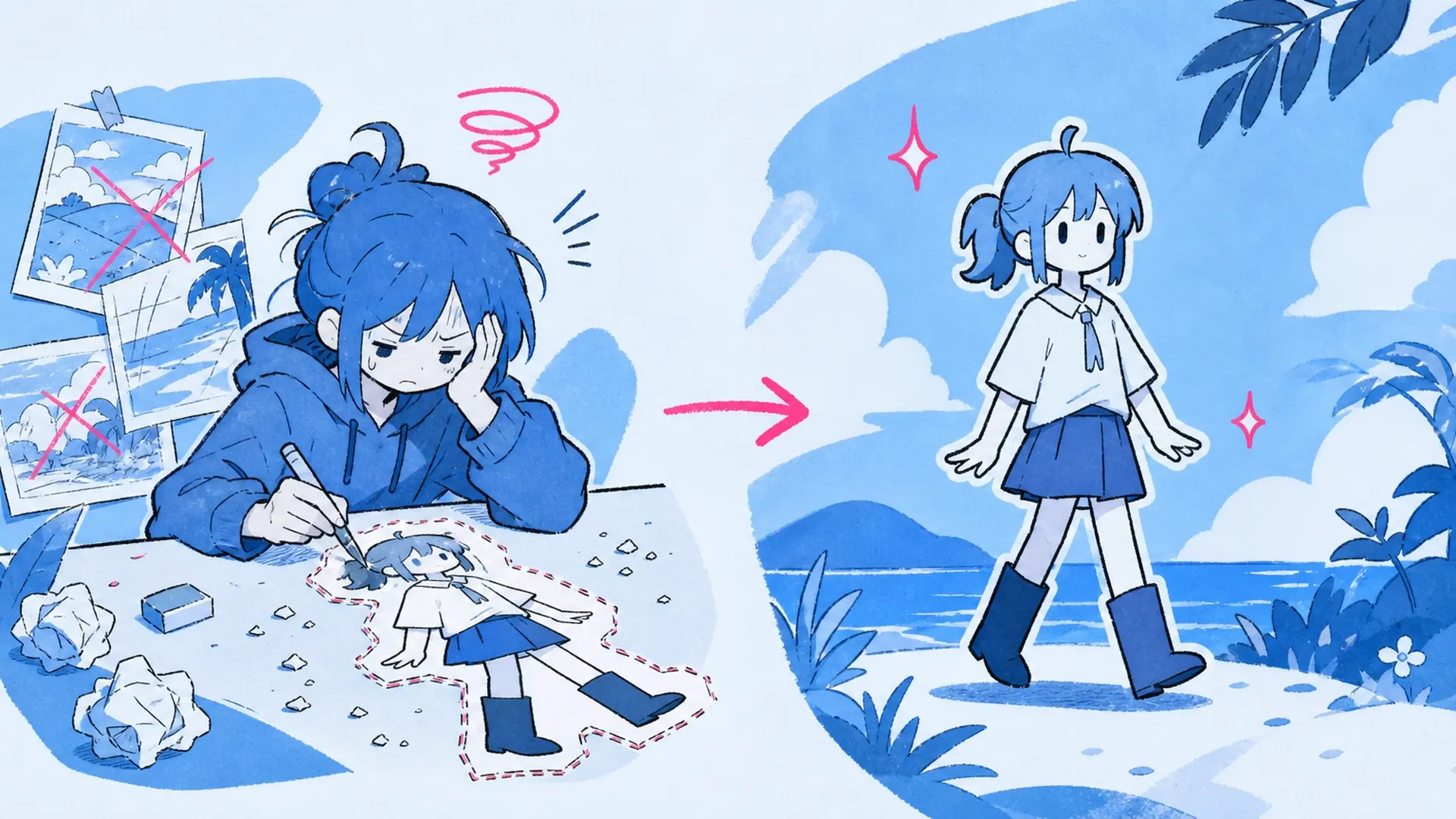
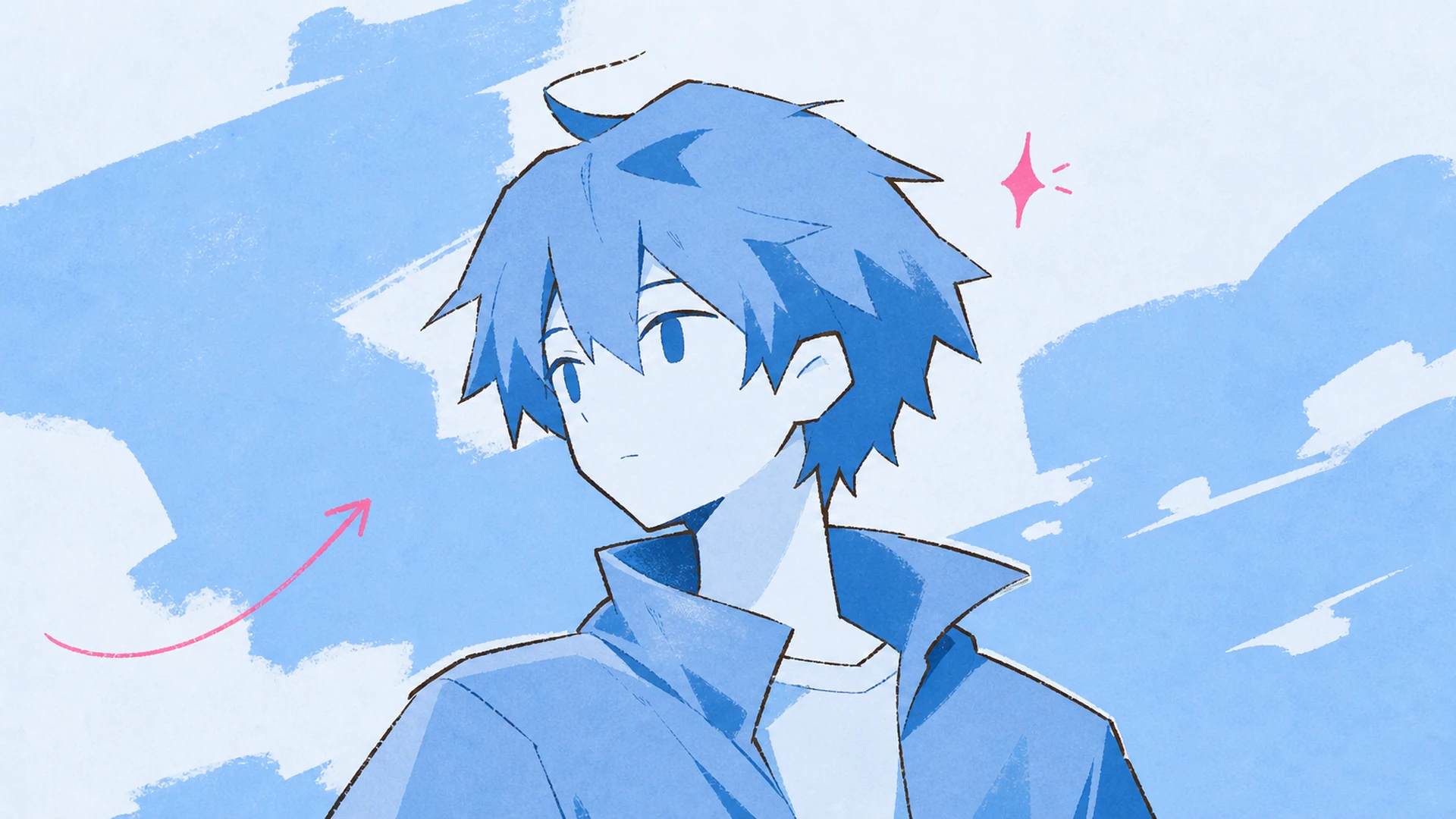
Start with a clean character image. Portraits and full-body art both work, but a crisp subject helps the AI hold face, hair, outfit, and pose. Simple or transparent surroundings give the replacement more room to blend.
02Step
Set the Scene Direction
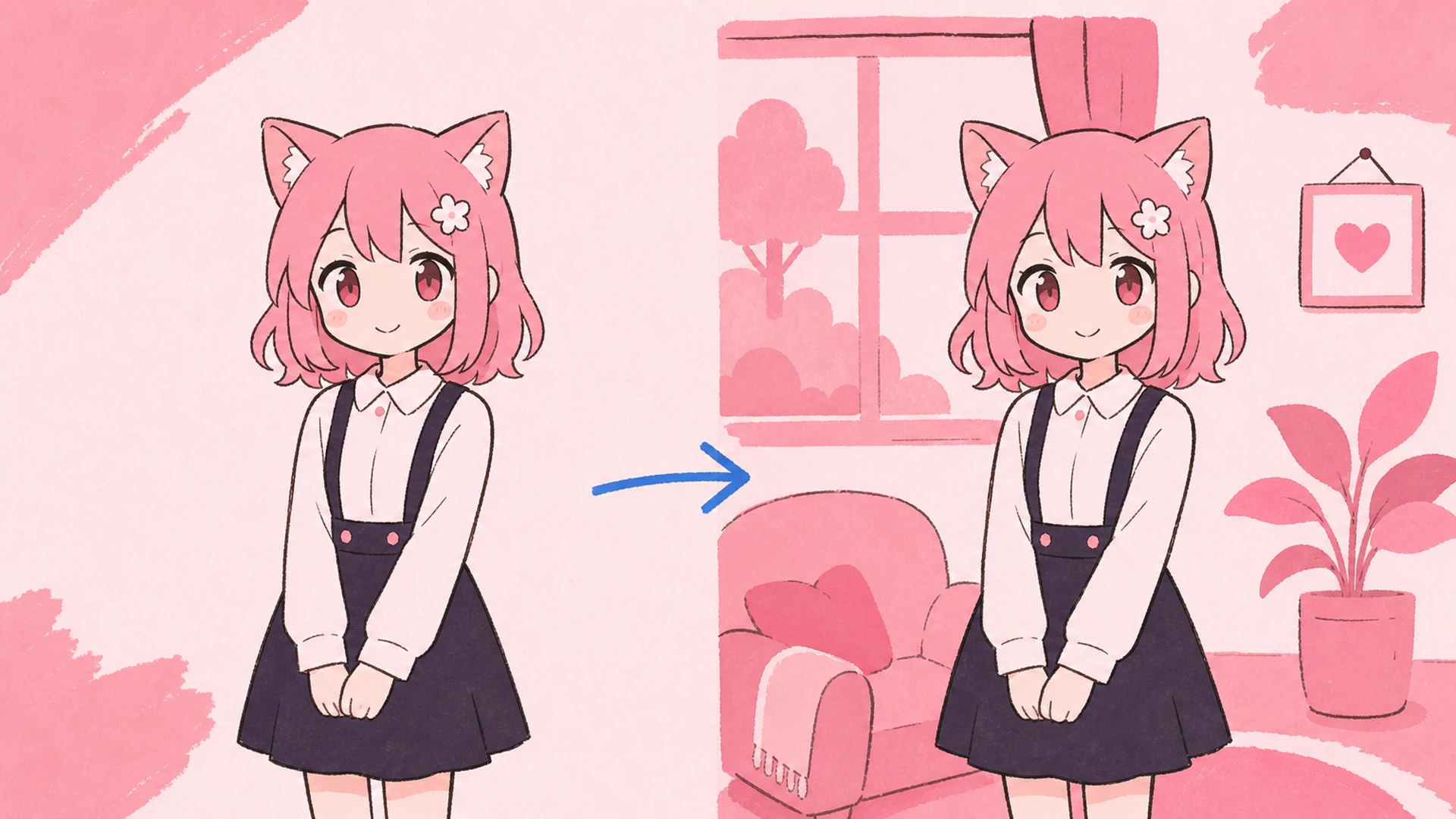
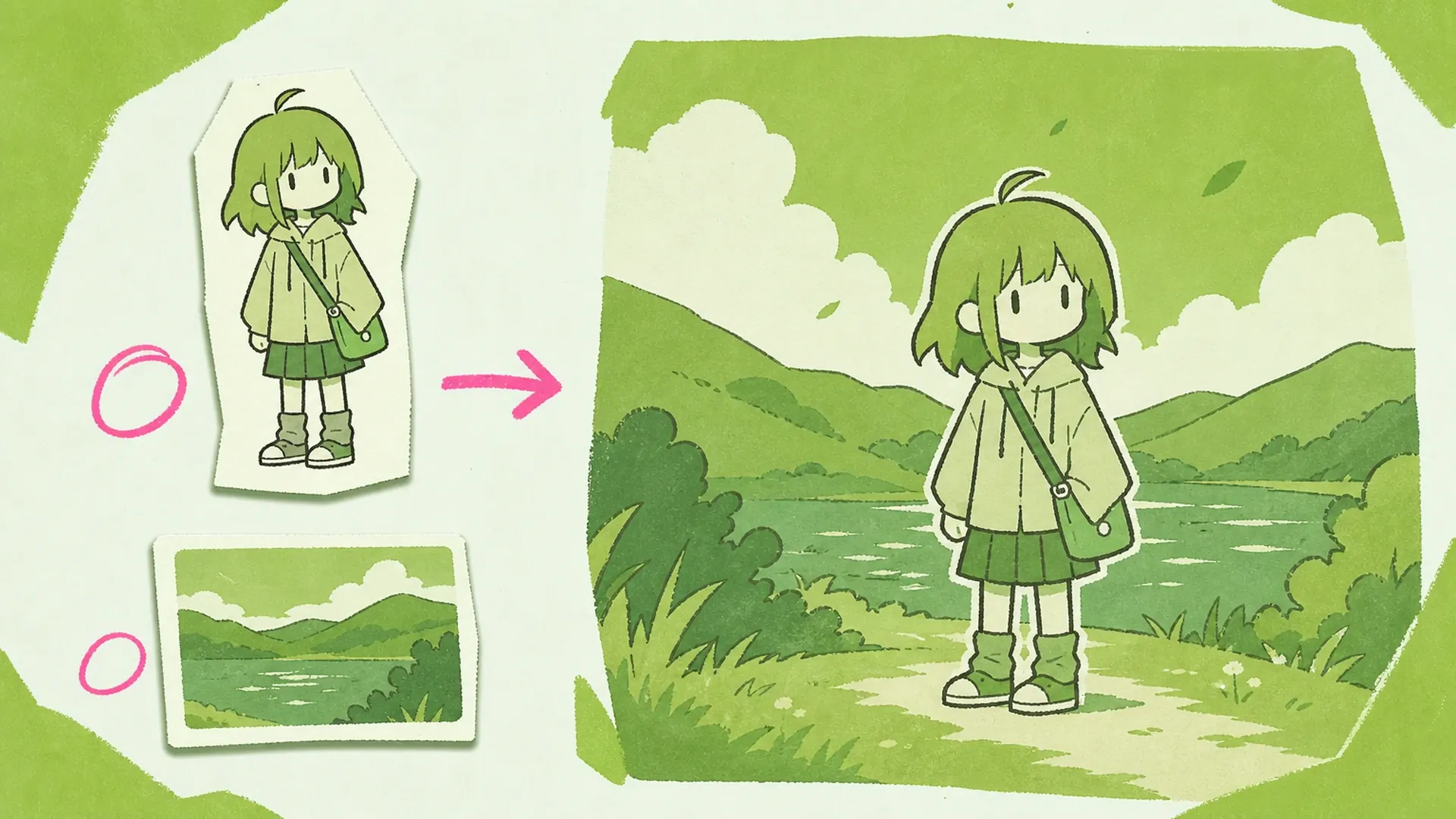
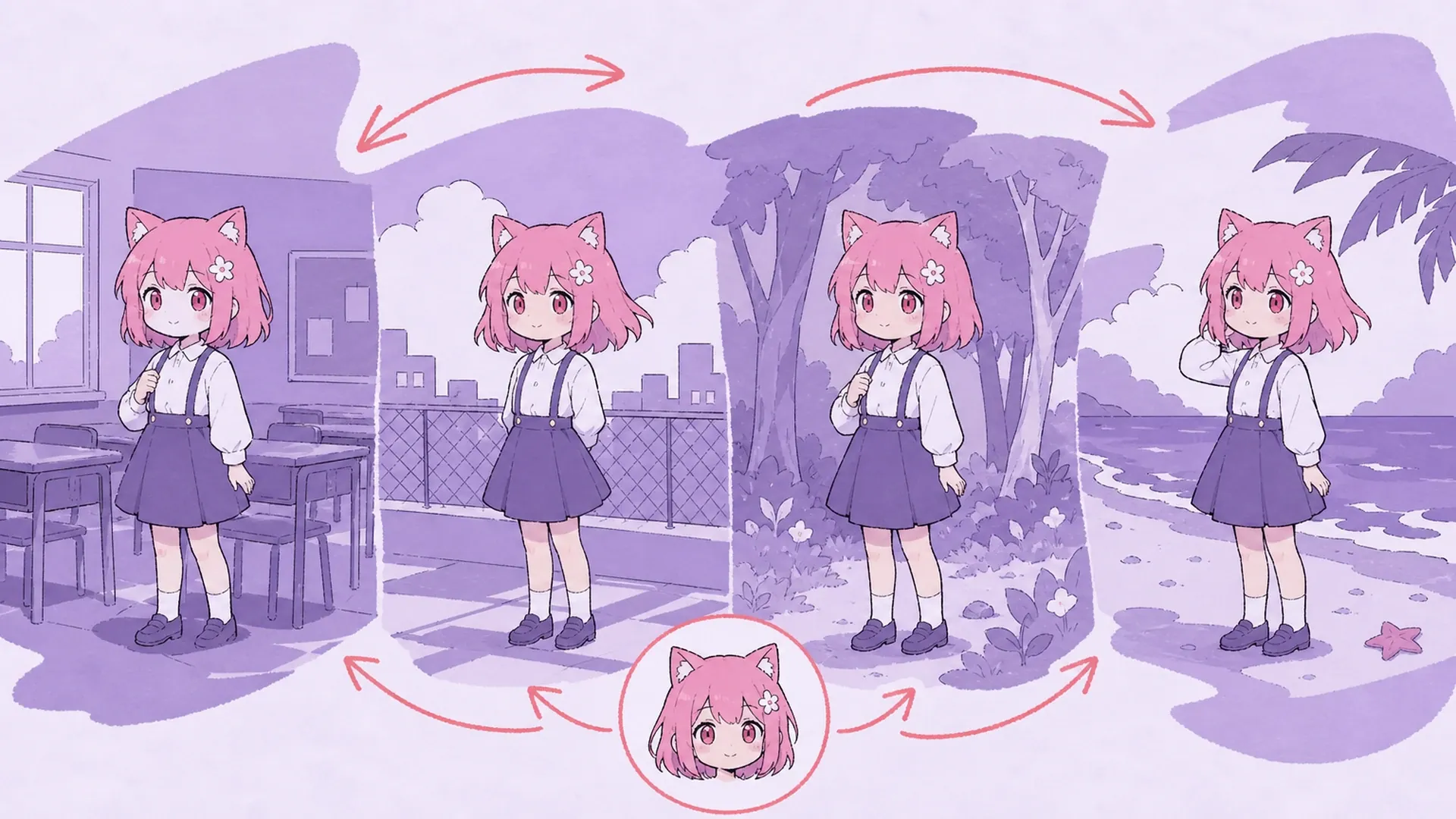
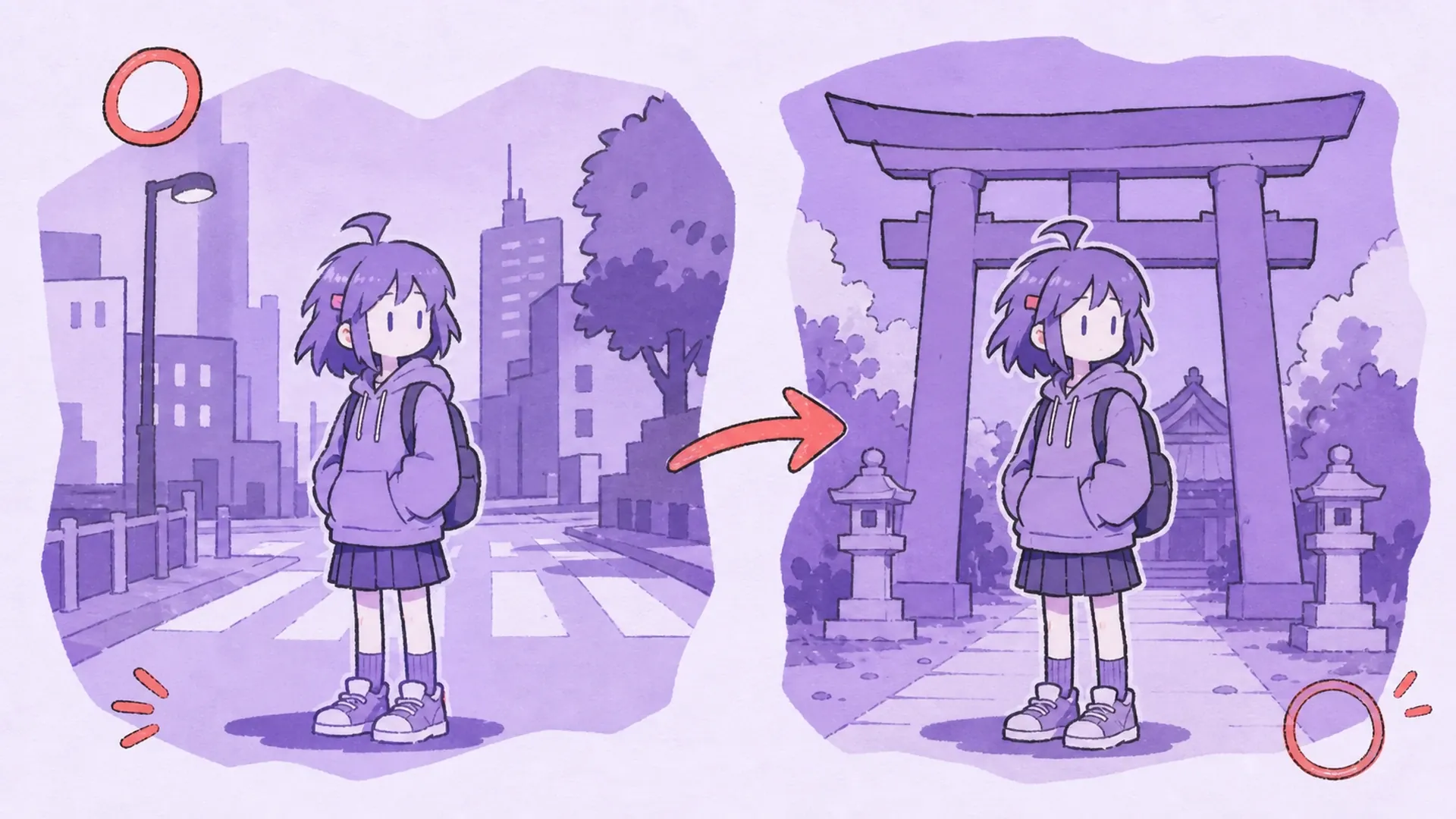
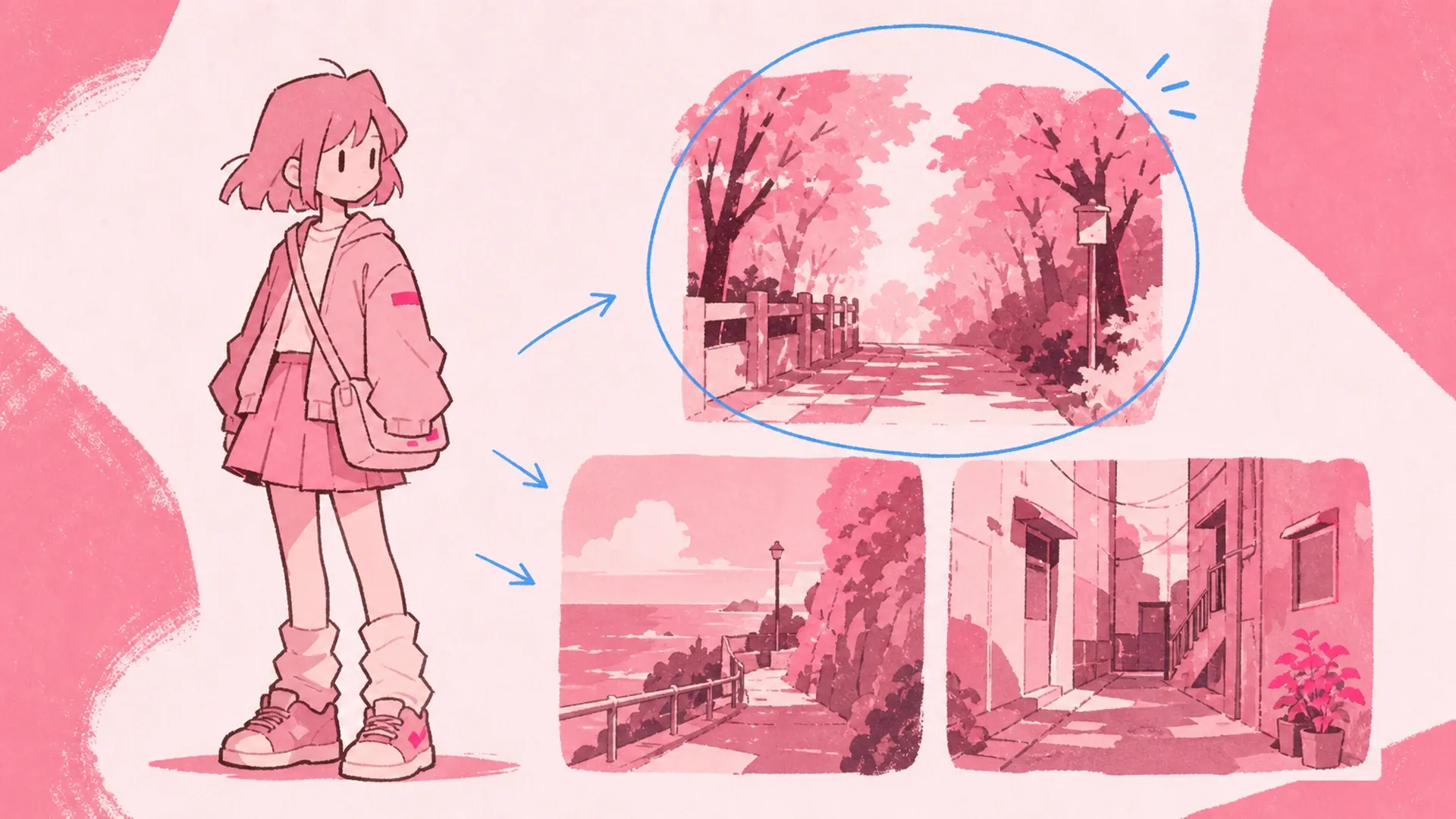
Open the preset picker, add a scene reference, or write a line like neon city street, fantasy forest, school rooftop, beach sunset, or concert stage. The more specific the place, the easier the AI matches depth, mood, and light.
03Step
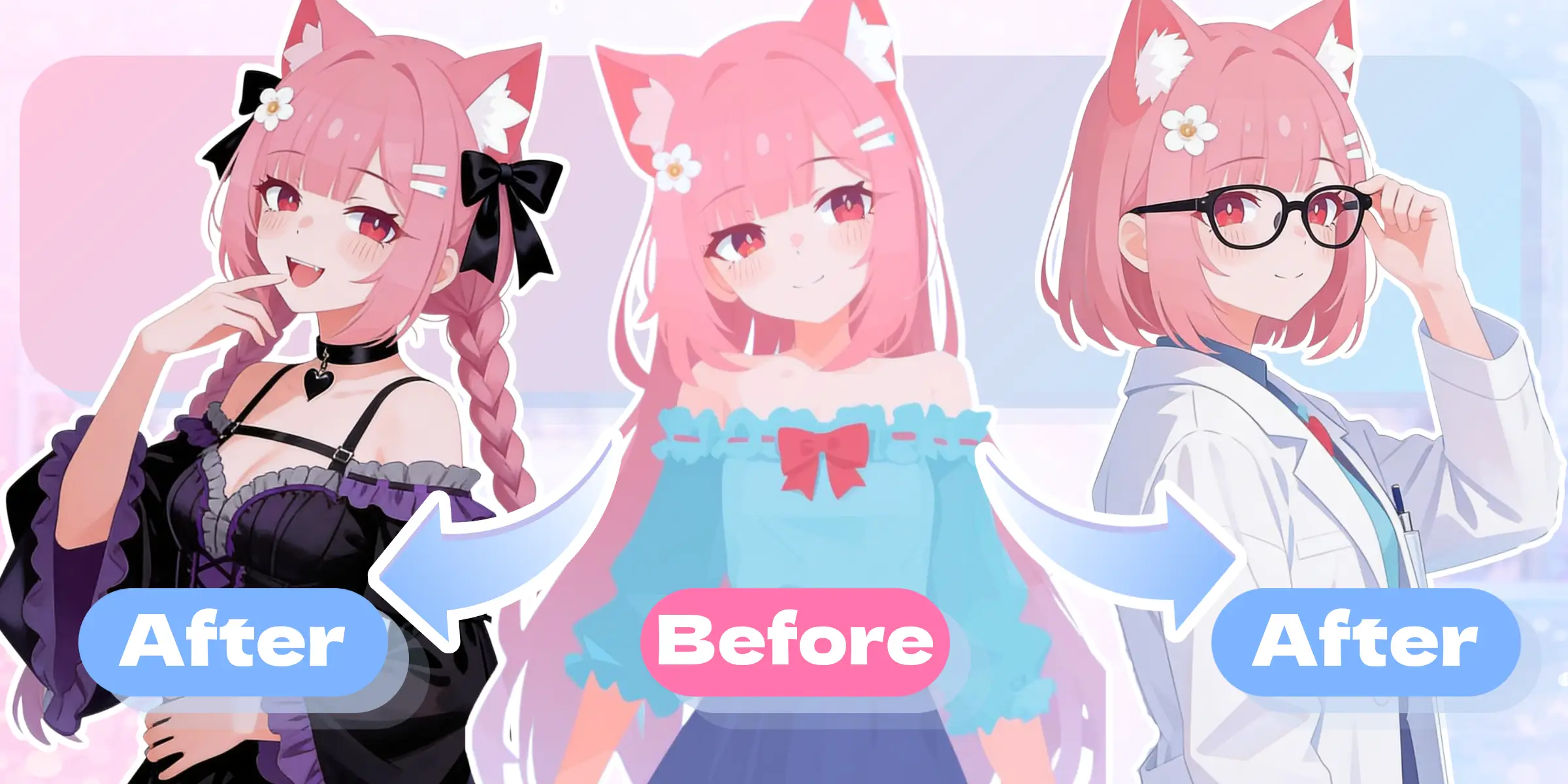
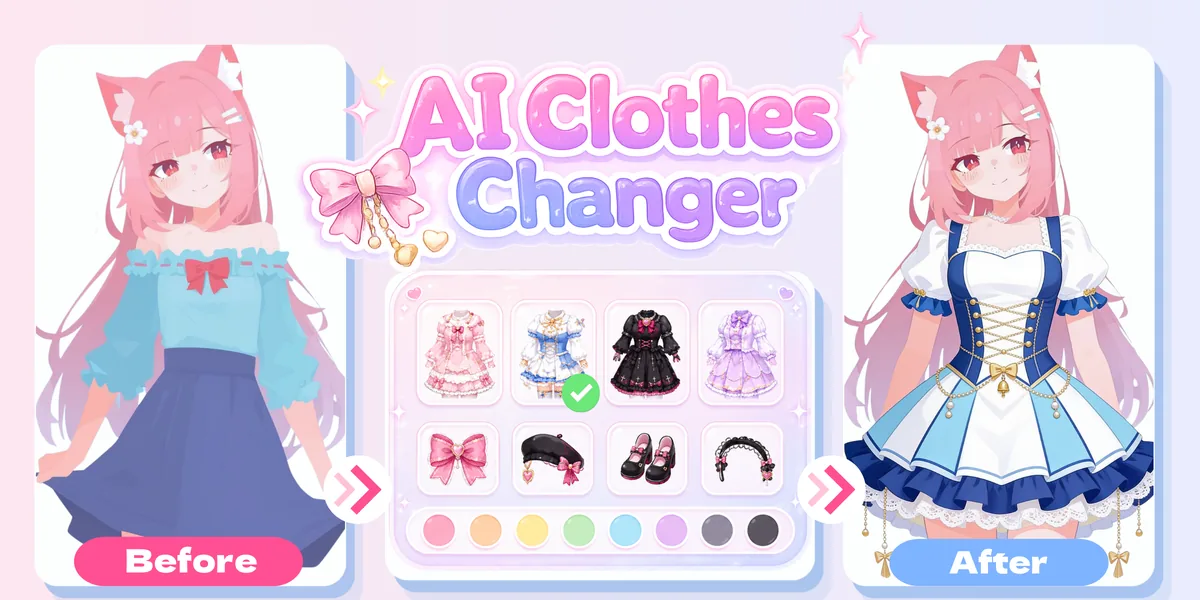
Generate, Then Compare
Hit Change Background and preview the outcome. Each result saves to History so you can download it, reuse settings, edit again, or try another location. Running a few passes pays off, since the scene reshapes the whole mood of the art.