Anime-specialist image generation
Create anime characters, costumes, expressions, environments, and stylized concepts with a model designed primarily for anime and other non-photorealistic artwork.

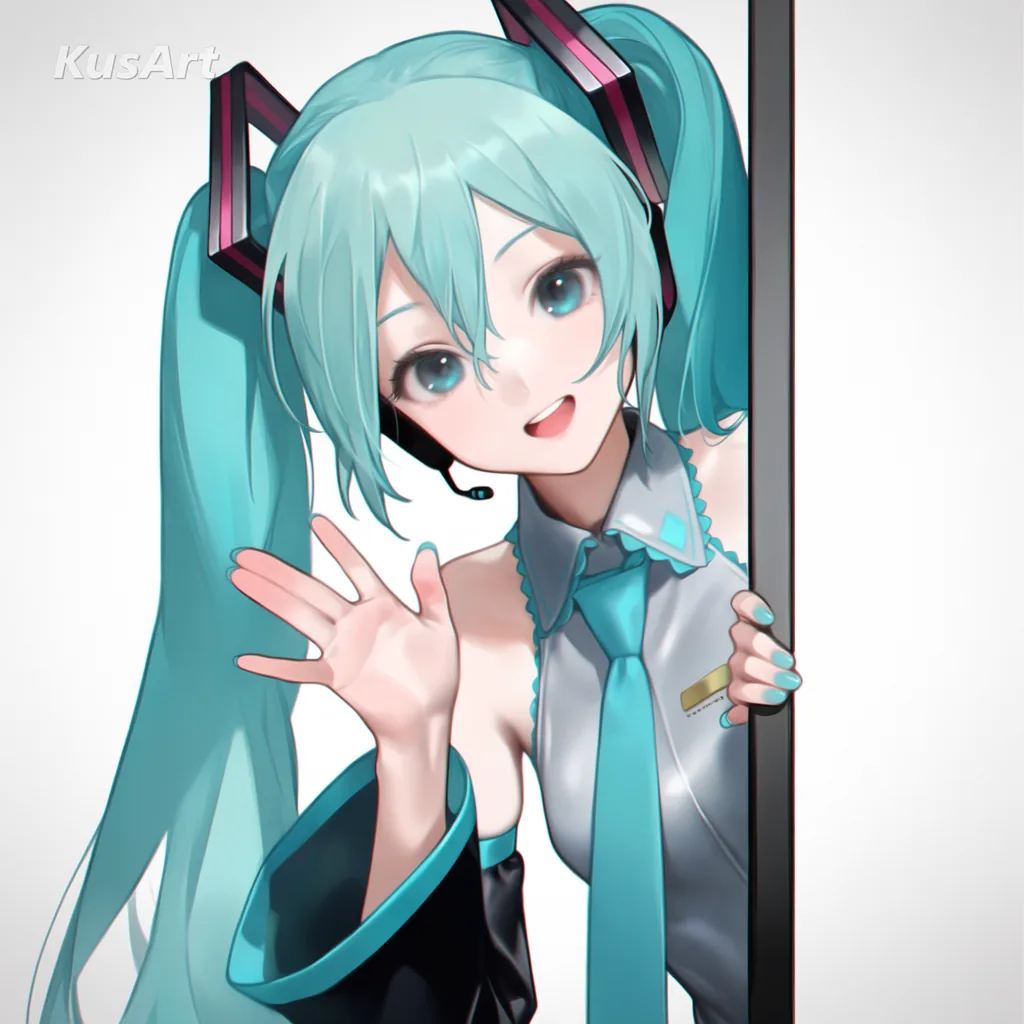
Generate anime characters, concepts, and expressive non-photorealistic artwork with the 2B Anima text-to-image model. KusArt brings online generation, official styles, personal LoRAs, saved characters, and practical controls into one workspace. Generate anime concepts with a model built for illustration. Anima focuses on anime concepts, characters, and styles rather than trying to be a photorealistic all-purpose model. Use it for character portraits, full-body designs, scene concepts, key art, stylized environments, and other artistic images. Its training combines several million anime images with a substantial collection of non-anime artwork, giving the model room to move beyond one default anime look while staying strongest in illustration.
Create with Anima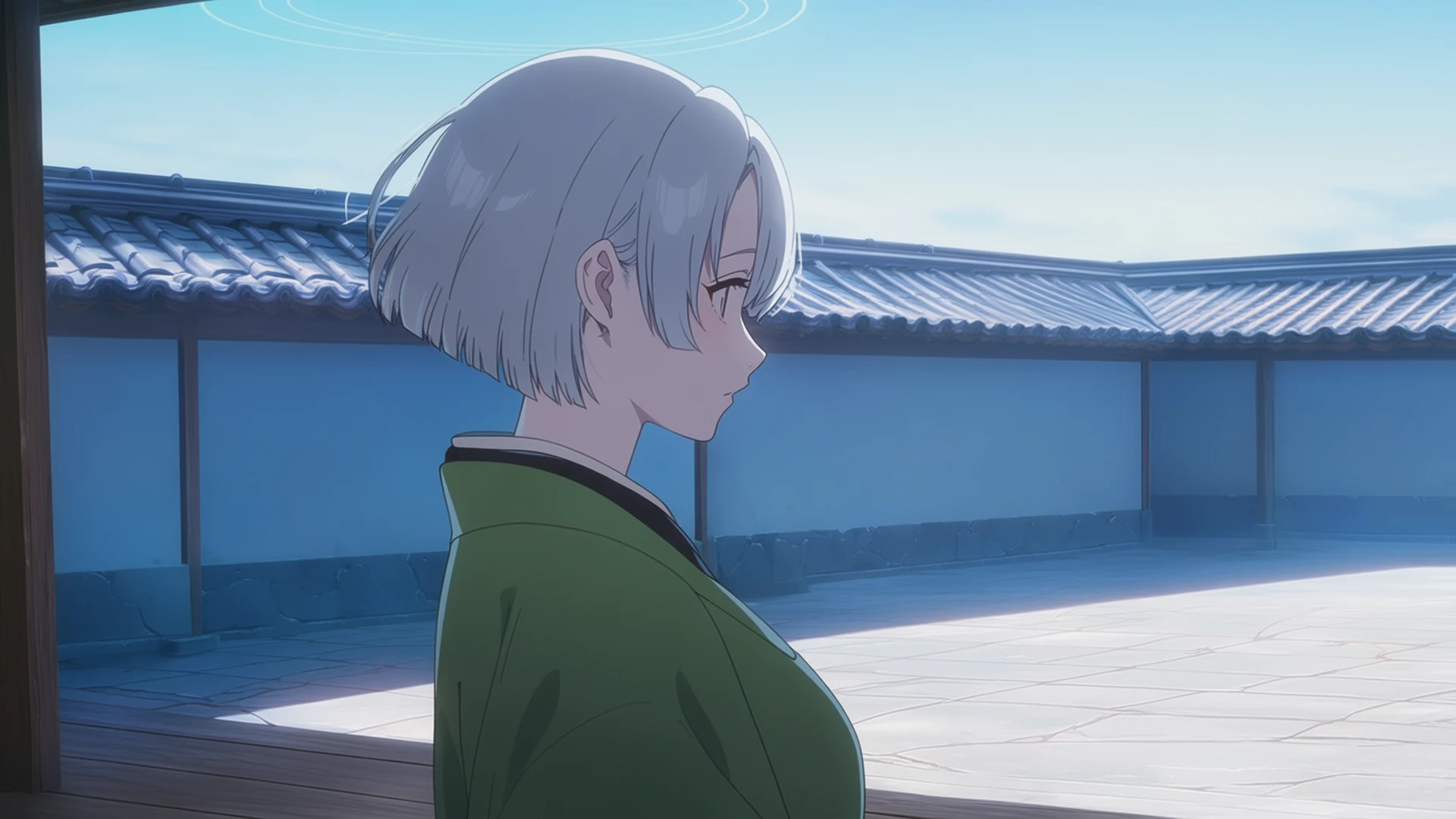
The Anima model is a 2 billion parameter text-to-image model focused on anime concepts, characters, styles, and a wider range of non-photorealistic art. It was trained on several million anime images and about 800,000 non-anime artistic images without synthetic training data. KusArt makes this specialist model available in the browser, with generation controls and reusable creative assets integrated into the same workspace. Compare it with the broader AI Anime Generator when you need a more general creation workflow.
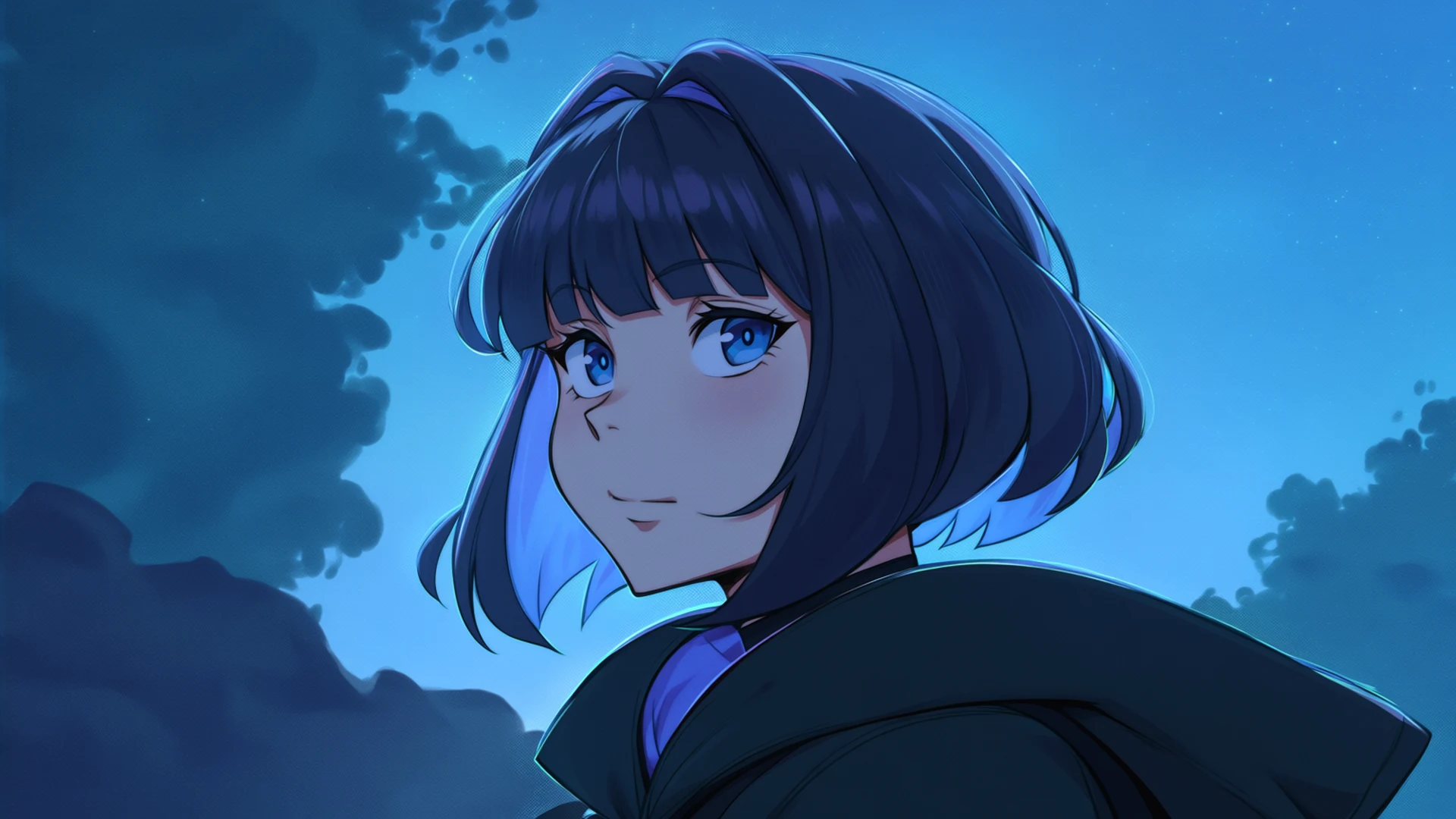
Anima understands structured anime-style tags, natural-language captions, and combinations of the two. That means a compact tag sequence can precisely define visual attributes, while descriptive sentences can communicate a fuller scene, mood, pose, and relationship between subjects. You can also combine both formats in one prompt. In KusArt, prompt assistance and reusable assets make this flexibility easier to use without requiring you to assemble a local Anima workflow.
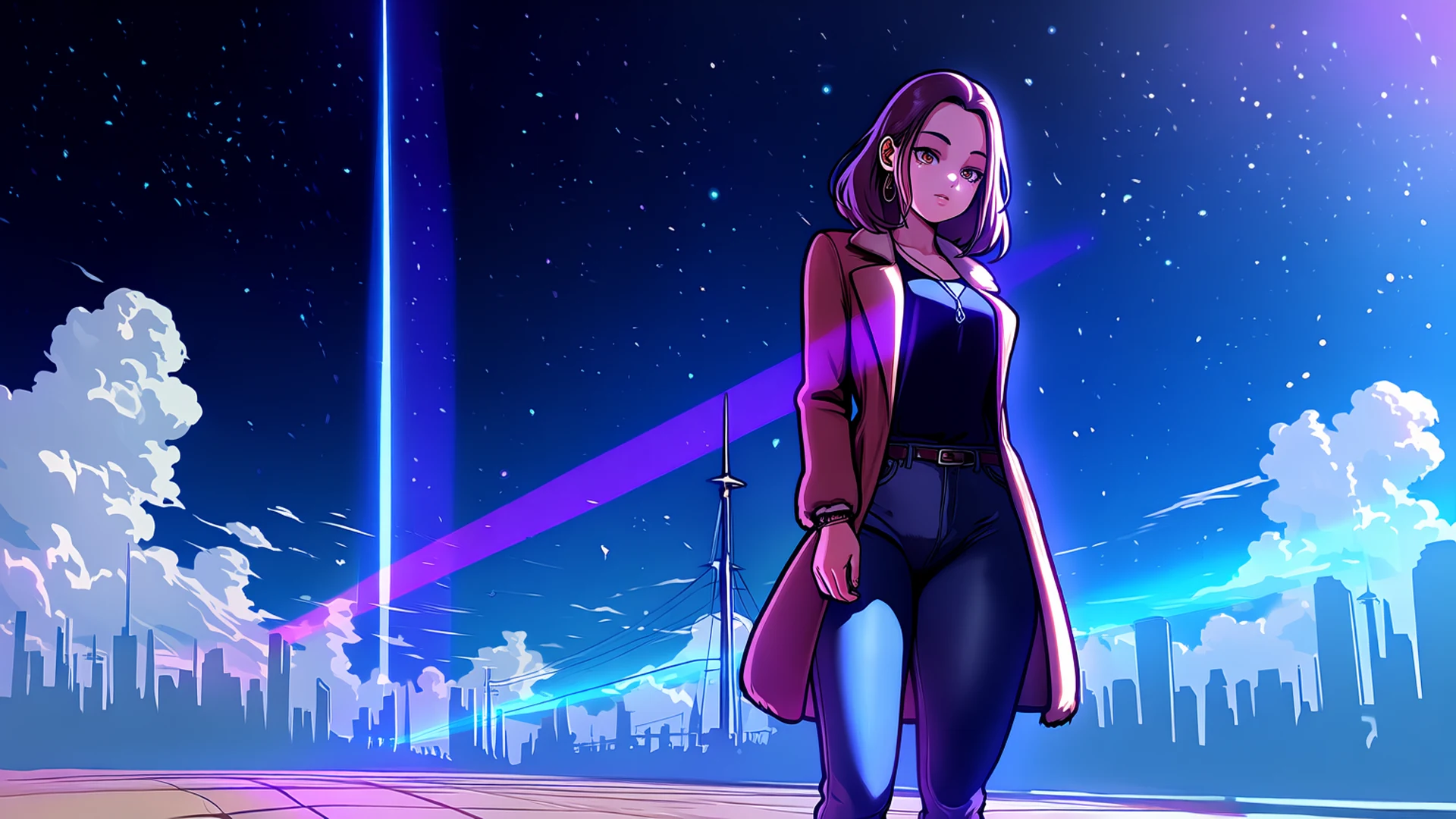
LoRA and character creation are KusArt workflow features layered around Anima, not the definition of the model itself. You can upload or train a compatible personal LoRA, save an original character, and bring those assets into Anima generation from My LoRA and My Characters. Combine them with official styles, adjust personal LoRA strength, and use speed or style controls as you iterate. When an existing image should drive the composition directly, use the image-to-image AI generator instead.
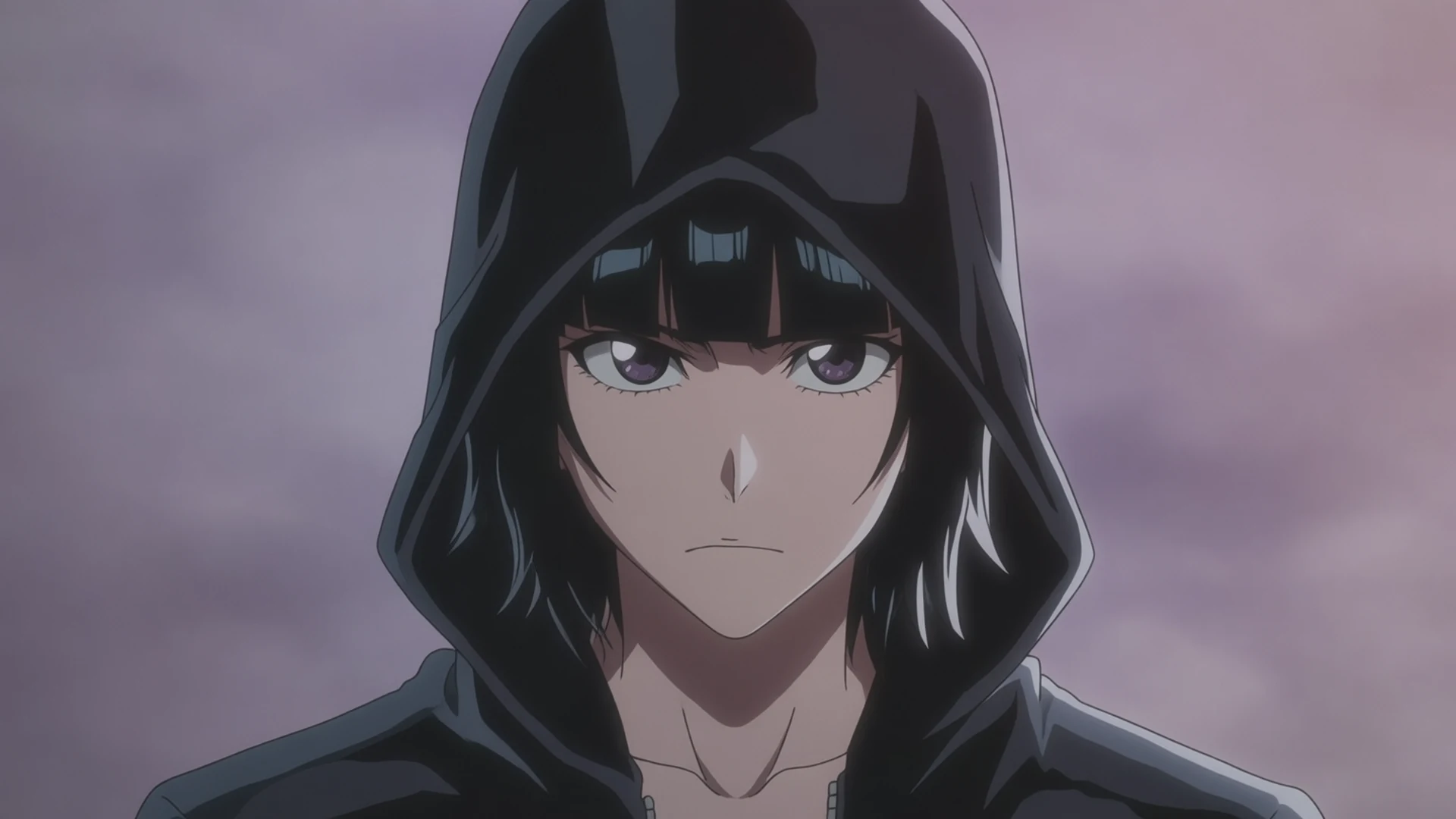
Start with Anima's anime and illustration strengths, then use KusArt's hosted controls and reusable asset libraries to shape the result around your own creative direction.
Create anime characters, costumes, expressions, environments, and stylized concepts with a model designed primarily for anime and other non-photorealistic artwork.
Write concise visual tags, describe the image in natural English, or mix the two approaches when a scene needs both precise attributes and broader art direction.
Create or upload a compatible LoRA, save an anime character, and select those assets alongside official styles. KusArt supports up to five combined style and LoRA selections, with strength controls for personal LoRAs.
Describe an anime or illustration idea, add only the custom assets the image needs, and tune the online generation without installing the model locally.
Write the subject, appearance, pose, composition, setting, lighting, and mood. Use natural language, visual tags, or both; detailed prompts generally give Anima clearer direction than a few isolated words.
Select an official style, a personal LoRA from My LoRA, or an established character from My Characters when the image needs more specific visual or identity guidance.
Adjust personal LoRA strengths, choose speed boost for rapid exploration or style enhancement for a more refined result, generate, and revise the prompt after comparing the output with your original brief.
Anima is best suited to anime, illustration, and artistic image tasks where character, style, and visual concept matter more than photorealism.
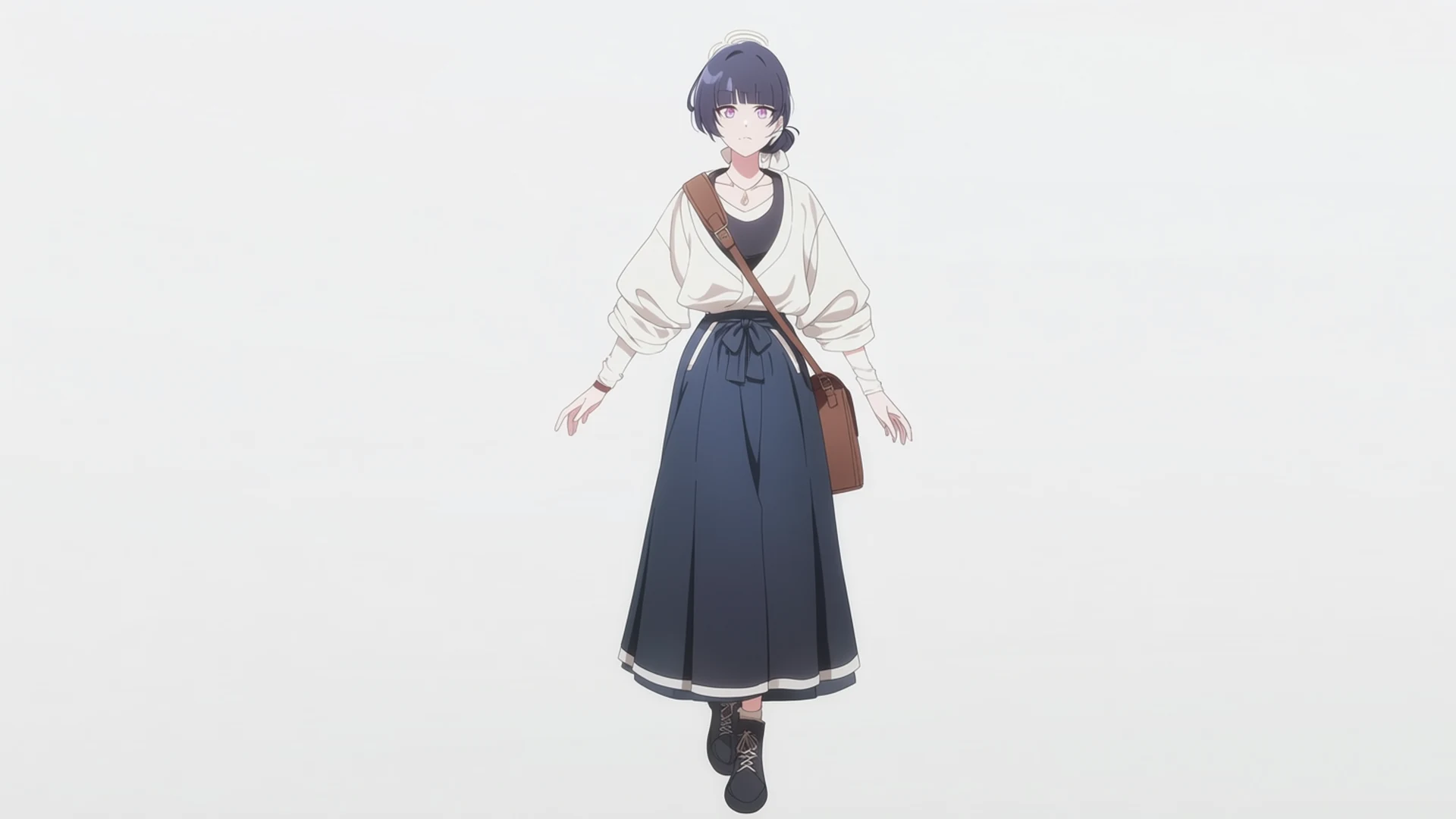
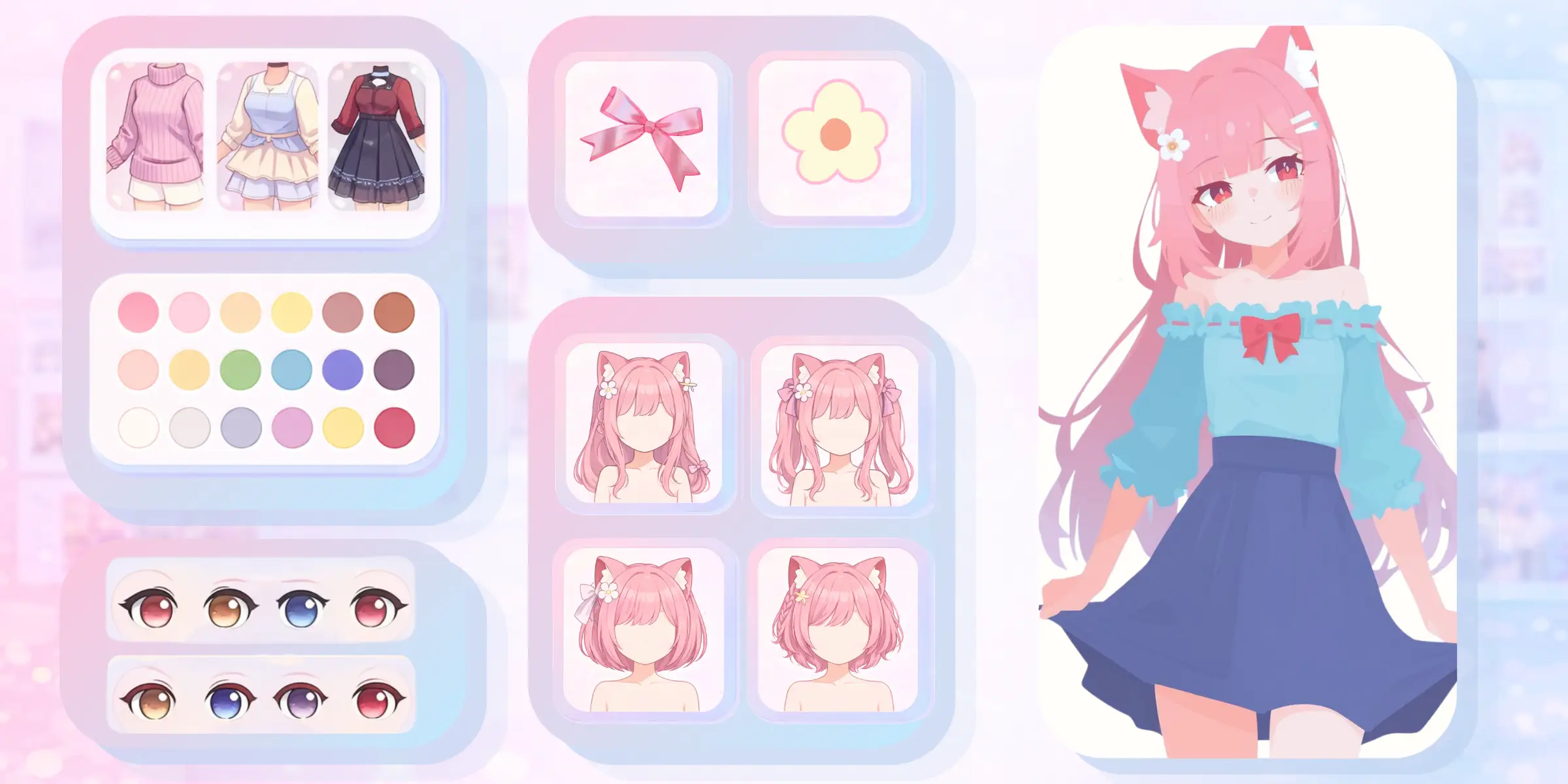
Explore faces, hairstyles, outfits, expressions, poses, and silhouettes for a new anime character, then save the strongest direction for later creation work.
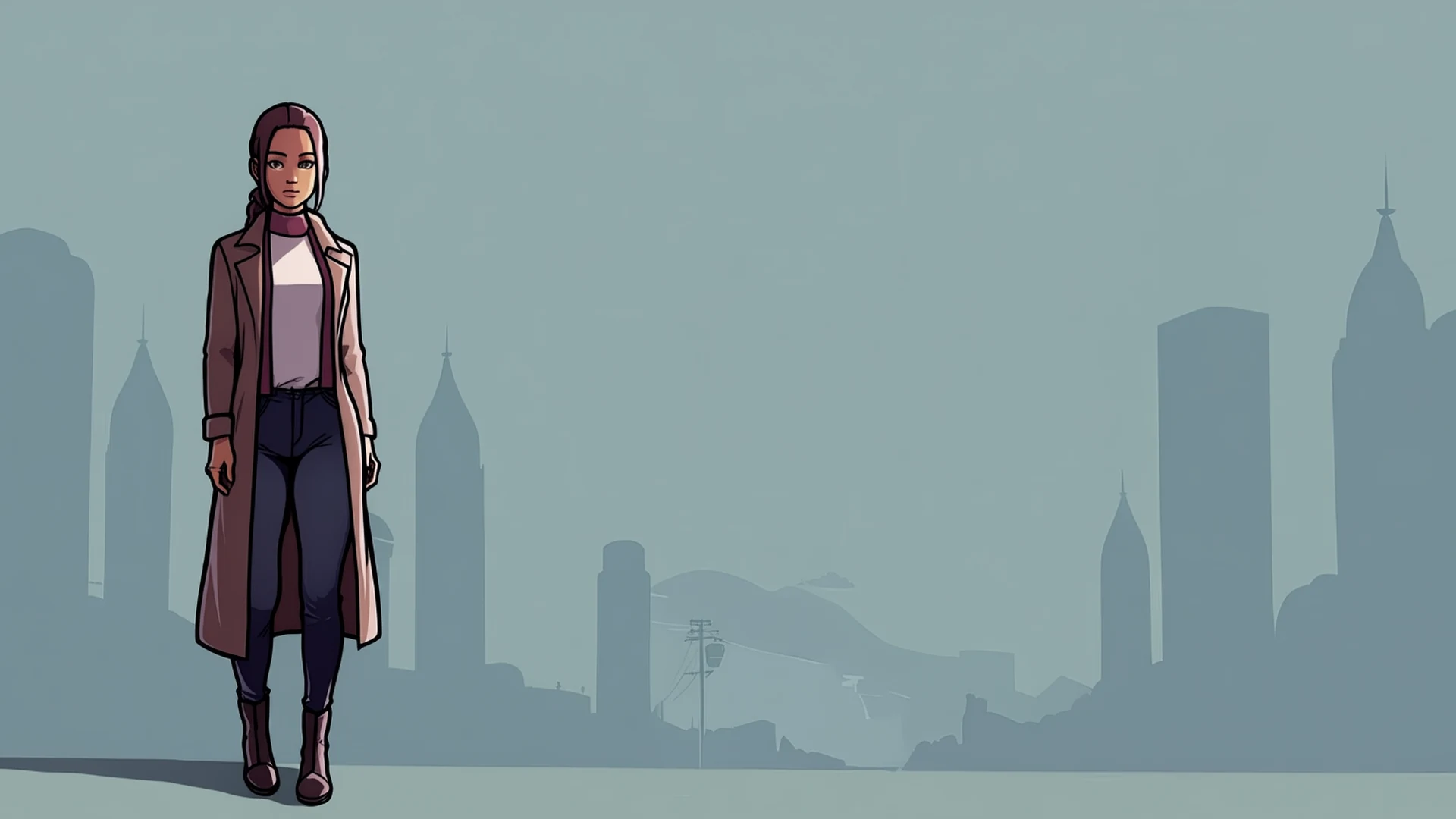
Develop portraits, posters, splash art, visual-novel concepts, and atmospheric scenes with stronger control over anime-oriented subjects and artistic presentation.
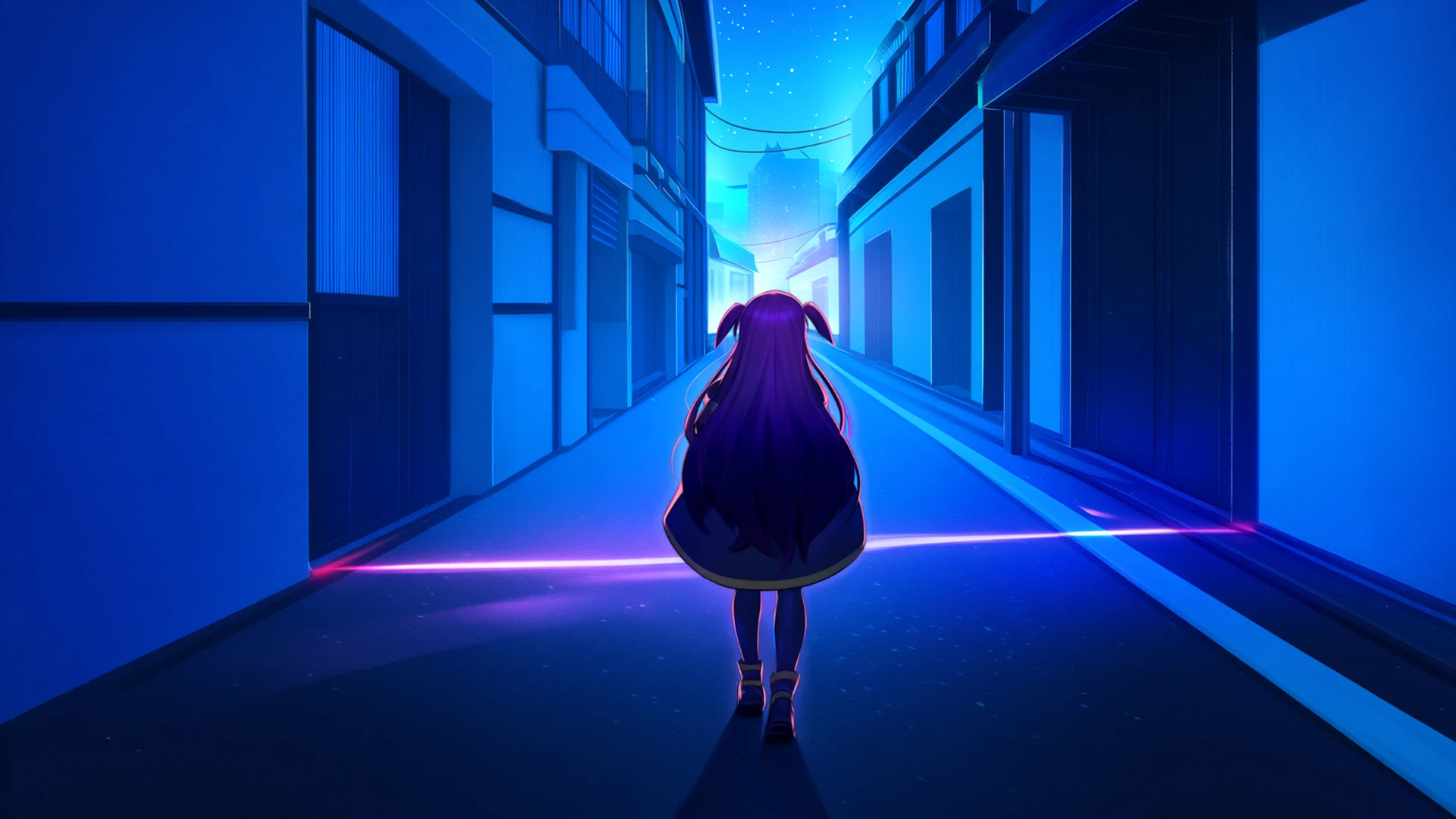
Move beyond conventional anime rendering into graphic, painterly, fantasy, and other artistic directions supported by Anima's broader non-photorealistic training.
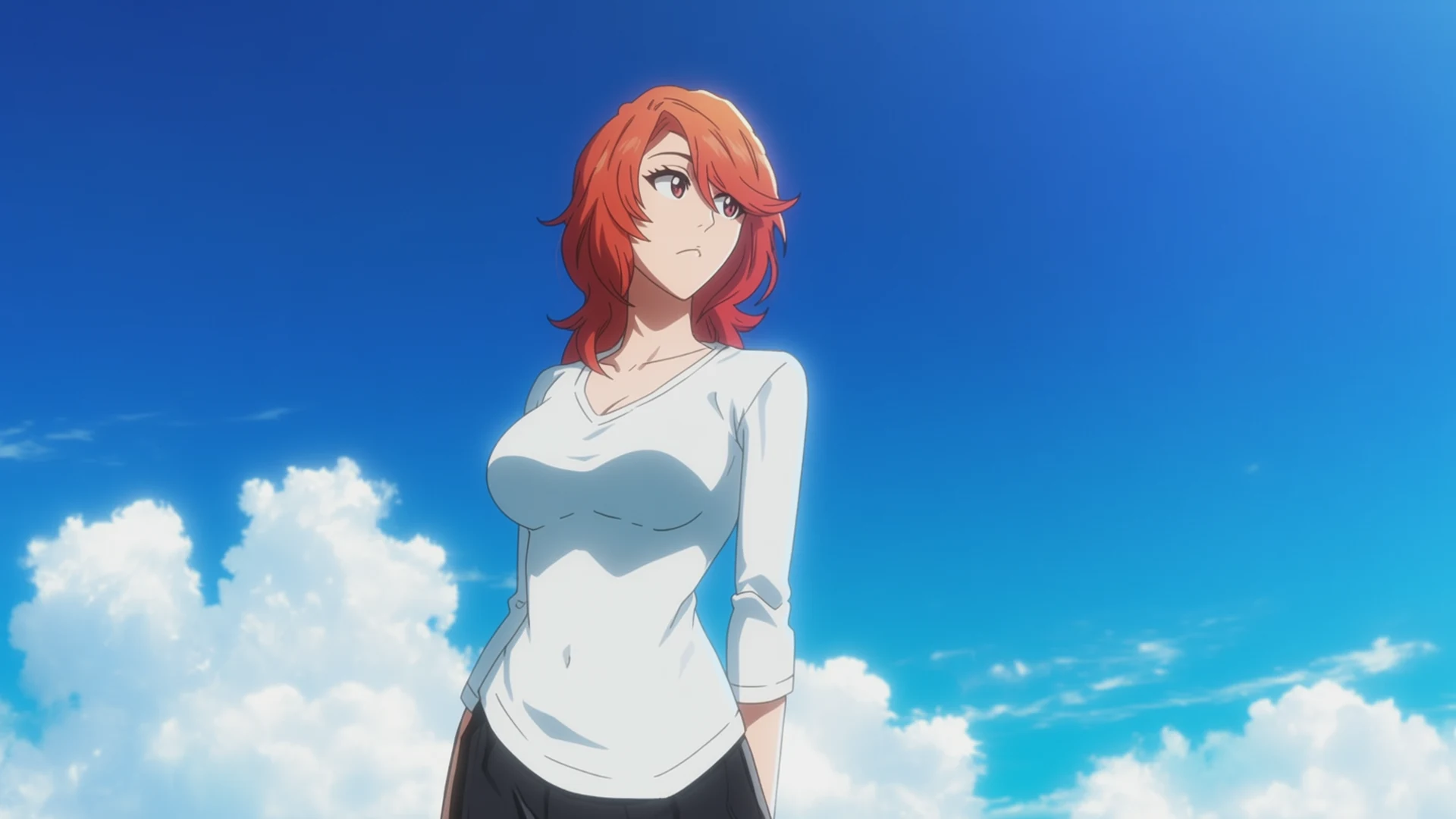
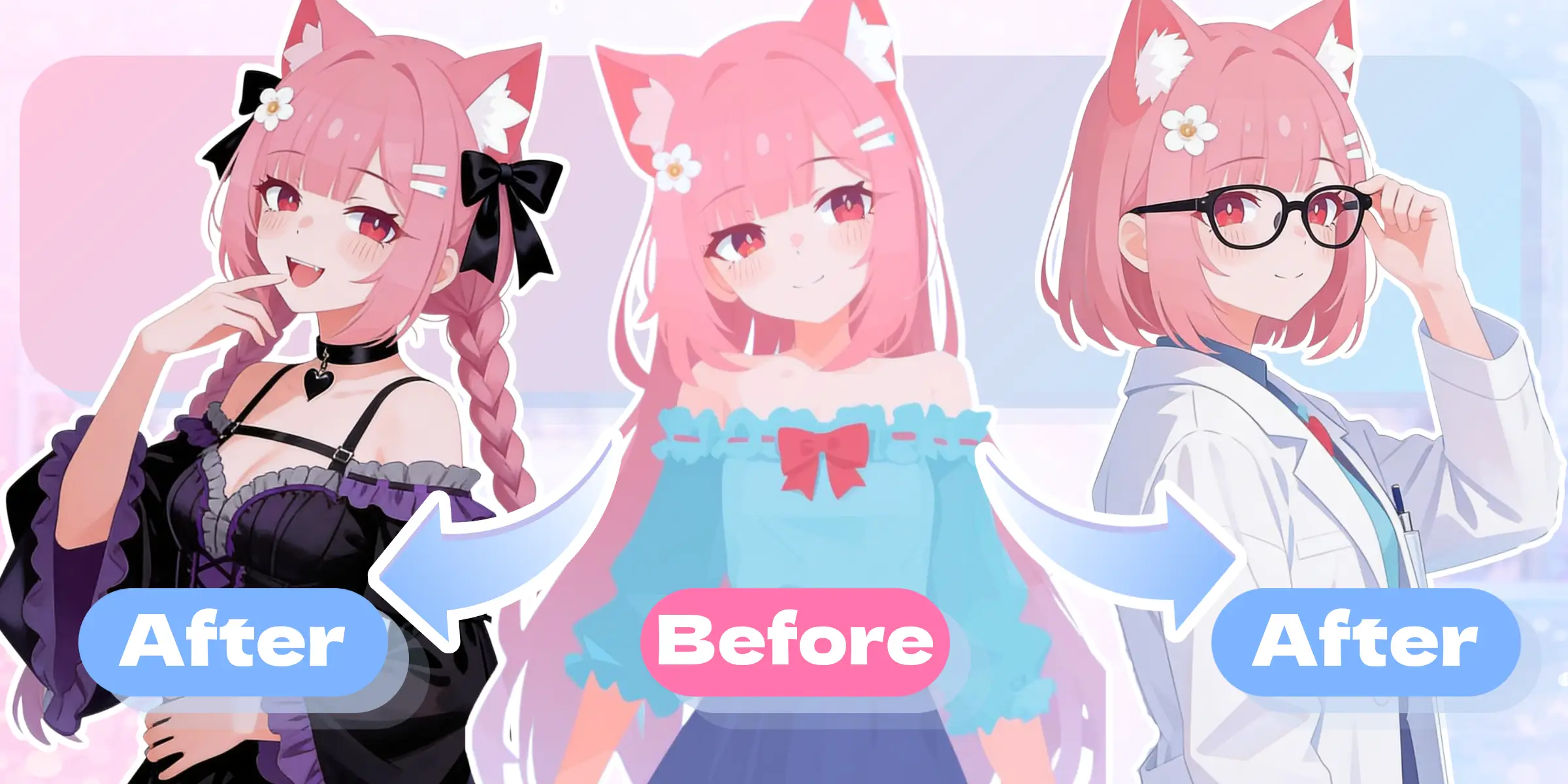
Use KusArt to train or upload a personal LoRA and create a reusable character, then bring those assets into Anima for related images, variations, and ongoing character projects.
Start with Anima's anime-focused text-to-image capabilities, then add KusArt styles, personal LoRAs, or saved characters when the idea needs a more specific identity.
Create with AnimaTrain a personal anime LoRA, build an original character, or refine an existing character with a dedicated KusArt workflow.