KusArt
    Anime Album Cover Maker

    AI Anime Album Cover Maker

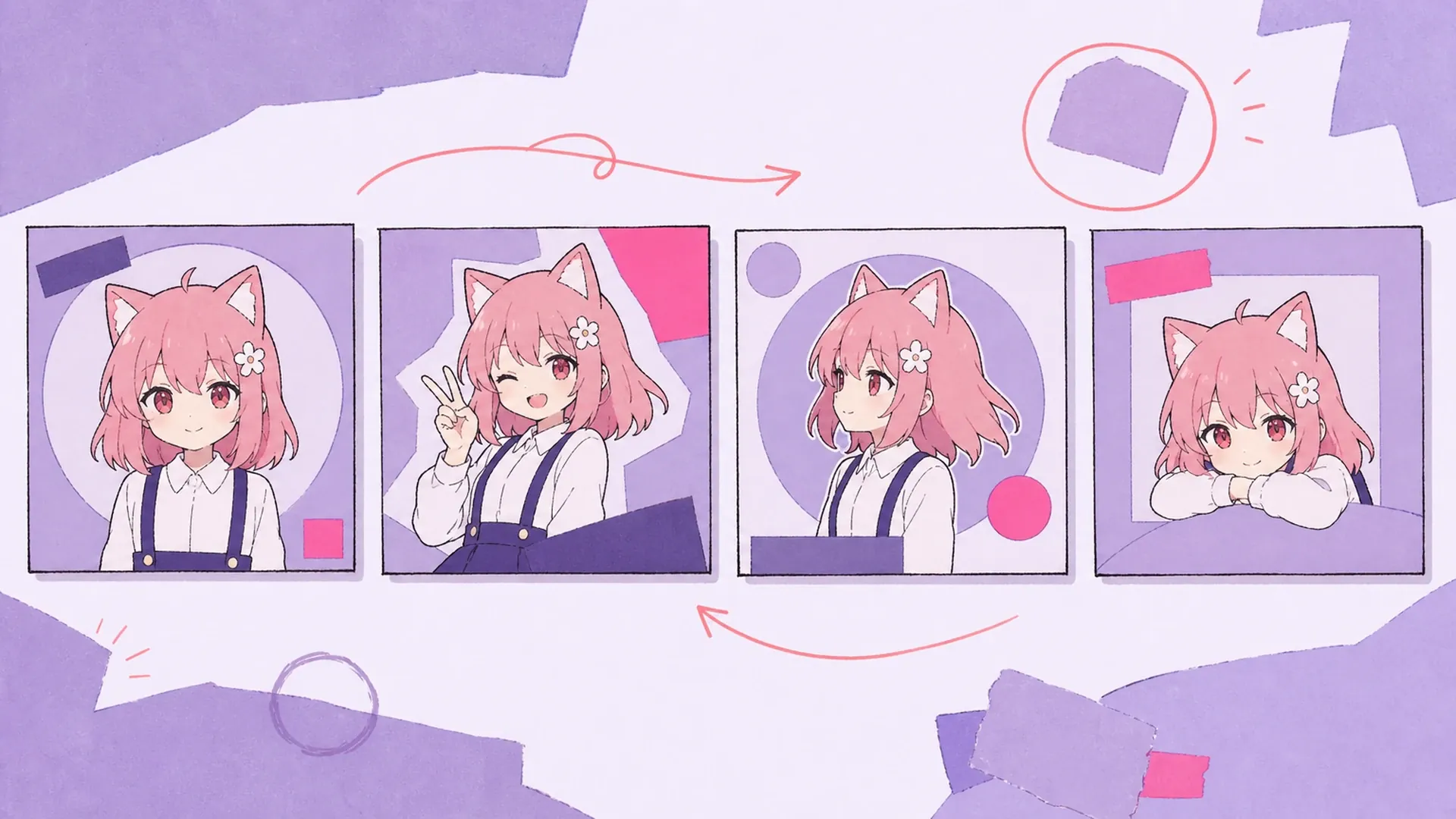
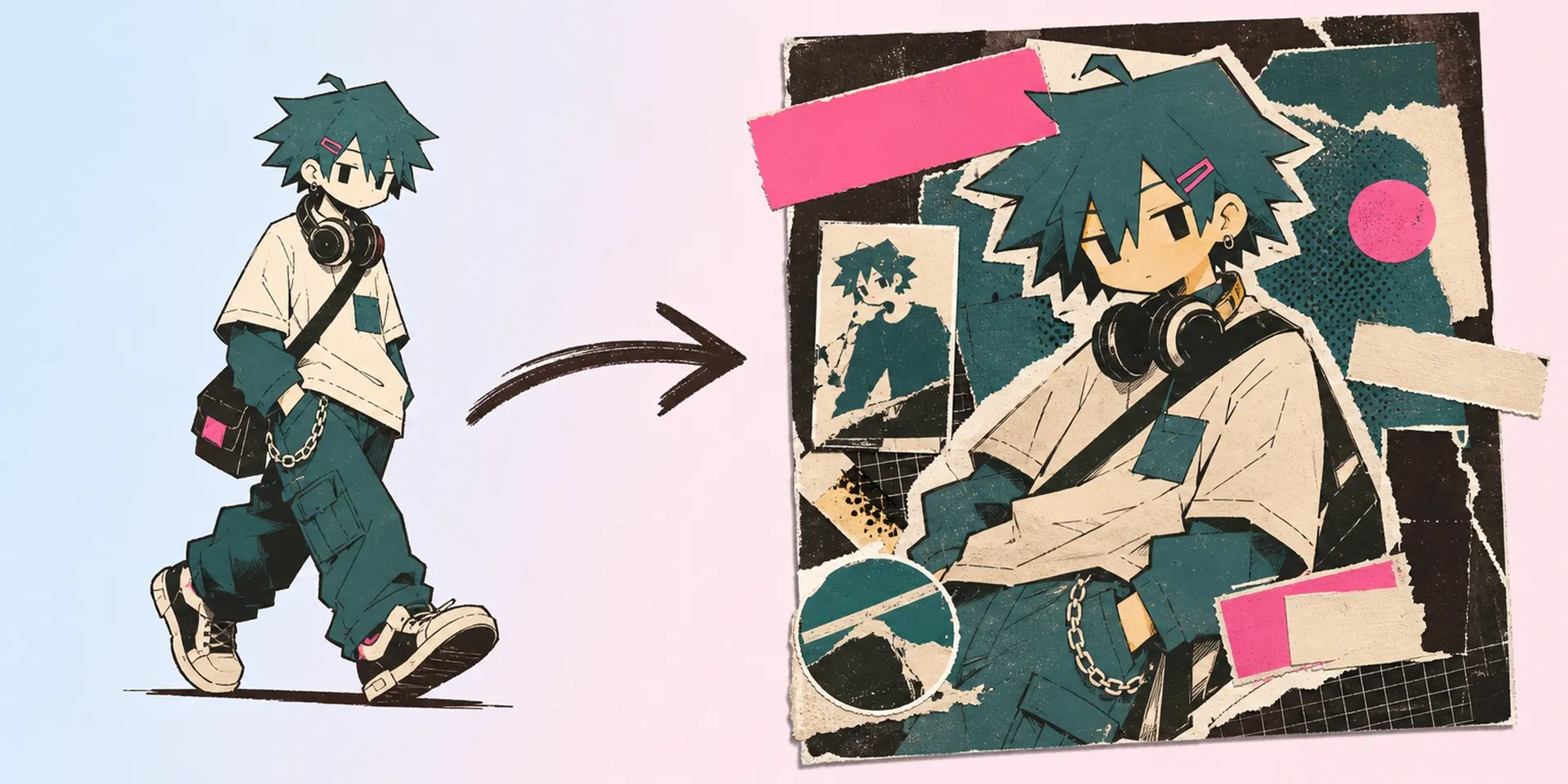
    Turn one character illustration into a polished anime album cover maker result, with editable title and artist fields ready for singles, playlists, and VTuber releases.

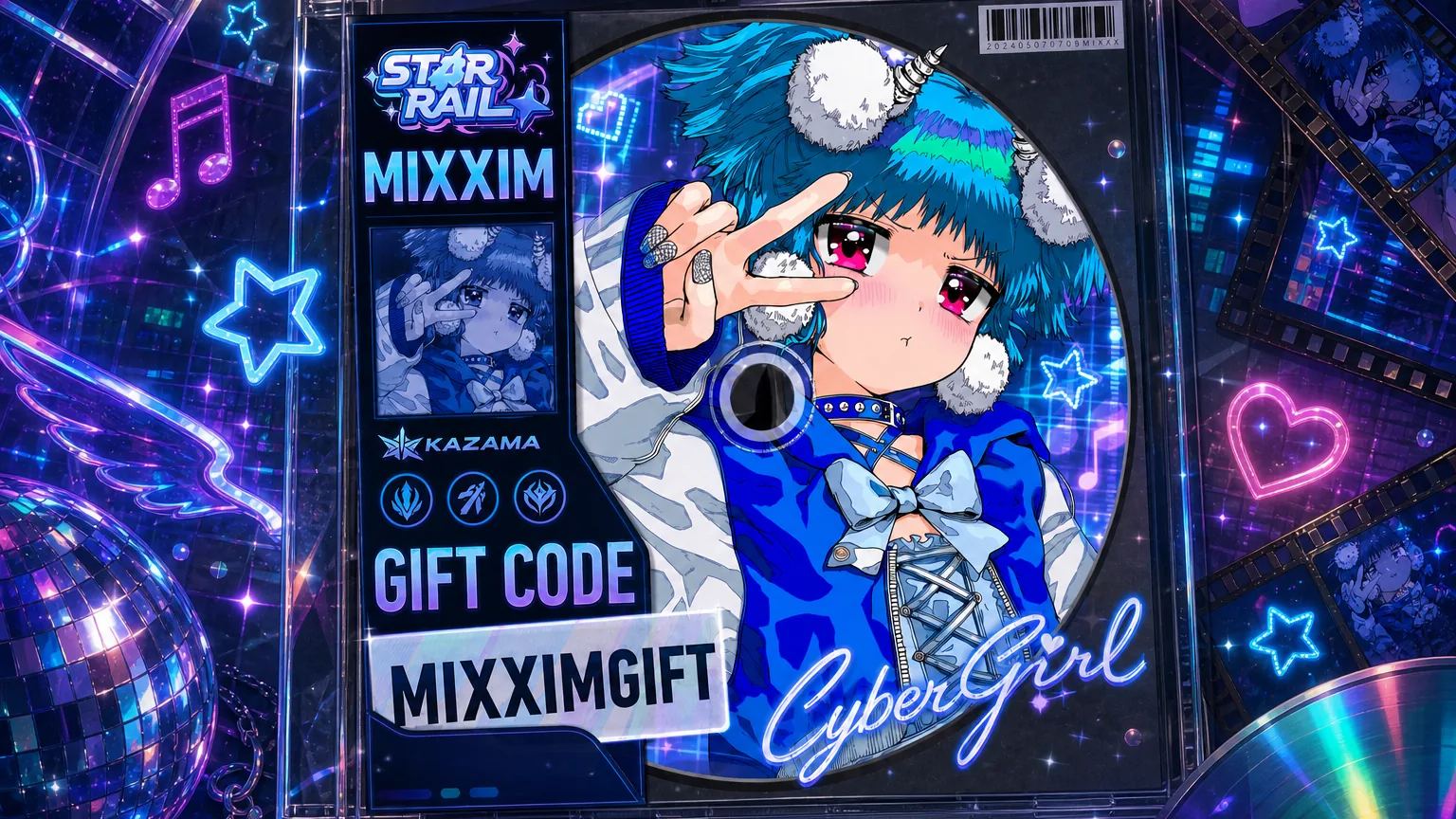
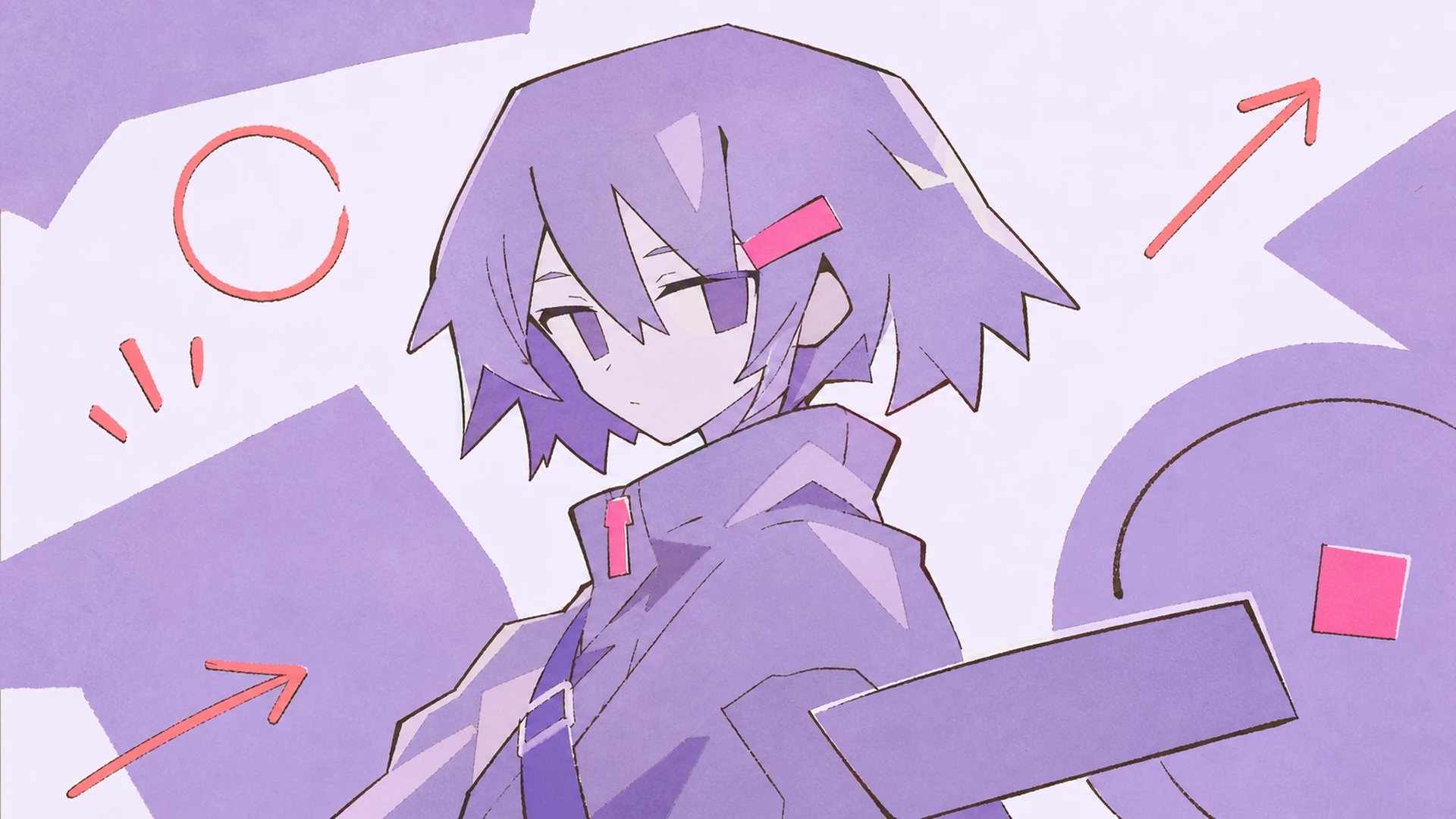
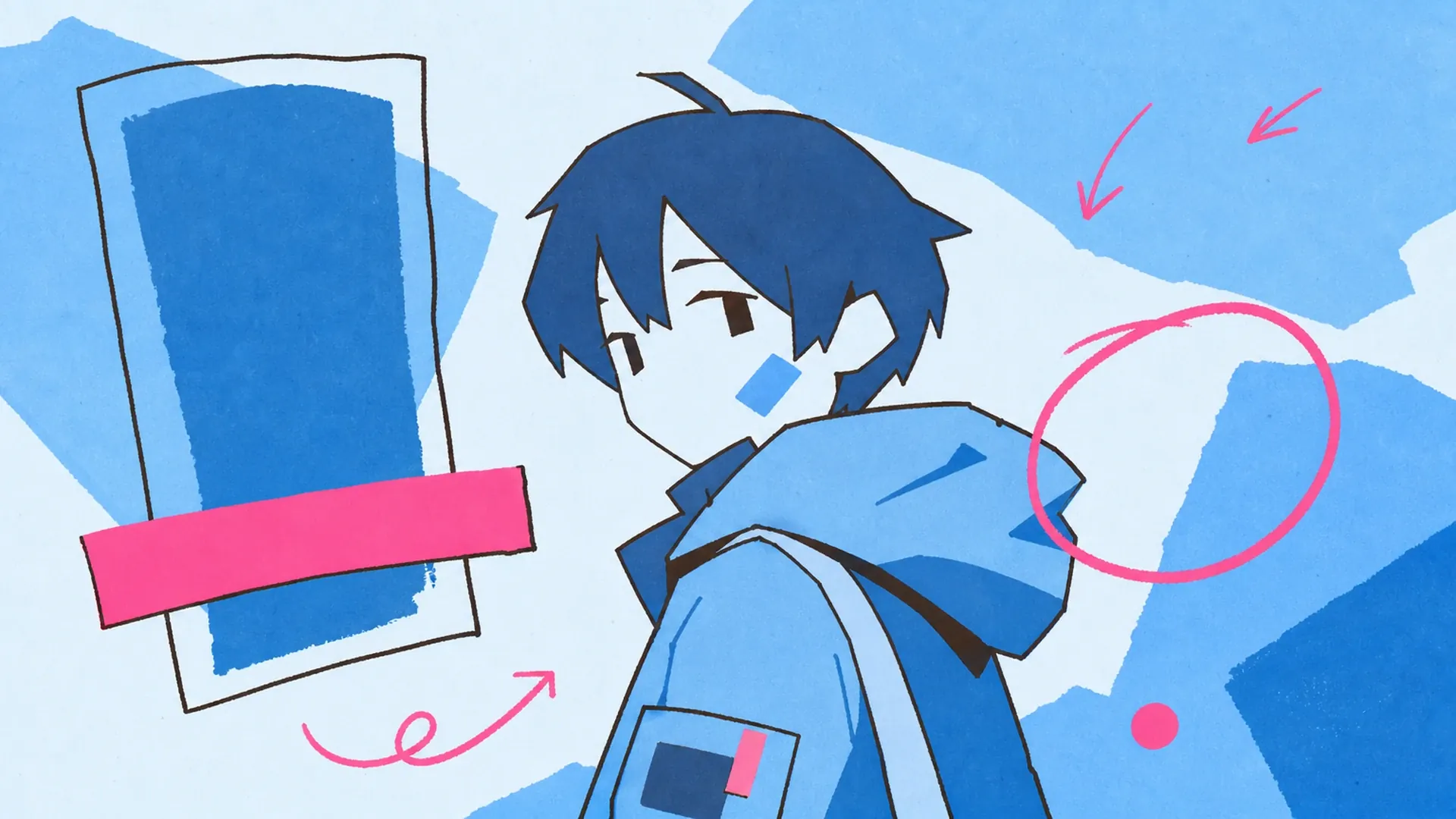
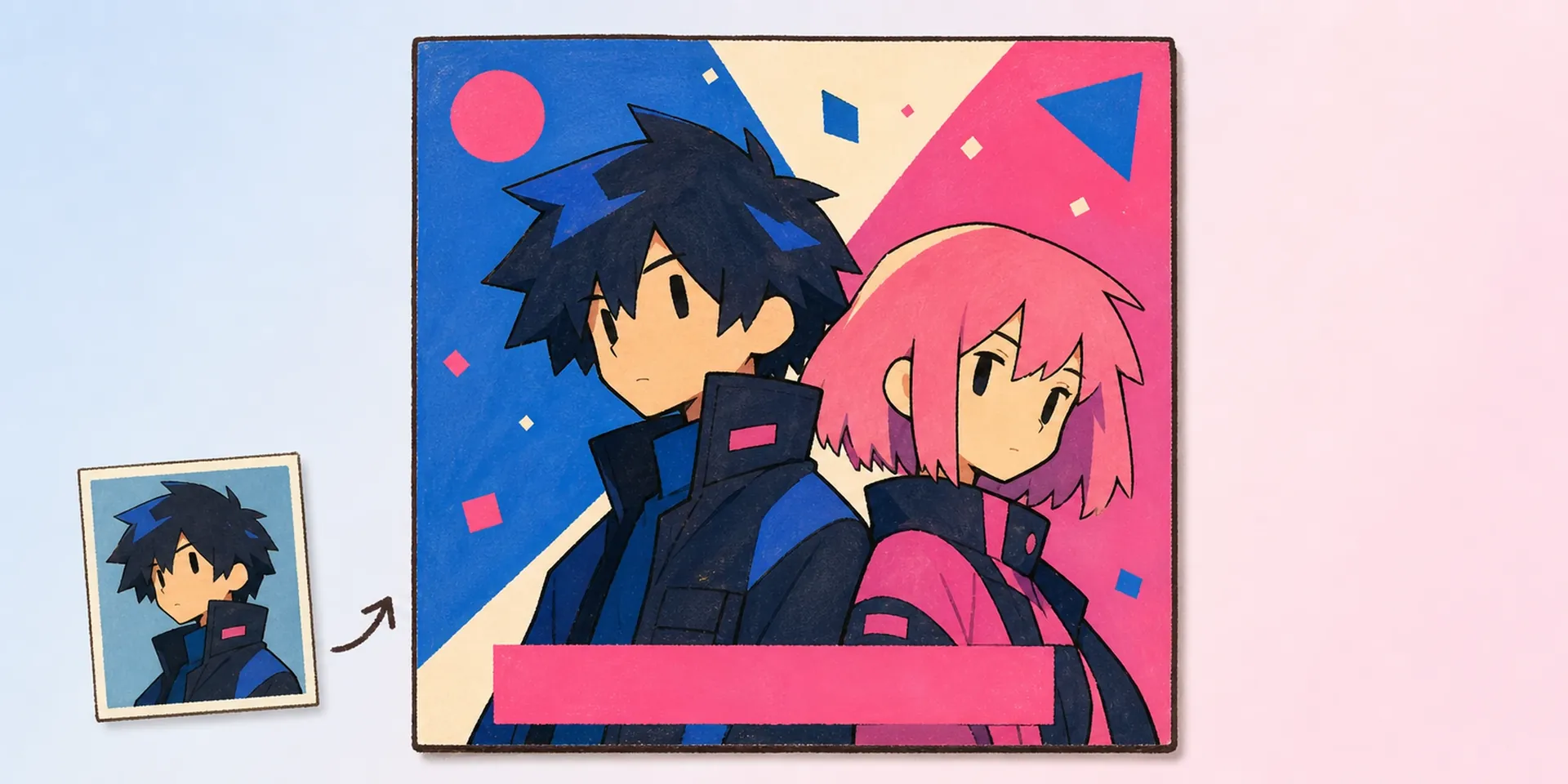
    Anime Album Cover Maker AI Anime Album Cover Maker result — After
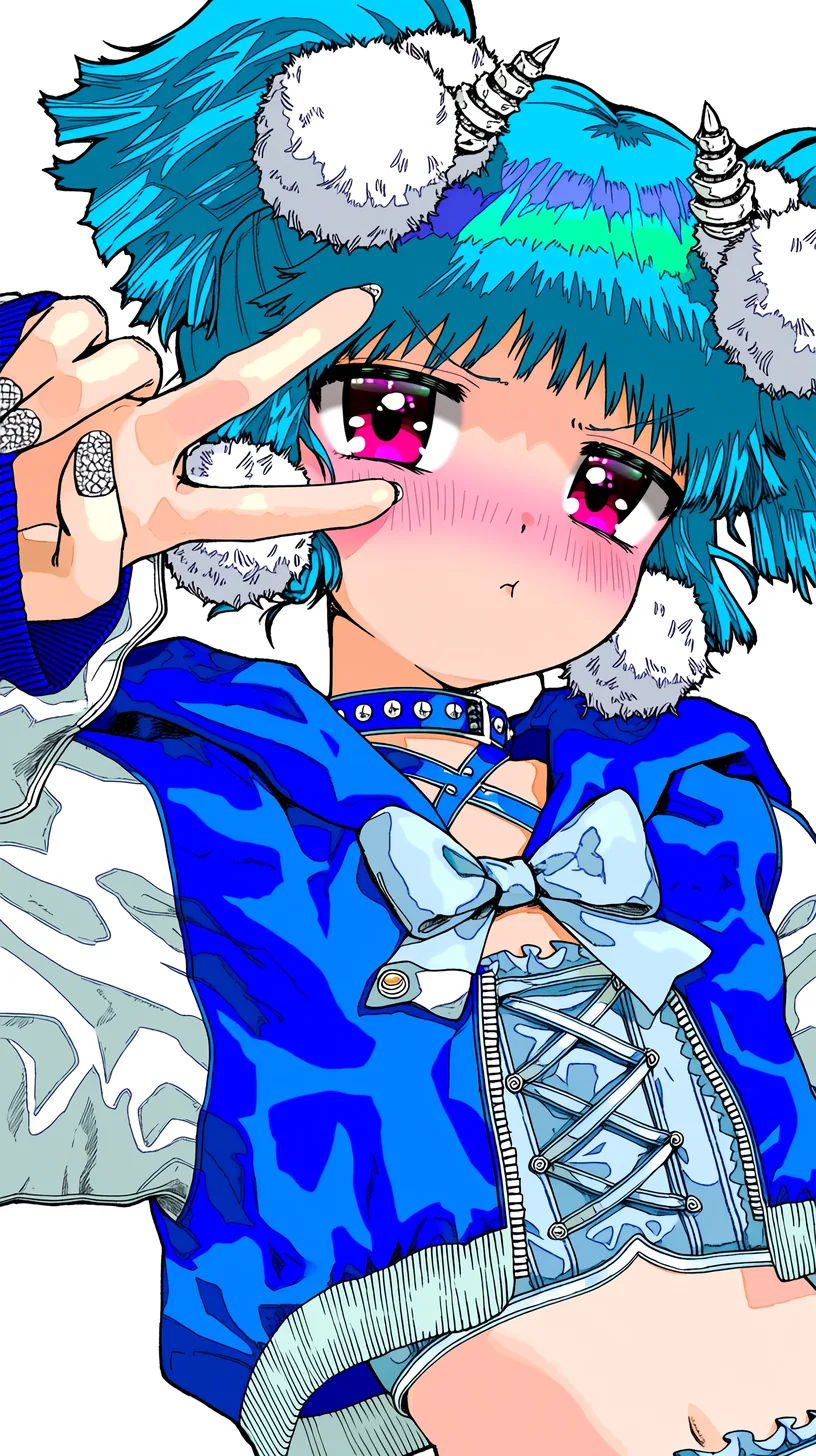
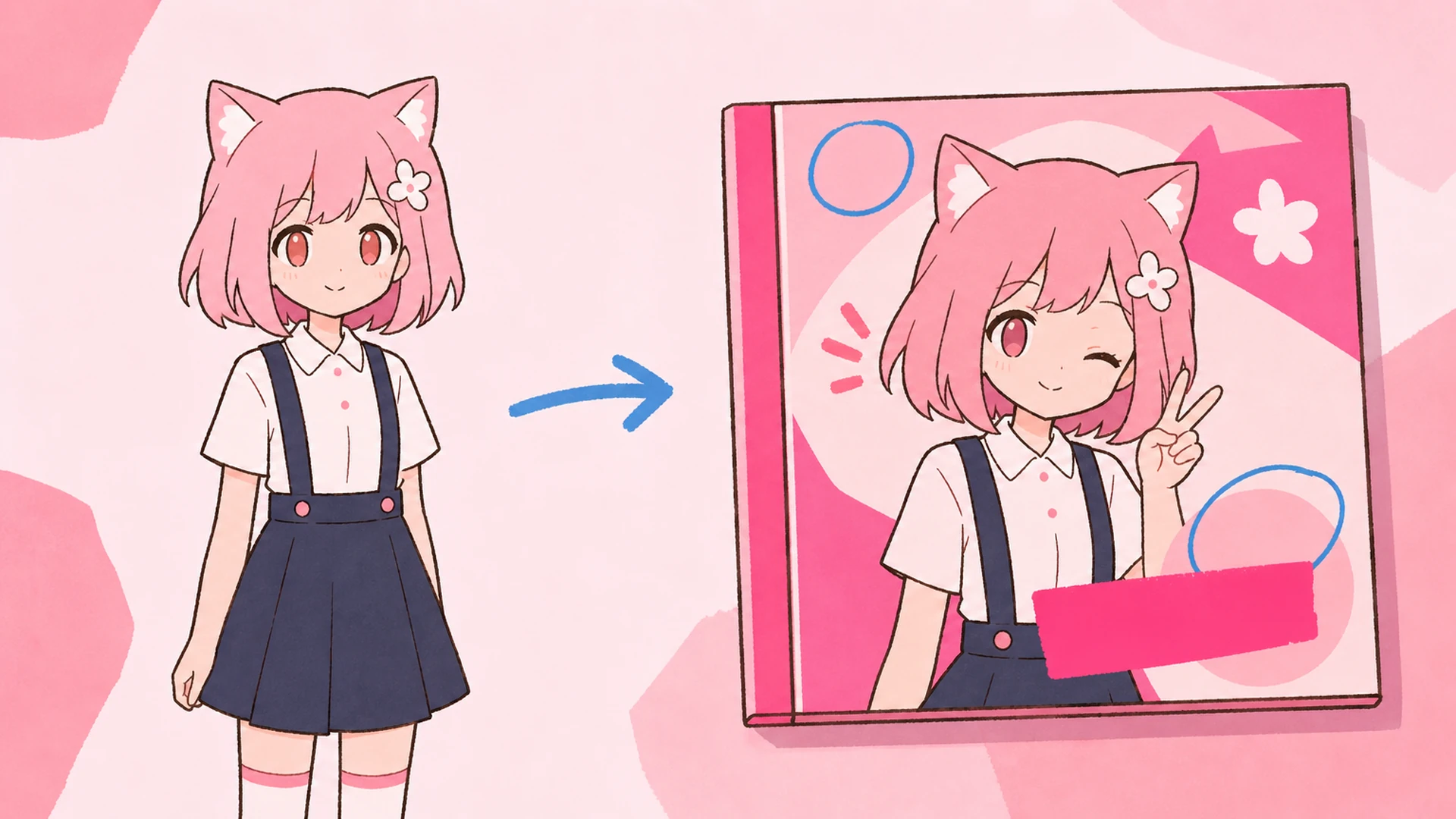
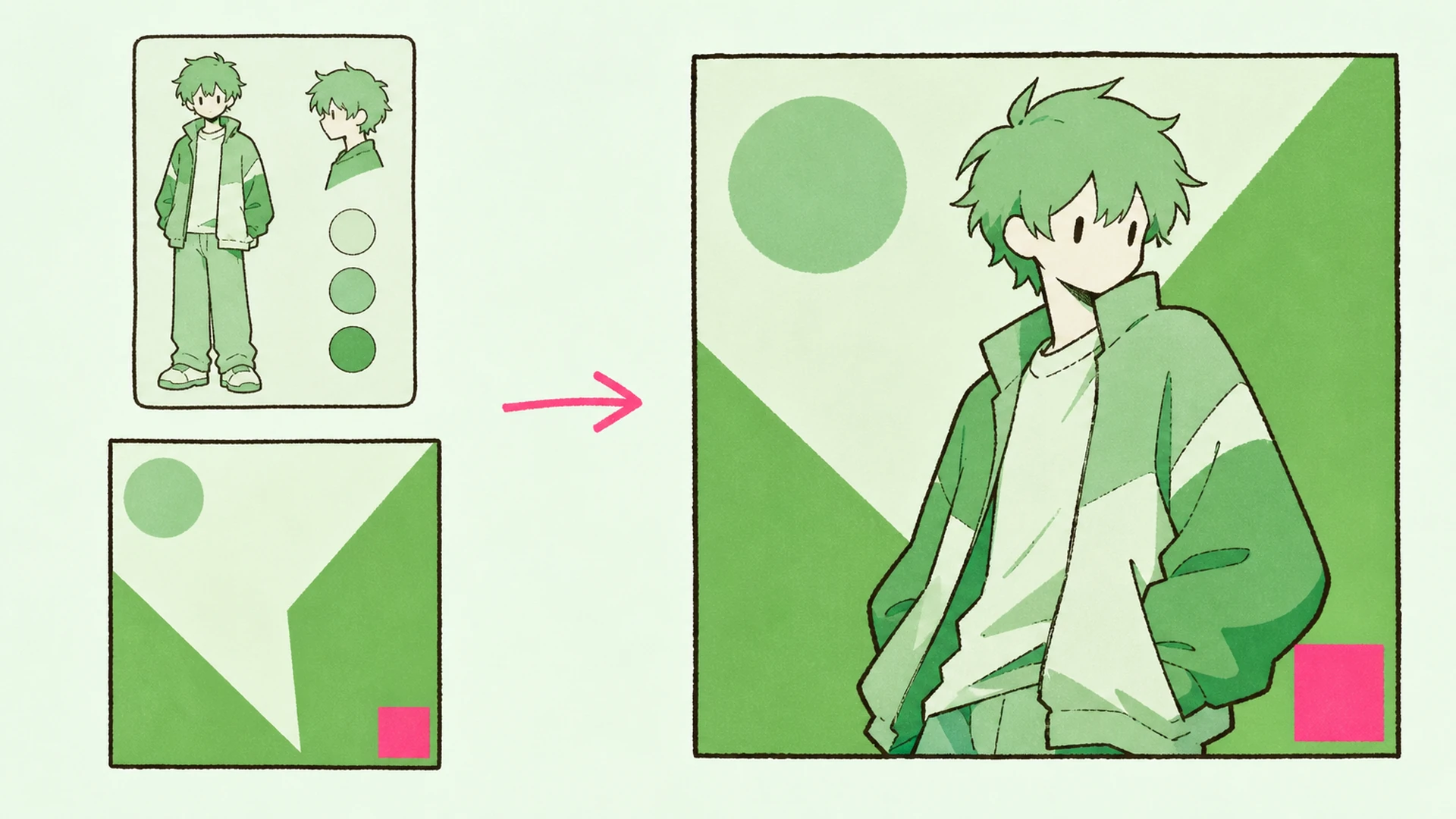
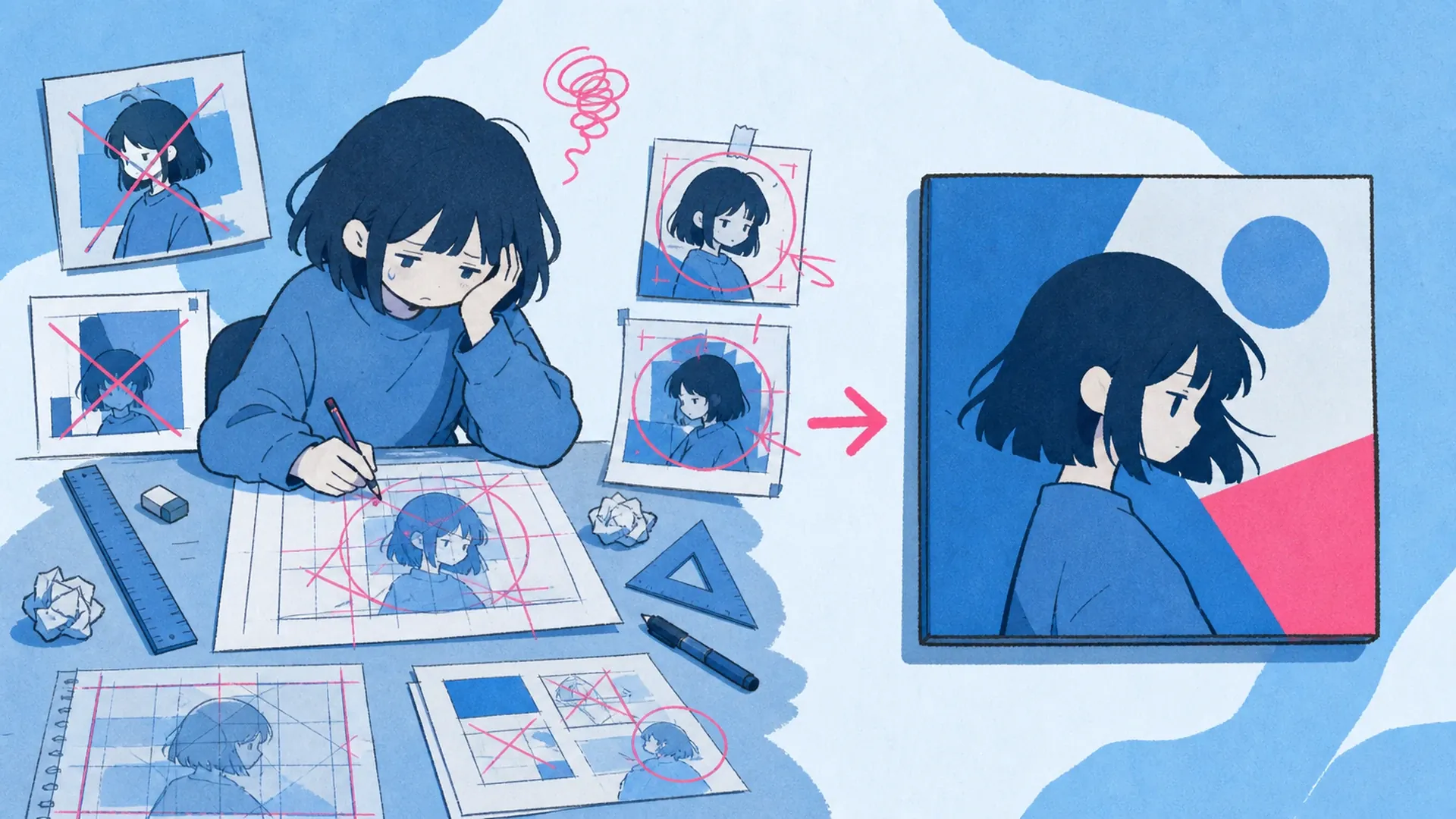
    Anime Album Cover Maker AI Anime Album Cover Maker result — Before

    One Illustration, One Finished Single Cover

    Bring a single character illustration and the album cover maker does the layout heavy lifting: title blocks, artist credit, and typography sit where a music release needs them. Pair it with the OC Generator when you still need a character, or the Character Sheet Generator to lock a look first. The result reads like real single artwork, not a filter slapped over your art.

    Upload your character art
    One Illustration, One Finished Single Cover - AI Anime Album Cover Maker

    Album Cover Maker, In Plain Terms

    An album cover maker built for anime art takes your finished illustration and wraps it in a release-ready cover template — square framing, title and artist fields you can retype, and typography tuned for music artwork. It is not a general poster tool; it thinks in single covers. Need motion after? Send the final frame to Image to Video for an animated loop.

    Album Cover Maker, In Plain Terms - AI Anime Album Cover Maker

    Where It Earns Its Keep

    Hand-placing type over character art eats an afternoon and rarely lines up. This album cover maker keeps the face, hair, and outfit centered while the title sits clean above or below. Releasing a two-artist track instead? The AI Duo Album Cover Maker handles two characters in one frame, so you are not fighting a single-subject layout to fit them both.

    Where It Earns Its Keep - AI Anime Album Cover Maker

    The Stuff That Usually Goes Wrong

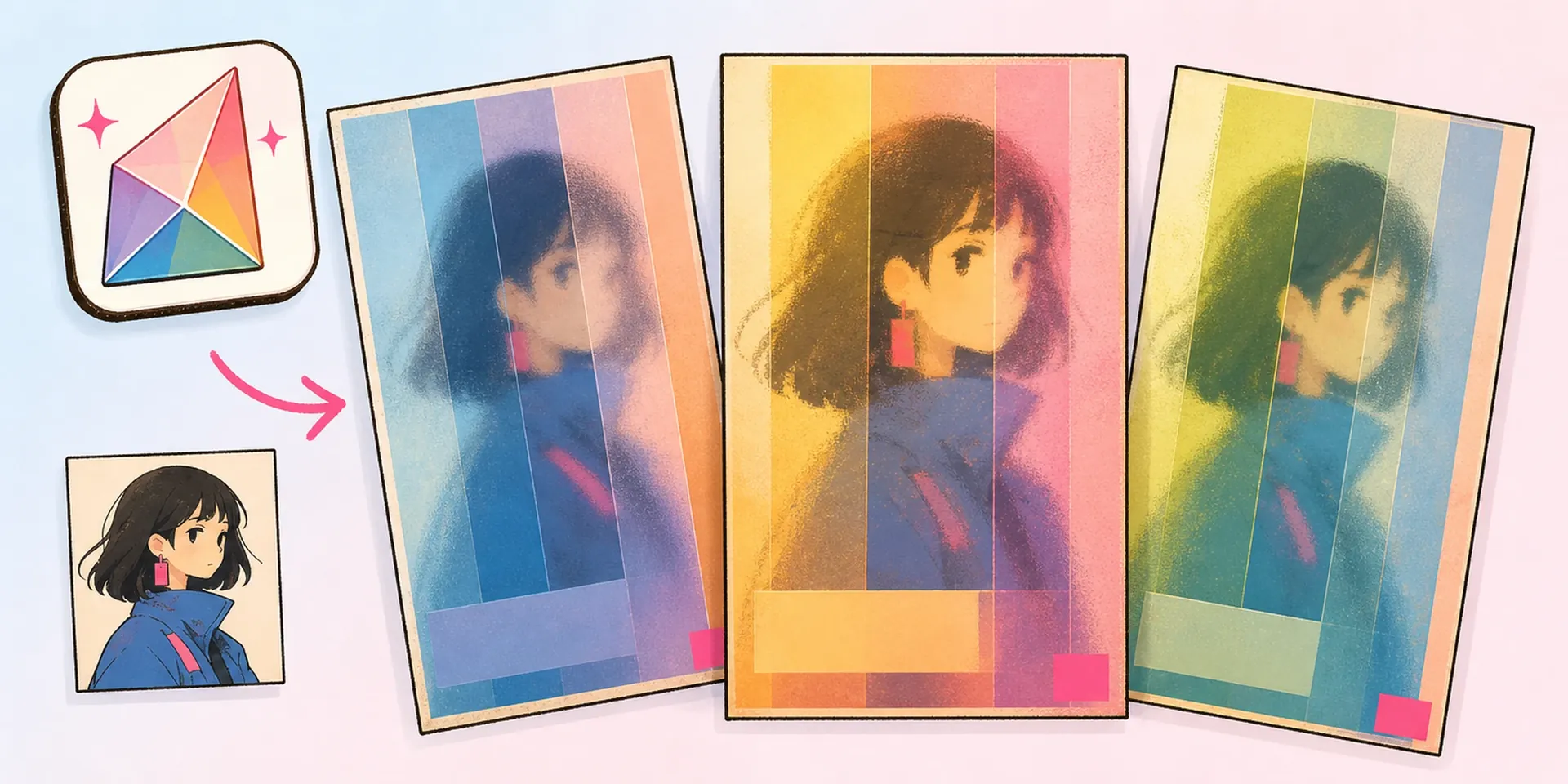
    Most people hit the same walls: text crammed over the character's face, a title font that fights the art style, or a crop that lops off the ears. A free album cover maker that ignores your subject just multiplies those problems. Here the template respects the character first, then adds type. Want a retro chrome-and-gradient vibe? Try the AI Y2K Anime Album Cover Maker. Need to fix the character before covering it — recolor an eye, tweak an outfit — run it through the OC Editor first.

    The Stuff That Usually Goes Wrong - AI Anime Album Cover Maker

    Built for Single Covers

    Three things this tool gets right for anime single cover art.

    Cover Templates That Fit the Art

    Pick from curated single-cover layouts sized for streaming and physical release. Each template positions title blocks and artist credit around your character, so the face and outfit stay the hero instead of getting buried under text.

    Editable Title and Artist Fields

    Type the track name and artist directly onto the cover and swap them anytime. Fonts and placement come pre-tuned for music artwork, so you retype the words without redoing the whole layout or nudging pixels by hand.

    One Upload, Release-Ready Output

    Upload a single illustration and export a clean, square cover ready for Spotify, Apple Music, or a fan release. No stacking multiple images or wrangling a canvas — one character in, one finished single cover out.

    From Art to Cover in Three Moves

    Here is how to make an album cover from a single illustration.

    01
    Step

    Upload Your Character

    Drop in one finished character illustration — a VTuber model, an OC, or fan art you have rights to use. Higher-resolution art gives the album cover maker cleaner edges and sharper title placement.

    02
    Step

    Choose a Cover Template

    Browse the curated layouts and pick one that matches your genre and mood — clean pop, moody ballad, or hyper-bright idol energy. Each sets typography and title blocks around your character automatically.

    03
    Step

    Edit Text and Export

    Type your album title and artist name, adjust if the wording runs long, then download the finished single cover. Swap templates or text as many times as you like before you export the final file.

    Loved by Anime Music Makers

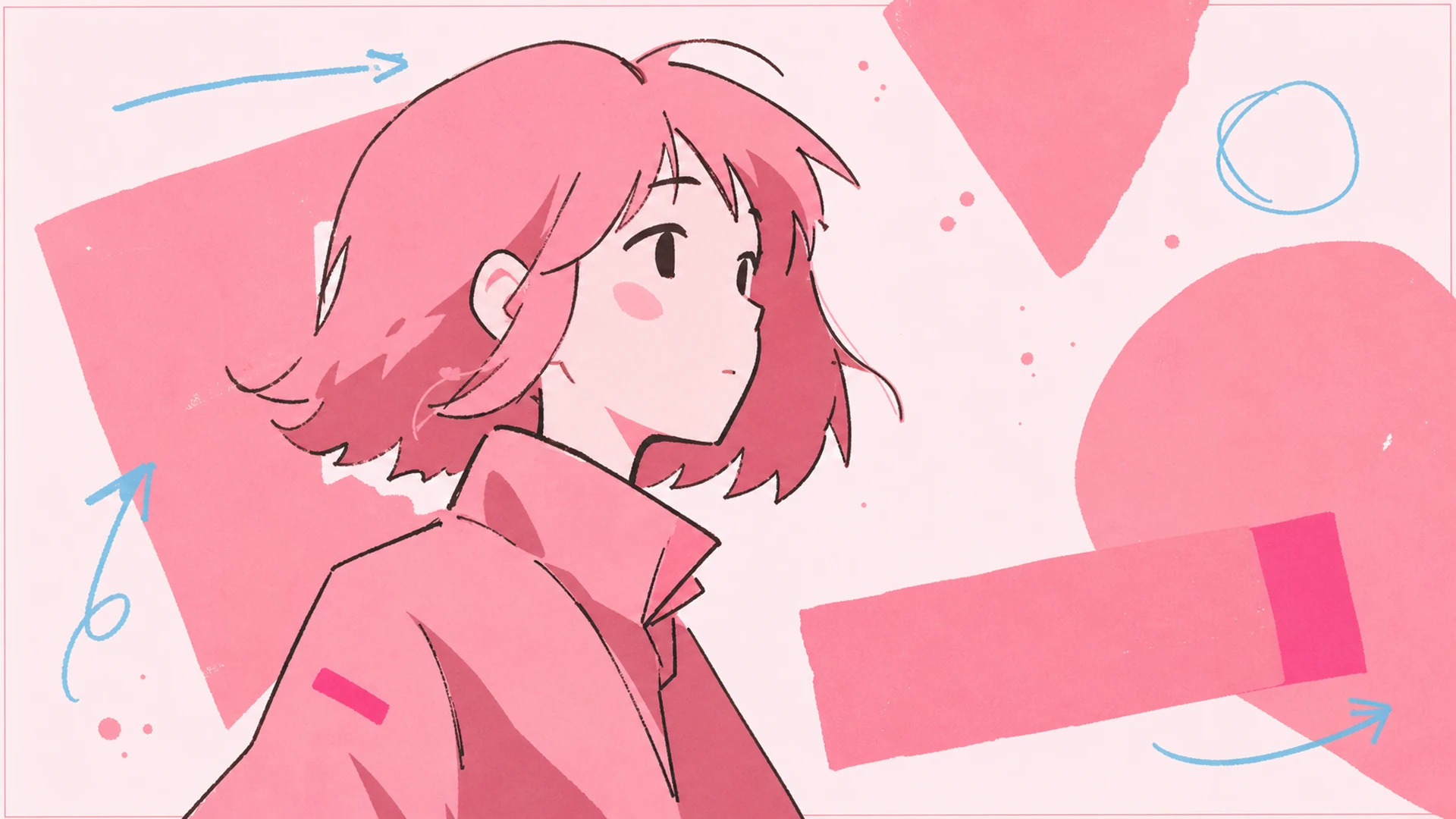
    VTuber Single Art - AI Anime Album Cover Maker

    VTuber Single Art

    Turn your VTuber model illustration into a polished single cover for a debut track or original song, with your channel name as the artist and the song title front and center.

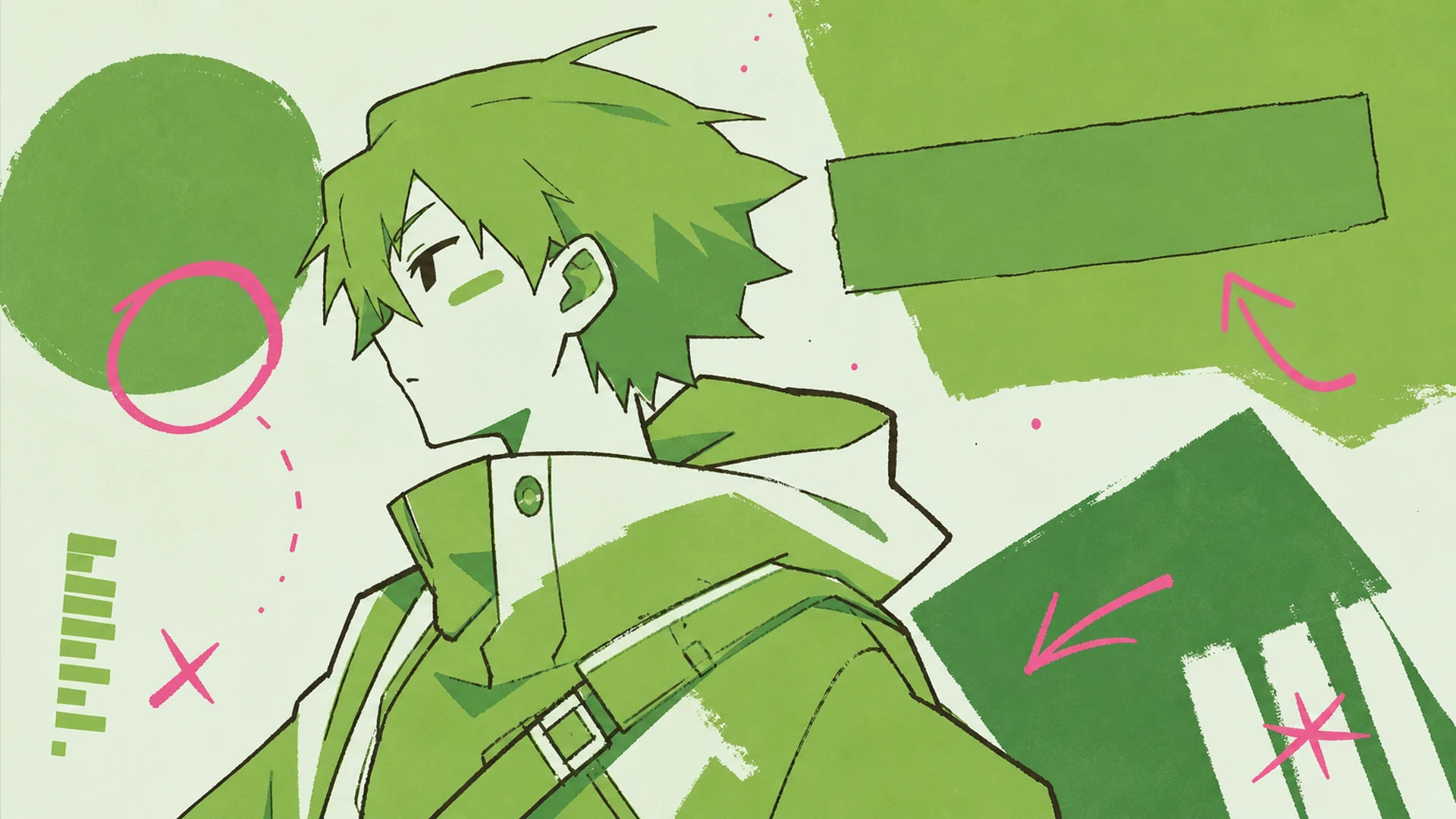
    Music OC Cover - AI Anime Album Cover Maker

    Music OC Cover

    Give your original character a music identity. Drop the OC art in, add an EP title, and get a cover that looks like a real release from a fictional idol or band.

    Playlist Artwork - AI Anime Album Cover Maker

    Playlist Artwork

    Build custom playlist covers around a favorite character so your anime, lo-fi, or study mixes stand out. Retype the playlist name anytime you re-theme the list.

    Fan Cover Art - AI Anime Album Cover Maker

    Fan Cover Art

    Reimagine a favorite song with your own anime spin, using art you have the rights to. Great for cover-song uploads, fan projects, and personal music artwork you want to look properly finished.

    Album Cover Questions, Answered

    Is this a free album cover maker?+
    You can start designing at no cost and preview your single cover. As a free album cover maker for anime art, it lets you test templates and text before you commit, so you see the result first.
    How do I make an album cover here?+
    Wondering how to make an album cover fast? Upload one character illustration, pick a curated template, then type your title and artist. The layout auto-arranges, and you export a finished cover in a few clicks.
    What image should I upload?+
    One clear, high-resolution character illustration works best — a single subject facing the viewer. This album cover maker is built around one character, so avoid busy group scenes or tiny, low-quality art.
    Can I edit the title and artist later?+
    Yes. The title and artist fields stay editable, so you can retype them whenever a track name changes. Swap the template too — nothing is baked in until you download the final cover.
    Is there an album cover maker free of watermarks?+
    The goal is clean output you can actually publish. Using the album cover maker free of clutter means your exported single cover shows your art and typography, not a busy overlay fighting the design.
    How is this different from a generic album cover art maker?+
    A generic album cover art maker treats your picture as flat wallpaper. This one is tuned for anime characters, keeping the face and outfit central while typography and title blocks lock into a real single-cover layout.
    Can I animate the finished cover?+
    The tool exports a static single cover. If you want motion for a social clip or a looping visualizer, take the finished image into an animation step afterward — the cover itself stays a clean still.

    Design Your Single Cover Now

    Bring one character illustration and let the album cover maker handle the layout. Pick a template, type your title, and export release-ready single artwork in minutes.

    Start Designing