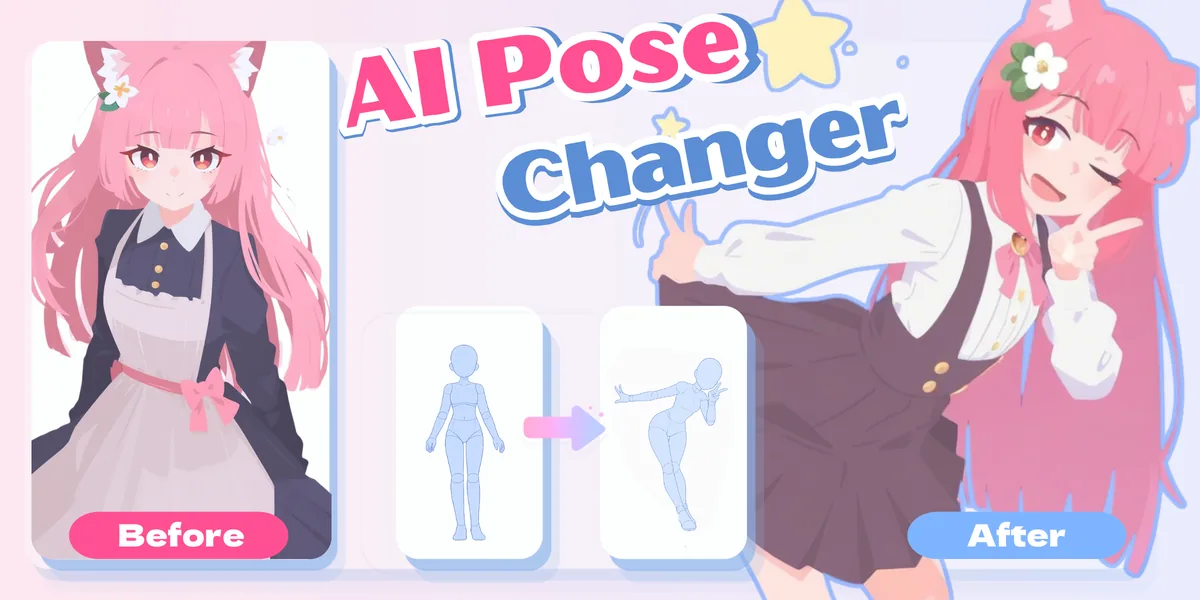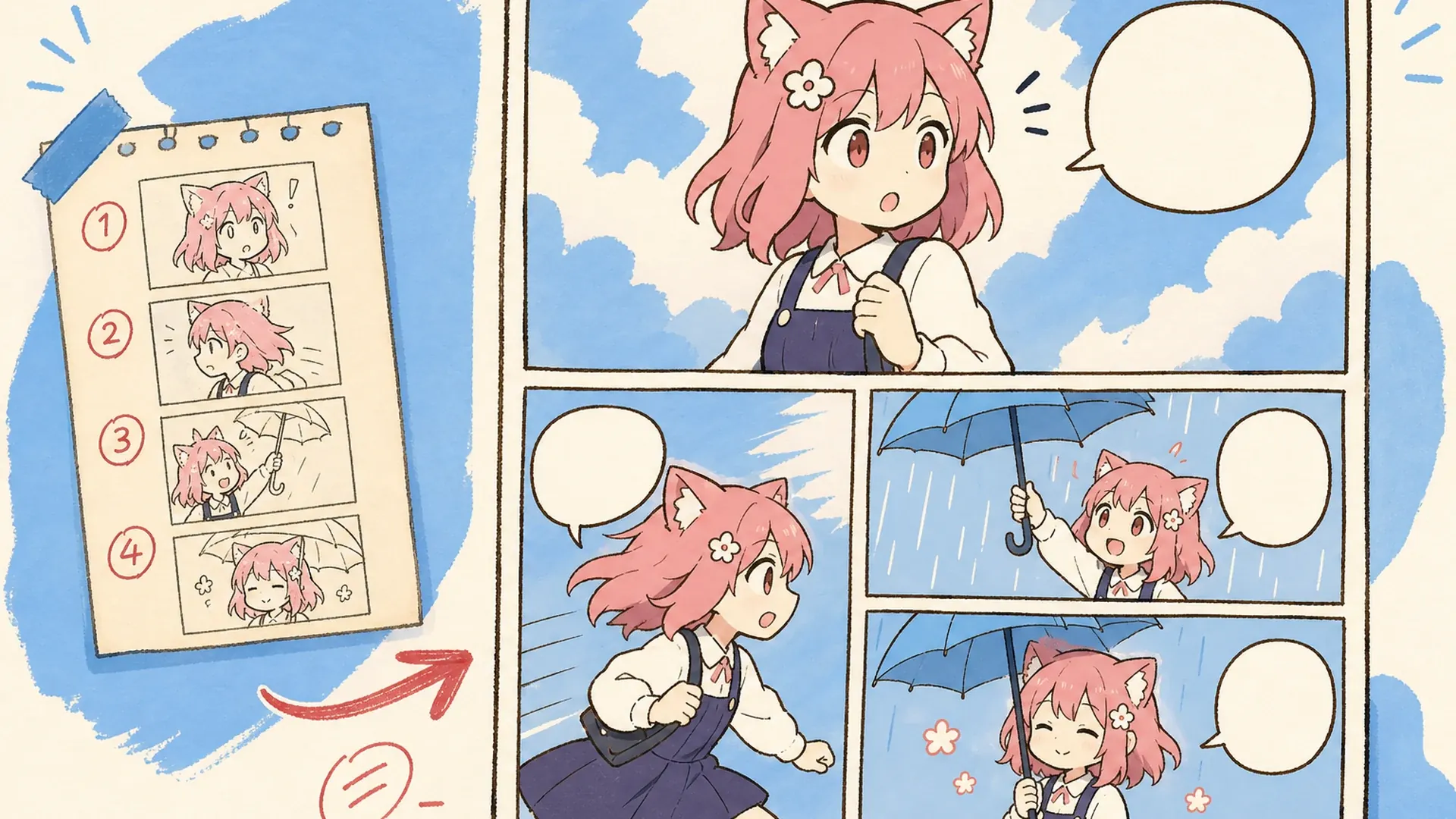
KusArt
    만화 생성기

    AI 만화 생성기

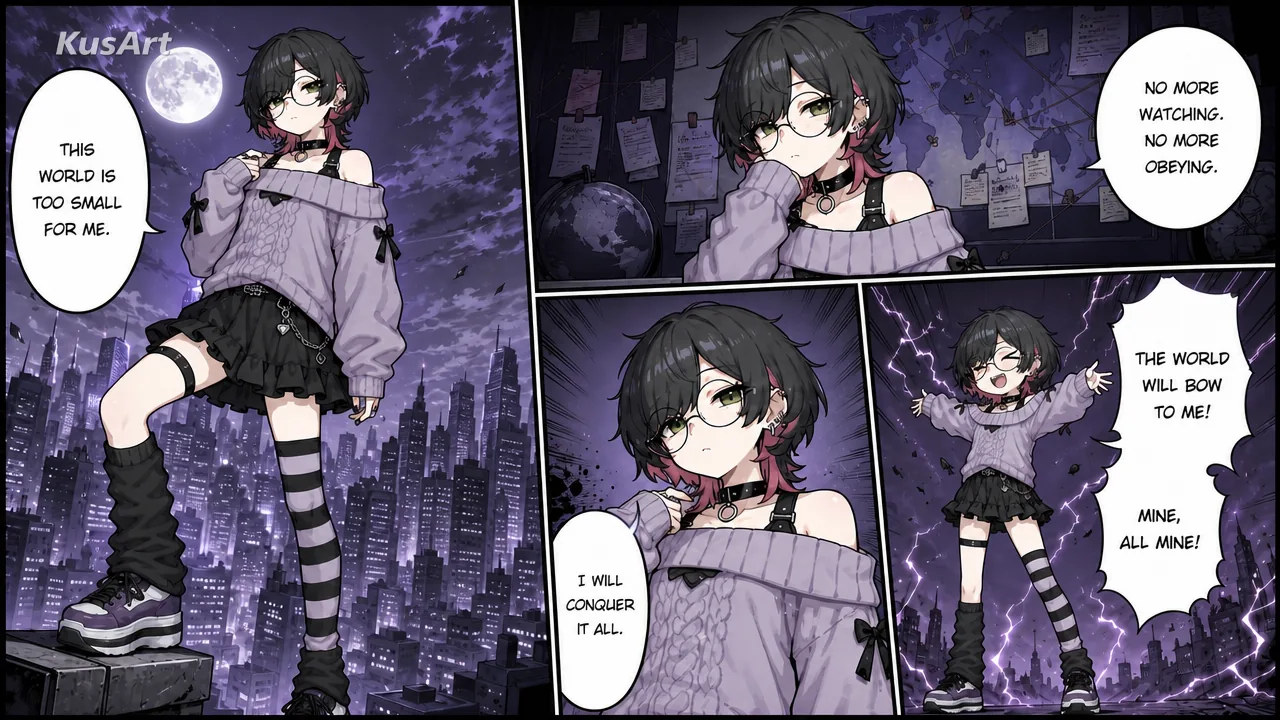
    AI 만화 생성기를 사용하여 스토리 프롬프트와 최대 9명의 캐릭터, 소품, 의상 또는 장면 참조를 일관된 다중 패널 만화 페이지로 전환하세요.

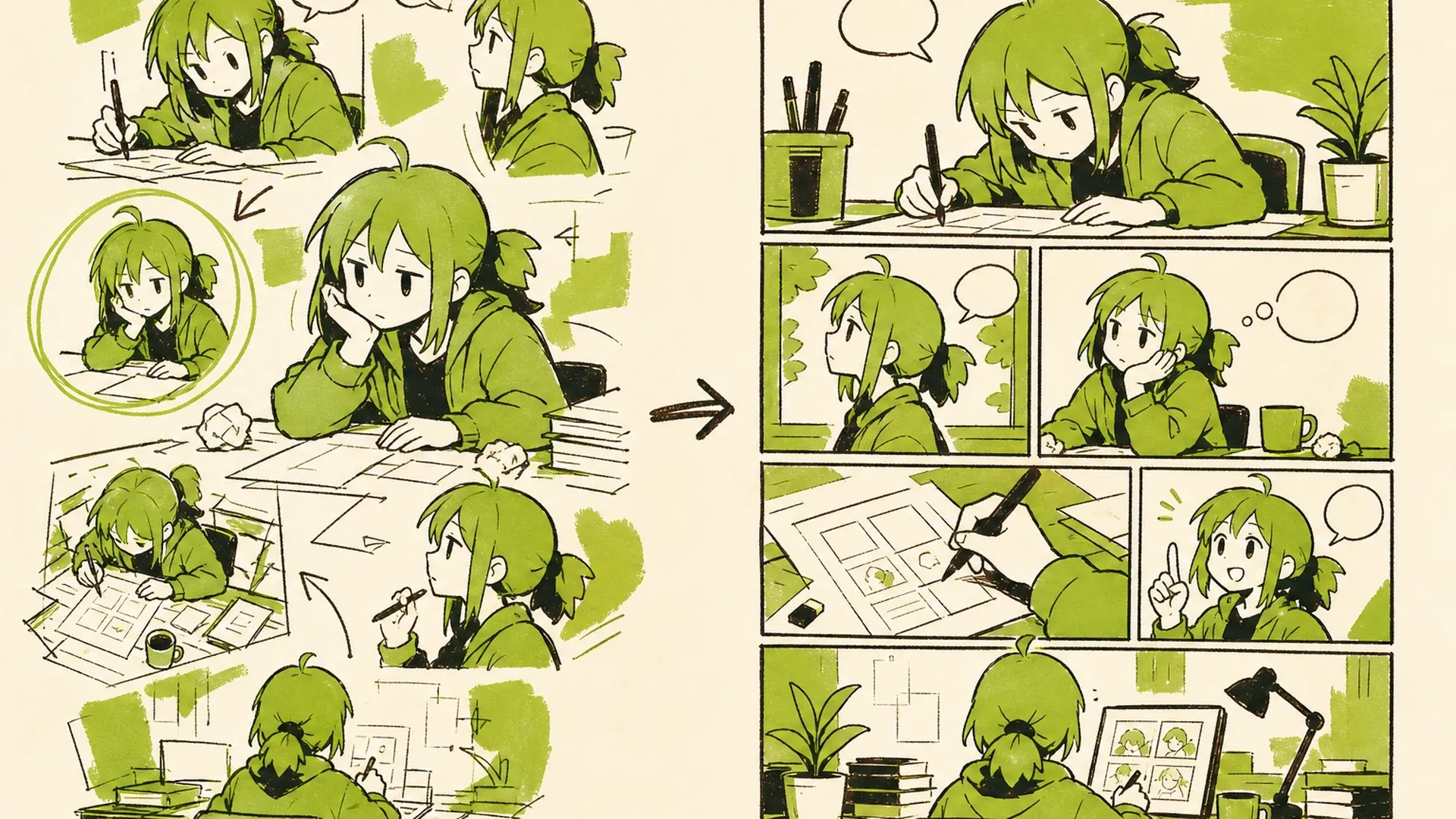
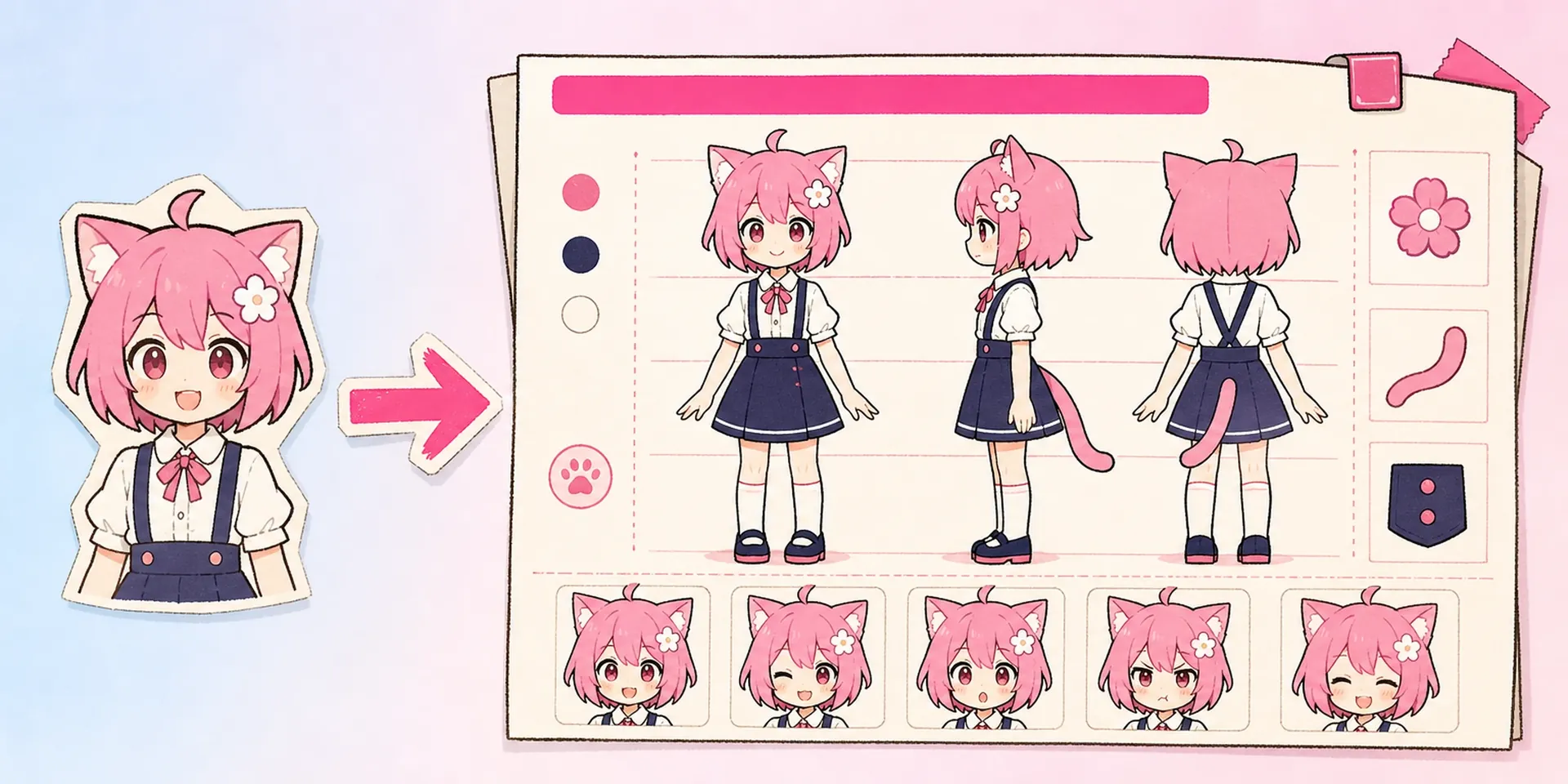
    Manga Page AI Manga Generator result — After
    Manga Page AI Manga Generator result — Before

    스토리 비트를 만화 페이지로 전환

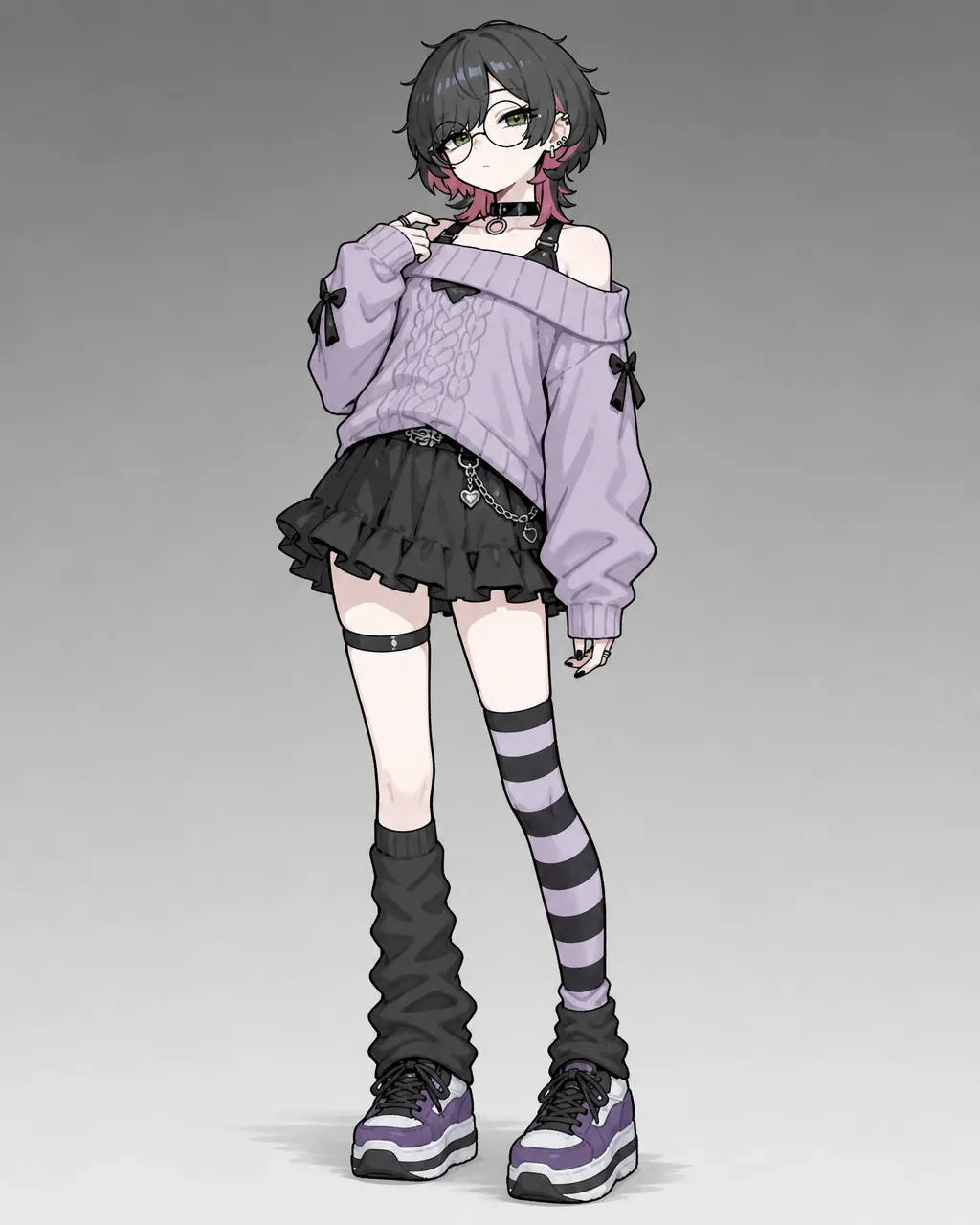
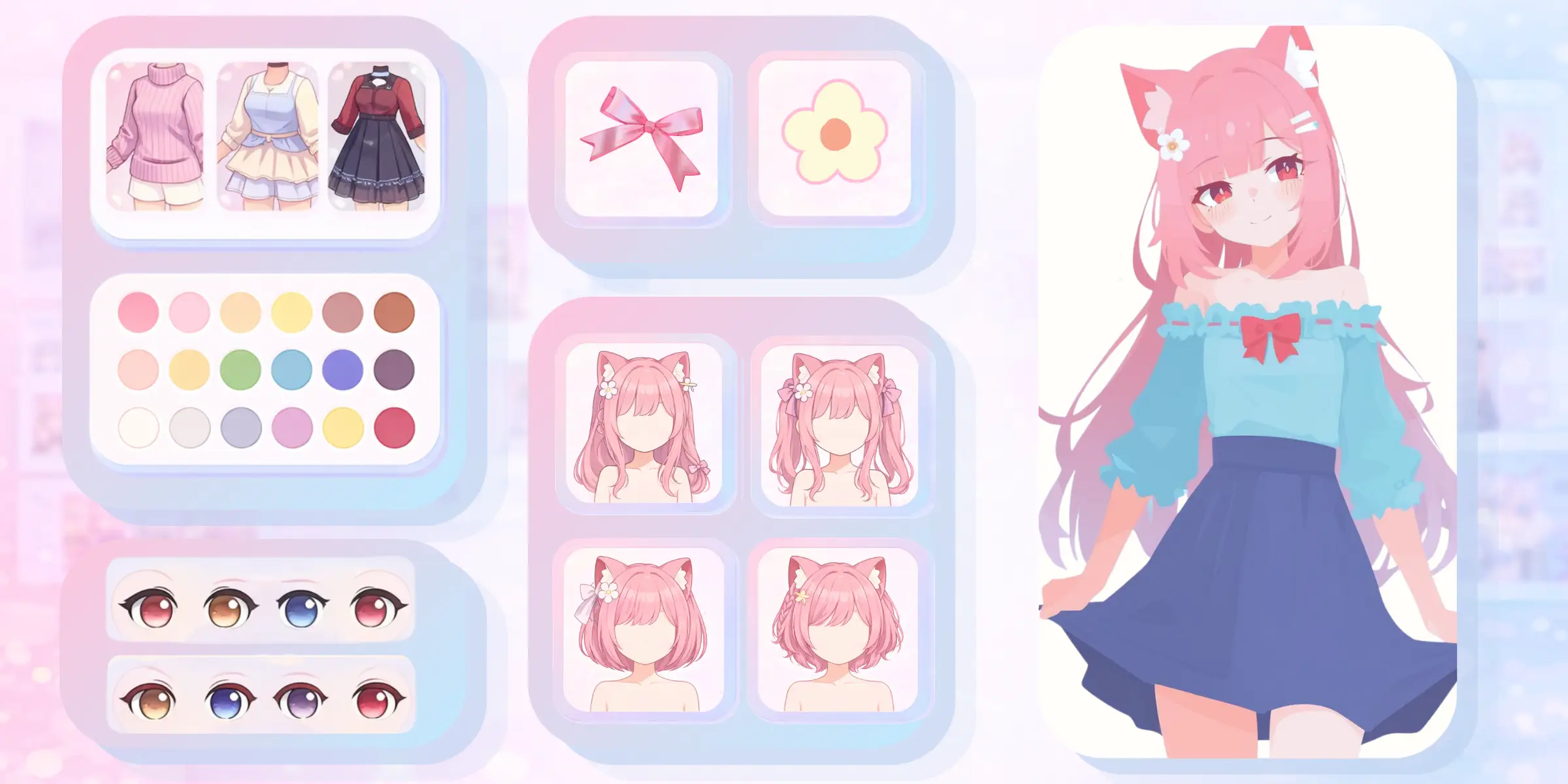
    AI 만화 생성기에 초점이 뚜렷한 장면 하나를 주면, 콘셉트, 웹툰, 스토리보드, 소셜 게시물에 쓸 수 있는 읽기 쉬운 연속 컷을 만들어 줍니다. 감정의 흐름을 설명하고 선택적으로 비주얼 레퍼런스를 추가하면, 만화 메이커 AI가 하나의 구도 안에서 컷 리듬, 카메라 거리, 캐릭터 연기를 탐색합니다. 다음 페이지나 변형을 생성하기 전에 OC 에디터에서 반복 등장하는 캐릭터를 다듬어 보세요.

    만화 만들기
    Create a 16:9 KusArt SEO visual band with no title, subtitle, paragraph, body copy, watermark, labels, dialogue, or decorative pseudo-text. Follow the approved 40/60 composite layout: the fixed pink-haired, red-eyed anime mascot with a flower hair clip gestures beside icon-only pastel story, camera, and panel chips on the left; a large rounded white card on the right shows a polished black-and-white manga page with three to four clear panels, varied shots, consistent characters, and clean empty speech bubbles. Modern Niji anime/manga style, crisp ink lineart, soft screentone, warm-white background, #ff4fa3 accents, one small sky-blue accent, generous whitespace, no photorealism, 3D, thick paint, neon, deep purple, clutter, harsh shadow, extra characters, or gibberish text.

    하나의 장면을 연속된 만화 컷으로

    작성된 장면 방향과 선택적 이미지를 패널 흐름, 다양한 샷, 표현적인 포즈 및 반복되는 시각적 정체성을 갖춘 구성된 만화 페이지로 변환합니다. 반복되는 캐릭터, 의상, 소품, 위치, 생물 또는 시각적 모티브를 안내하기 위해 최대 9개의 이미지를 업로드하세요.

    Create a 16:9 KusArt SEO visual band with no title, subtitle, paragraph, body copy, watermark, labels, dialogue, or decorative pseudo-text. Use the approved 40/60 composite layout: the fixed pink-haired anime mascot explains three icon-only pastel prompt, reference, and layout chips on the left; the right side contains a large rounded white card with a coherent multi-panel manga page, clear reading order, recurring character identity, varied reactions, and clean panel borders. Clean modern Niji manga style, crisp black ink, soft screentone and cel shading, warm-white background, #ff4fa3 accent marks and one sky-blue detail, uncluttered editorial spacing, no photorealism, 3D, thick paint, neon, deep purple, harsh shadows, or gibberish lettering.

    읽기 가능한 패널, 일관된 문자

    생성기가 시퀀스를 시각적으로 일관되게 유지하는 동안 장르, 분위기, 액션, 대화 및 속도를 제어하세요. 기록의 결과를 재사용합니다. 직접적인 소년 액션, 순정 로맨스, 청춘 드라마, 코미디, 공포, 삶의 단편, 치비 또는 기타 시각적인 접근 방식을 프롬프트에 포함합니다.

    Create a 16:9 KusArt SEO visual band with no title, subtitle, paragraph, body copy, watermark, labels, dialogue, or decorative pseudo-text. Follow the approved 40/60 composite template: the fixed pink-haired mascot points along a simple icon-only three-step story flow on the left, while a large rounded white card on the right shows the same manga heroine consistently across a wide establishing panel, medium action panel, and expressive close-up. Clean modern Niji manga style, crisp lineart, soft screentone, pale warm-white background, #ff4fa3 arrows and accents, one small sky-blue detail, generous whitespace, no photorealism, 3D, thick paint, neon, deep purple, clutter, harsh shadow, off-model faces, extra characters, or gibberish text.

    모든 패널을 그리지 않고도 스토리보드를 더 빠르게 만들 수 있습니다.

    라인 아트를 완성하기 전에 장면과 구성을 빠르게 살펴보세요. AI 이미지 생성기을 사용하여 지원 시각적 요소를 개발하세요. 캐릭터, 설정, 갈등, 액션, 분위기, 종료 순간을 포함하여 하나의 집중된 스토리 비트를 작성합니다. AI 만화 생성기에 표시되어야 하는 세부 사항과 시퀀스가 ​​오른쪽에서 왼쪽으로 읽는지 왼쪽에서 오른쪽으로 읽는지 알려줍니다.

    Create a 16:9 KusArt SEO visual band with no title, subtitle, paragraph, body copy, watermark, labels, dialogue, or decorative pseudo-text. Use the approved 40/60 composite layout: the fixed pink-haired anime mascot holds a pencil beside small icon-only pastel timing and camera chips on the left; on the right, a large rounded white card transforms a rough scene beat into a clean three-to-four-panel manga draft with obvious reading flow and recurring character continuity. Clean modern Niji manga style, crisp ink lineart, soft screentone, warm-white and pale-cream background, #ff4fa3 accent arrows, one small sky-blue detail, no photorealism, 3D, thick paint, neon, deep purple, clutter, harsh shadow, or gibberish dialogue.

    AI 만화 생성기 특징

    시각적 스토리텔링과 페이지 일관성을 위한 유연한 제어.

    다중 패널 레이아웃

    AI 만화 생성기는 하나의 스토리 비트를 분리된 패널, 다양한 샷 크기 및 읽을 수 있는 시각적 시퀀스를 갖춘 완전한 페이지로 변환합니다.

    최대 9개의 참고문헌

    반복되는 캐릭터, 의상, 소품, 위치, 생물 또는 시각적 모티브를 안내하기 위해 최대 9개의 이미지를 업로드하세요.
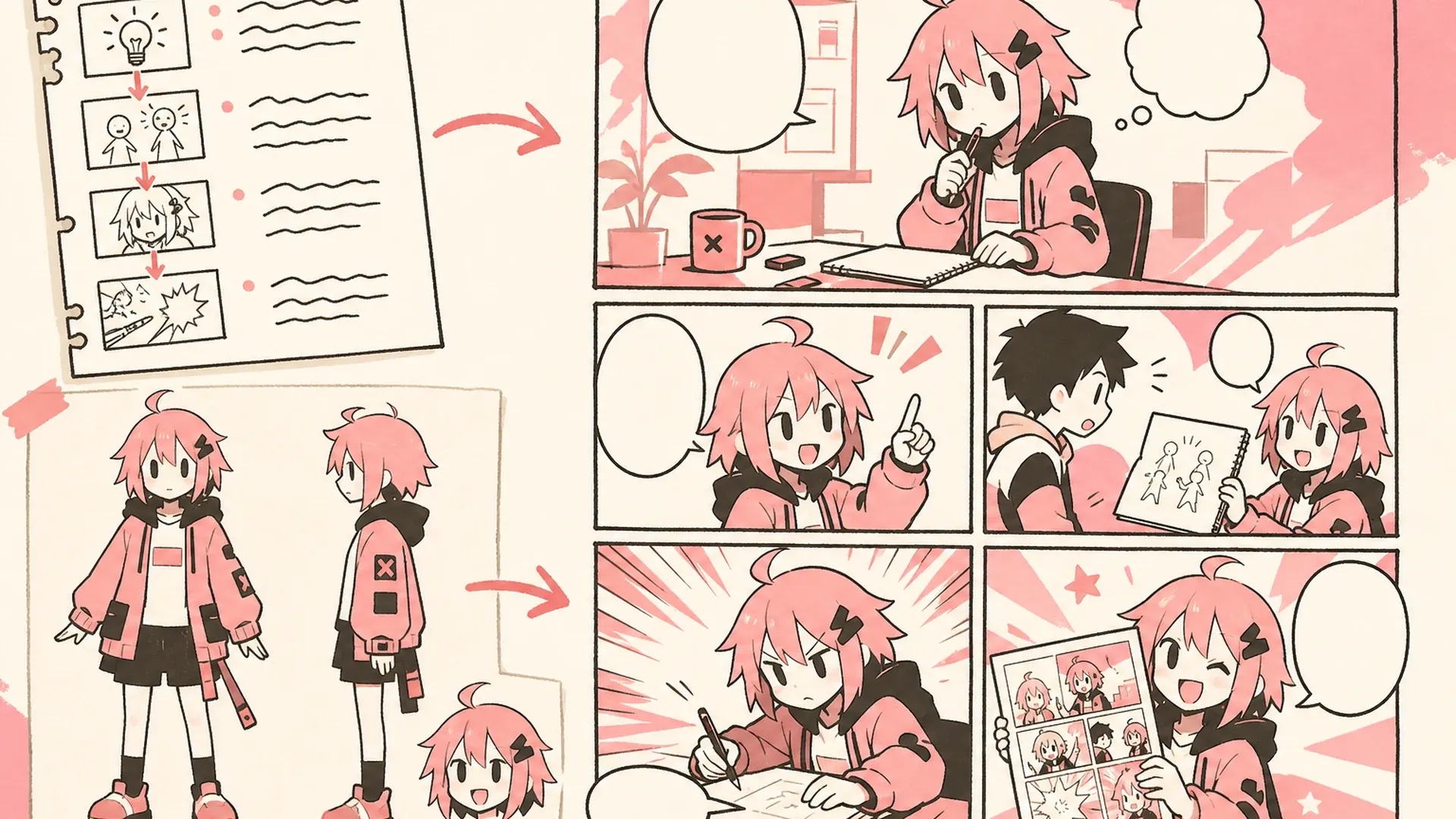
    장르와 톤 조절

    직접적인 소년 액션, 순정 로맨스, 청춘 드라마, 코미디, 공포, 삶의 단편, 치비 또는 기타 시각적인 접근 방식을 프롬프트에 포함합니다.
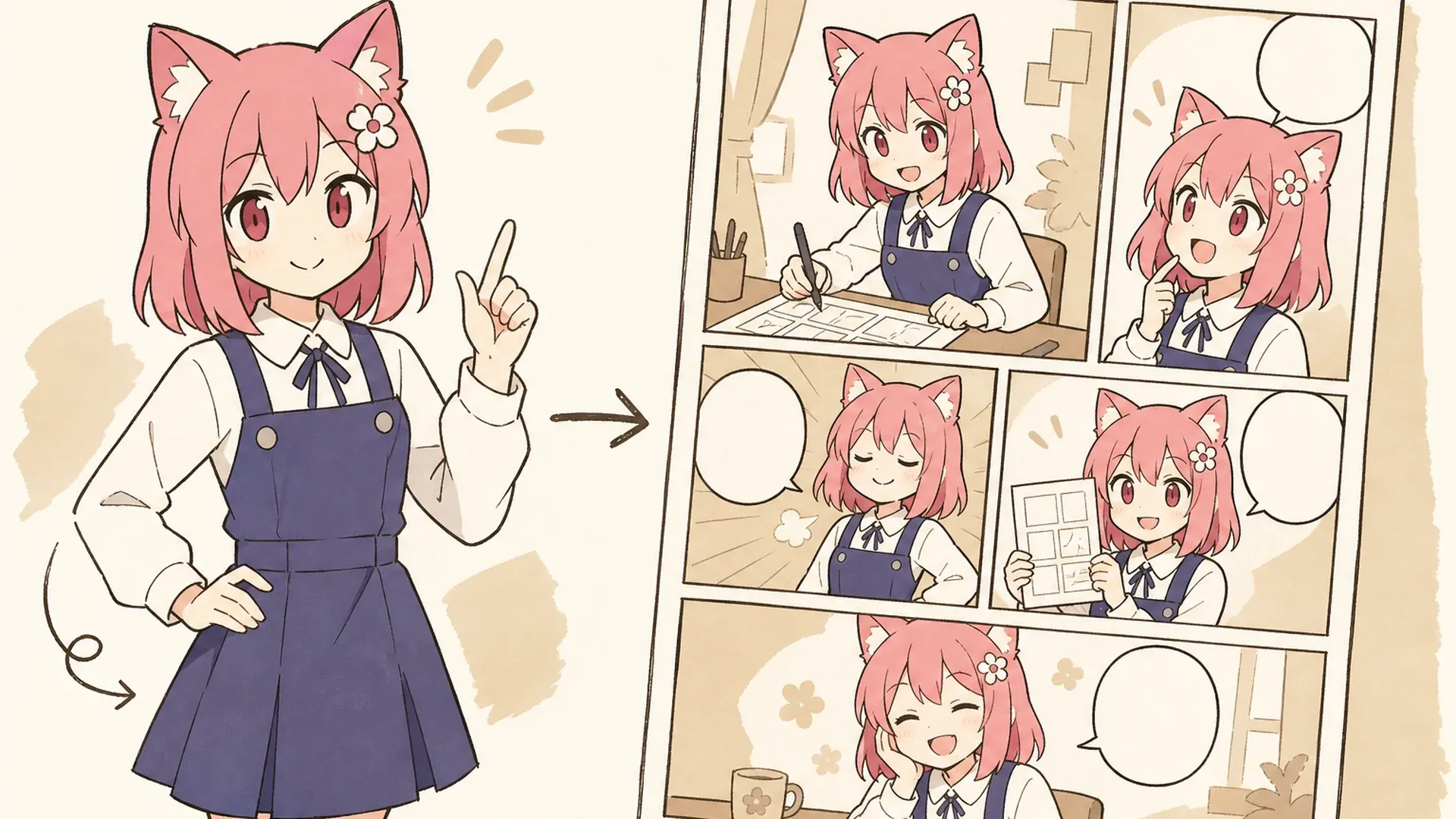
    만화 페이지를 만드는 방법

    세 단계를 거쳐 장면 아이디어에서 만화로 전환됩니다.

    01
    단계

    장면 설명

    캐릭터, 설정, 갈등, 액션, 분위기, 종료 순간을 포함하여 하나의 집중된 스토리 비트를 작성합니다.

    02
    단계

    시각적 참조 추가

    선택적으로 최대 9개의 캐릭터, 의상, 소품, 차량, 생물 또는 위치 이미지를 업로드할 수 있습니다. AI 만화 생성기가 한 캐릭터를 다른 캐릭터와 혼동하지 않도록 프롬프트에서 역할에 라벨을 지정하세요.

    03
    단계

    페이지 생성

    모델을 선택하고 AI 만화 생성기가 전체 구성을 생성하도록 하세요. 패널 테두리, 읽기 순서, 캐릭터 정체성, 손, 소품 및 생성된 글자를 검토합니다.
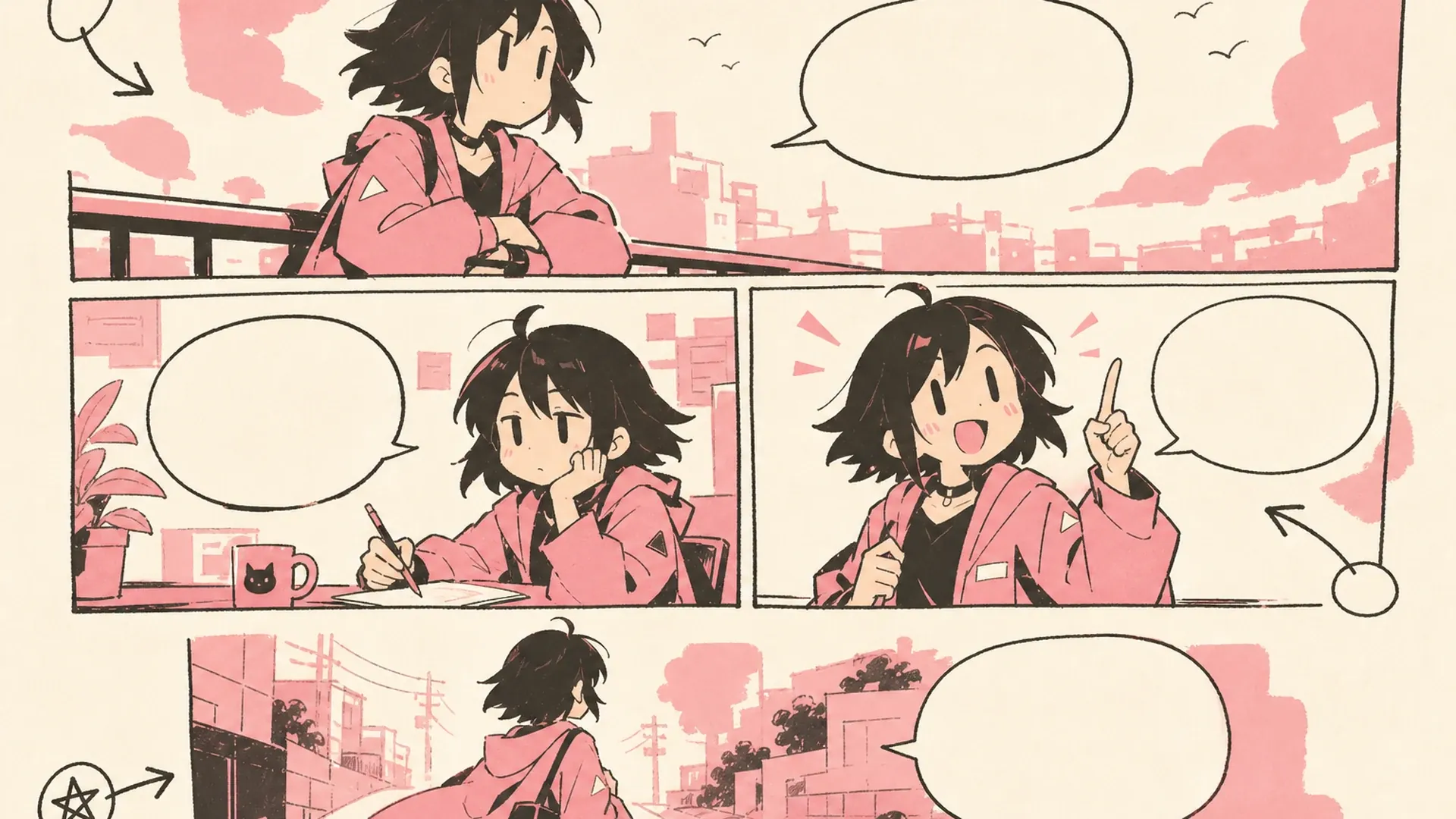
    만화 생성기 사용 사례

    Create a 16:9 landscape KusArt use-case illustration for webcomic drafts with no title, subtitle, paragraph, body copy, labels, dialogue, watermark, or decorative pseudo-text. Place a pink-haired manga creator on the left comparing thumbnail panels, while a clean multi-panel page draft and episode-beat variations spread across the right; keep the face, hands, thumbnails, and final draft inside the central safe area. Clean modern Niji manga style, crisp lineart, soft screentone, warm-white minimal desk background, #ff4fa3 accents and one small sky-blue detail, no photorealism, 3D, thick paint, neon, deep purple, clutter, harsh shadow, gibberish text, or extra characters.

    웹툰 초안

    완성된 아트 작업을 시작하기 전에 AI 만화 생성기를 사용하여 에피소드 비트, 페이지 넘기기, 캐릭터 상호 작용의 프로토타입을 만들어 보세요.
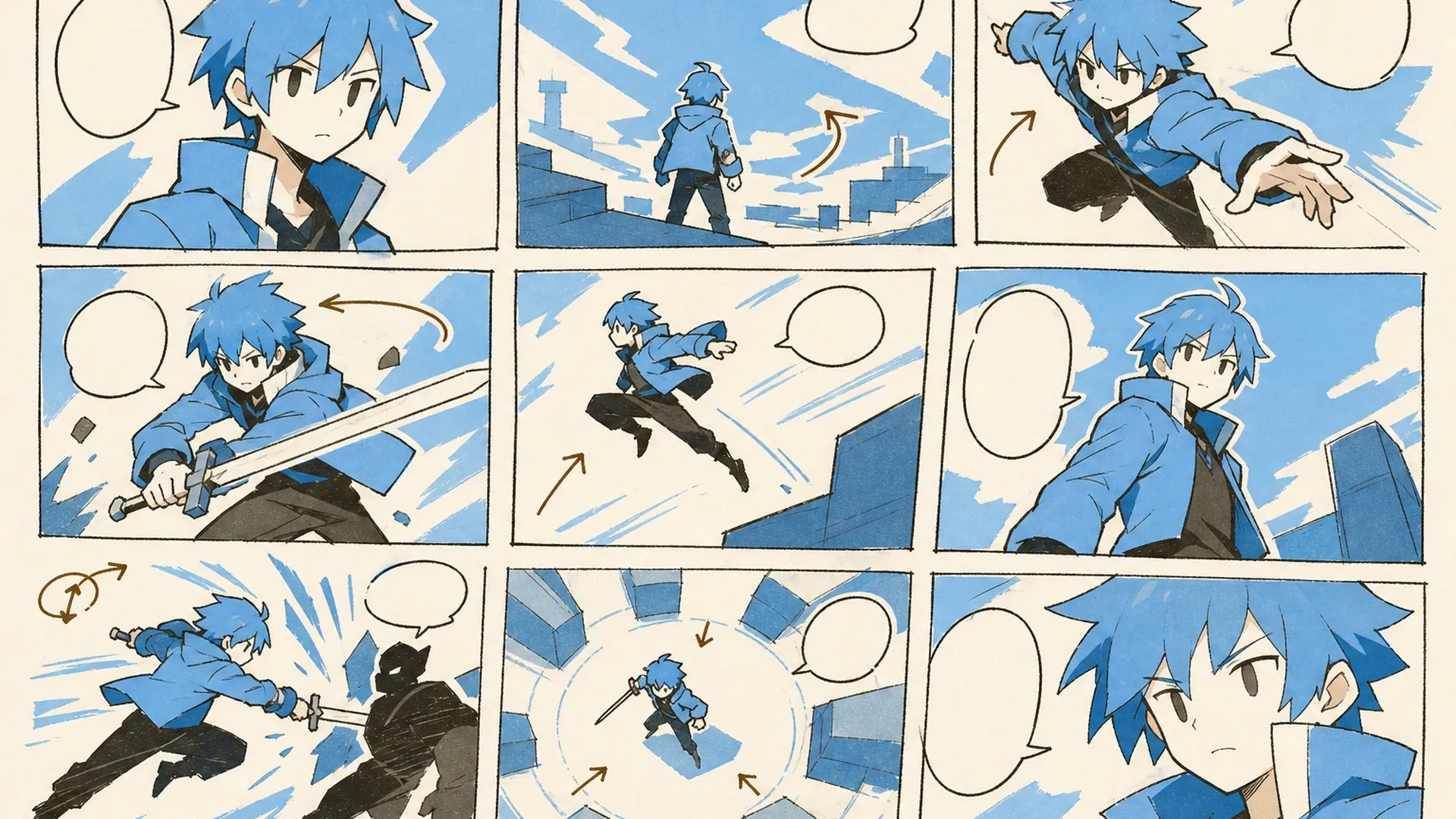
    Create a 16:9 landscape KusArt use-case illustration for storyboards with no title, subtitle, paragraph, body copy, labels, dialogue, watermark, or decorative pseudo-text. Compose a pink-haired anime director on the left arranging three wide visual panels across the right that show action, camera angles, blocking, and an emotional transition using simple arrows and wordless thumbnails; keep all essential panels inside the central safe area. Clean modern Niji manga style, crisp lineart, soft cel shading and screentone, pale cream minimal studio background, #ff4fa3 accents and one sky-blue detail, no photorealism, 3D, thick paint, neon, deep purple, clutter, harsh shadow, gibberish text, or extra characters.

    스토리보드

    애니메이션, 게임, 비디오 또는 라이브 프로덕션에 대한 동작, 카메라 각도, 차단 및 감정 전환을 시각화합니다.
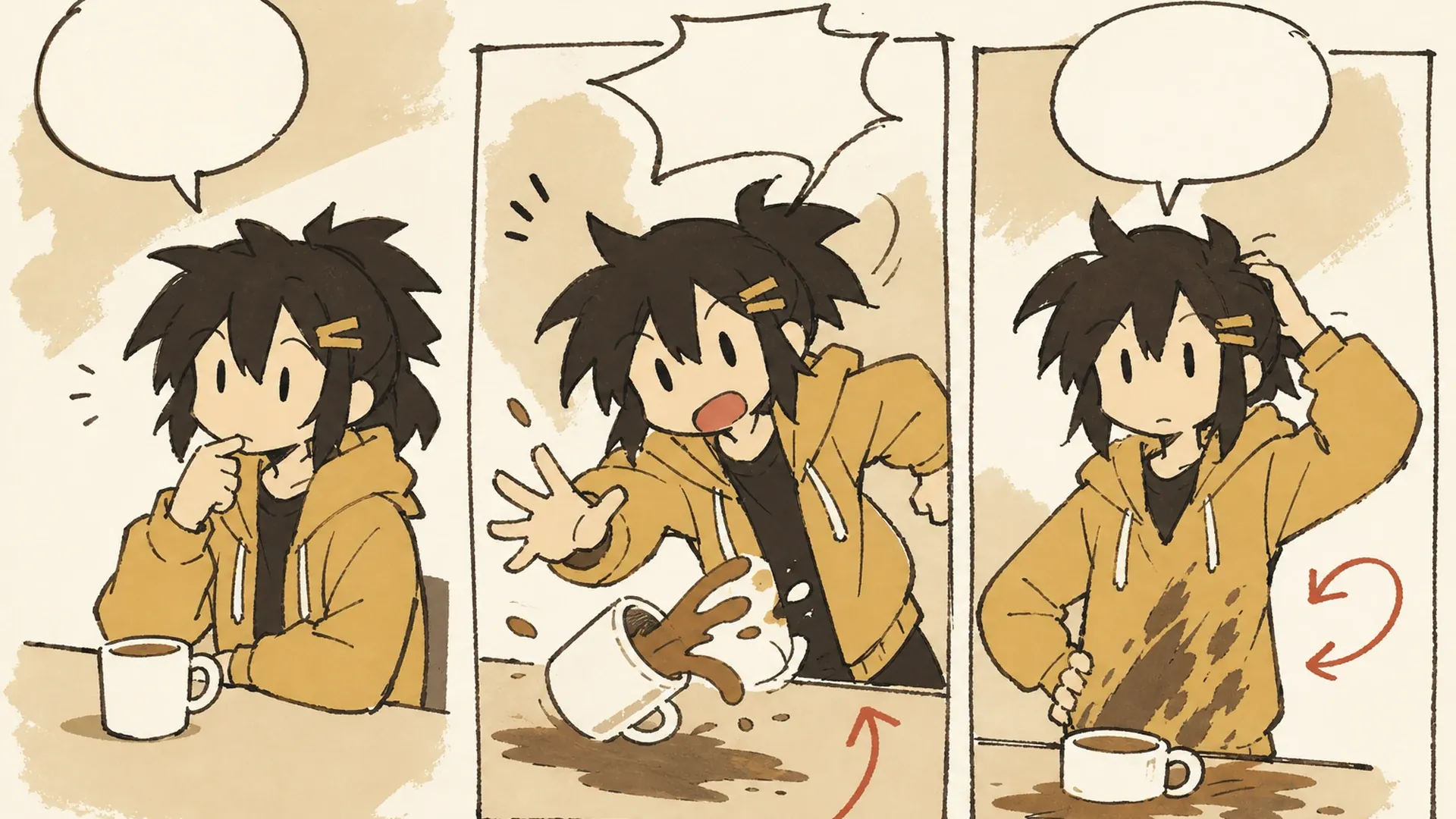
    Create a 16:9 landscape KusArt use-case illustration for social comics with no title, subtitle, paragraph, body copy, labels, dialogue, watermark, or decorative pseudo-text. Place a cheerful pink-haired anime creator on the left presenting a wide three-panel reaction comic on the right with bold expressions, clean borders, and empty caption space suitable for a community post; keep the face, hands, and comic panels inside the central safe area. Clean modern Niji manga style, crisp lineart, soft screentone, warm-white and pale-pink minimal background, #ff4fa3 accents and one sky-blue detail, no photorealism, 3D, thick paint, neon, deep purple, clutter, harsh shadow, gibberish text, or extra characters.

    소셜 만화

    커뮤니티 게시물, 공지사항, 농담 또는 캠페인 컨셉을 위한 간결하고 공유 가능한 캐릭터 순간을 만드세요.
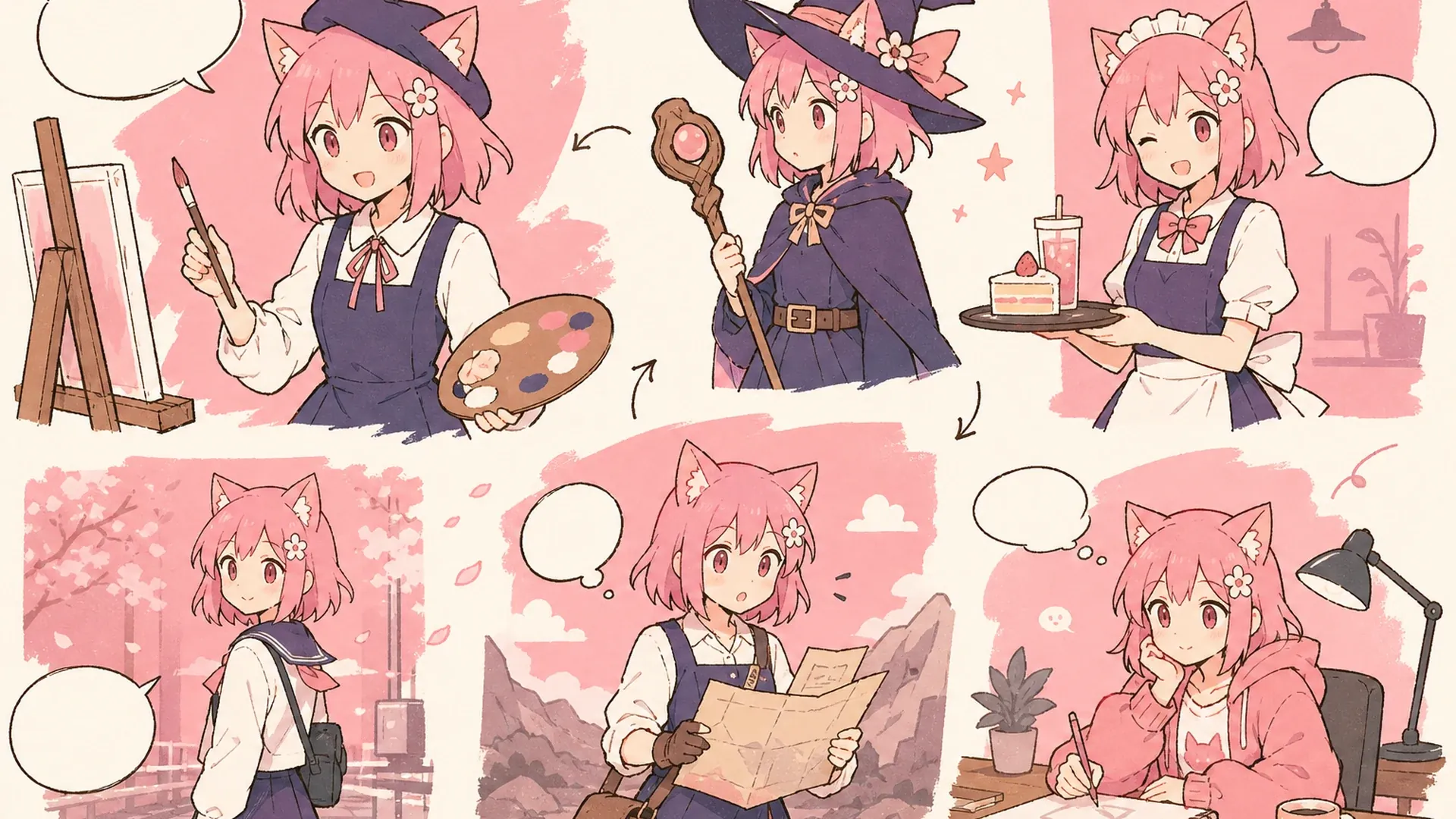
    Create a 16:9 landscape KusArt use-case illustration for manga concept exploration with no title, subtitle, paragraph, body copy, labels, dialogue, watermark, or decorative pseudo-text. Compose a pink-haired anime artist on the left comparing four wordless genre variations across the right—action, romance, comedy, and mystery—while preserving one heroine's face, hair, and outfit; keep every variation inside the central safe area. Clean modern Niji manga style, crisp lineart, soft cel shading and screentone, warm-white minimal pastel workspace, #ff4fa3 accents and one small sky-blue detail, no photorealism, 3D, thick paint, neon, deep purple, clutter, harsh shadow, gibberish text, or extra characters.

    만화 컨셉

    가능성을 최대한 끌어내지 않고도 대체 장르, 의상, 설정, 시각적 처리, 내러티브 방향을 탐색해 보세요.
    AI 만화 생성기 자주 묻는 질문

    이미지를 업로드해야 하나요?+
    아니요. 텍스트로만 시작할 수 있습니다. 이는 장면, 카메라 계획 또는 연재 만화 생성 아이디어를 빠르게 테스트하는 데 유용합니다. 특정 얼굴, 의상, 개체 또는 장소가 결과를 안내해야 하는 경우 참조를 추가하세요.
    얼마나 많은 패널을 생성합니까?+
    기본 방향은 3개 또는 4개의 패널을 선호합니다. 그 범위는 명확한 문자와 읽기 쉬운 동작을 위한 충분한 공간을 남기기 때문입니다. 하나의 스플래시 패널, 조밀한 그리드, 4코마 구조 또는 다른 배열을 요청할 수 있습니다.
    캐릭터의 일관성을 유지할 수 있나요?+
    명확한 참조와 명시적인 설명은 패널 전체에서 얼굴, 헤어스타일, 의상, 색상 및 비율을 유지하는 데 도움이 됩니다. 반복되는 각 사람에게 이름이나 역할을 지정하고 여러 주제가 겹치는 언급을 피하십시오.
    만화 장르를 선택할 수 있나요?+
    그렇습니다. 소년, 소녀, 성년, 로맨스, 액션, 코미디, 공포, 삶의 단편, 치비 또는 하이브리드 방향을 요청하세요. 애니메이션 만화 생성기 프롬프트에서는 단색 잉크, 스크린톤, 제한된 색상, 회화적인 배경, 대담한 그래픽 모양 또는 부드러운 영화 조명을 지정할 수도 있습니다.
    대화를 추가할 수 있나요?+
    나중에 글자를 쓸 수 있도록 짧은 대화, 캡션, 음향 효과 또는 깨끗한 말풍선 영역을 요청할 수 있습니다. 생성된 텍스트에는 철자법이나 레이아웃 오류가 포함될 수 있으므로 중요한 출판 사본을 확인하고 수동으로 조판해야 합니다.
    사진으로 만화를 만들 수 있나요?+
    네. 선명한 사진을 시각 참조로 업로드하고 이야기, 분위기, 패널 구성을 설명하세요. 생성 후 얼굴, 의상, 패널 사이의 연속성을 확인하는 것이 좋습니다.
    생성된 만화를 바로 게시해도 되나요?+
    완성도 높은 초안으로 활용하세요. 공개 또는 상업 게시 전에 텍스트, 인체, 읽는 순서, 연속성, 사용 권리를 검토하고 필요한 부분을 편집해야 합니다.

    다음 만화 장면 만들기

    프롬프트와 선택적 참조를 추가하고 전체 페이지를 생성하세요.

    만화 생성

    더 많은 AI 아트 도구 살펴보기